
Search Our Database
How to Sort Archive Emails by Size in Roundcube Webmail
Introduction
This Knowledge Base article provides a concise, step-by-step guide on How to Sort Archive Emails by Size in Roundcube Webmail. Sorting archived emails by size organizes your stored messages based on their file size, which is useful for identifying large archived emails or managing long-term storage space. Use this guide when you need to locate archived emails with substantial attachments or optimize archive storage.
Prerequisite
- Access to your Roundcube Webmail login page.
Step-by-Step Guide
Step 1: Log in to Roundcube Webmail
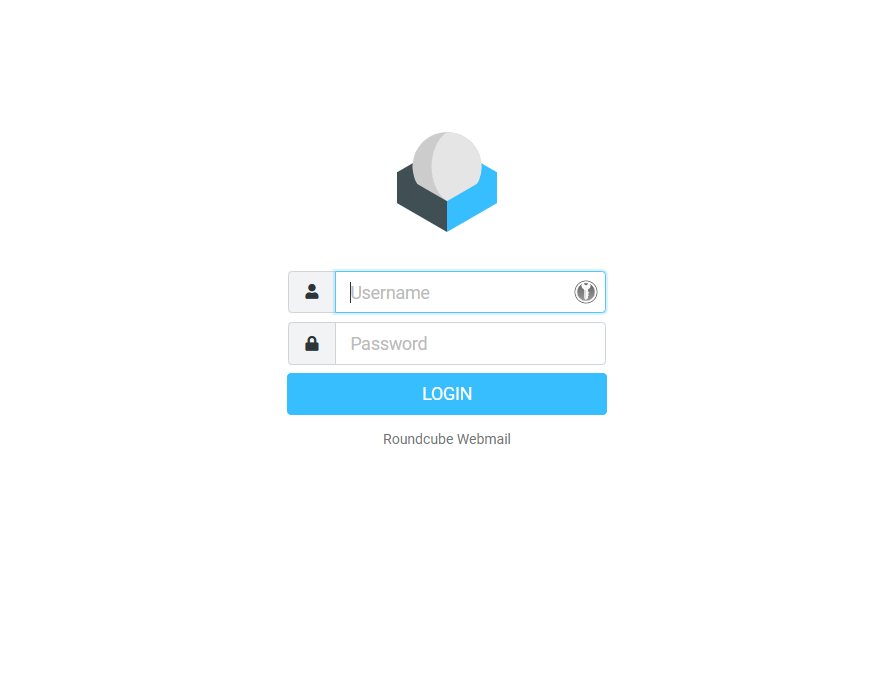
- Visit the webmail login page (e.g., https://webmail.yourdomain.com).
- Enter your email address and password, then click Login .
Step 2: Locate the Folder
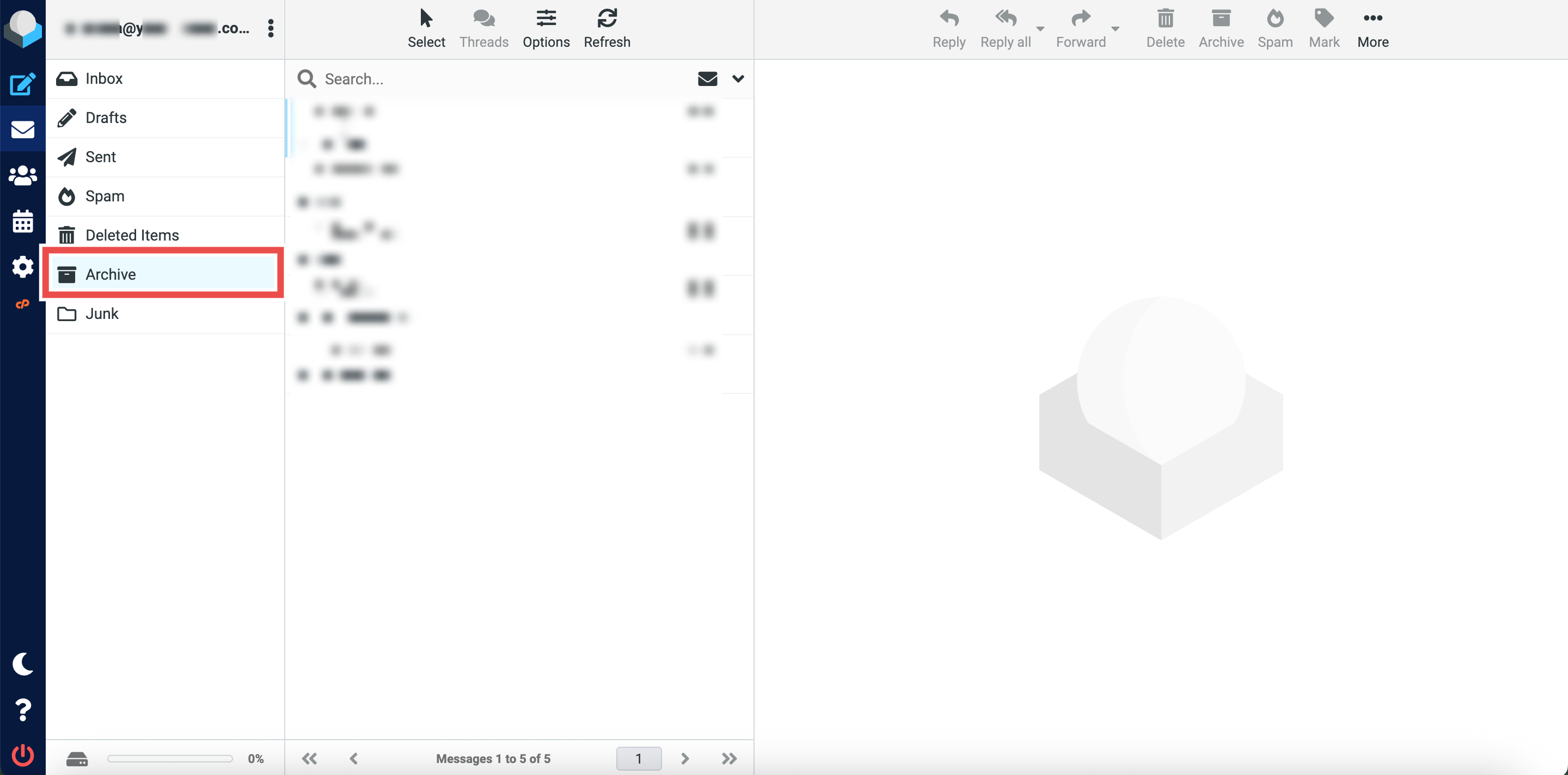
- Navigate to the folder containing the email you want to sort (e.g., Archive).
Step 3: Sort Emails by Size
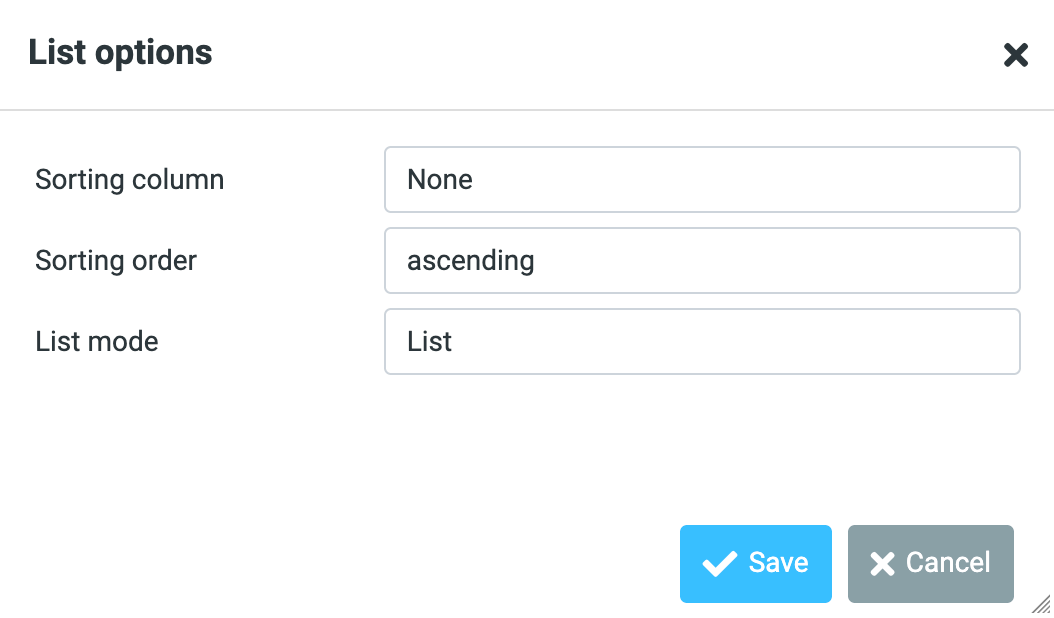
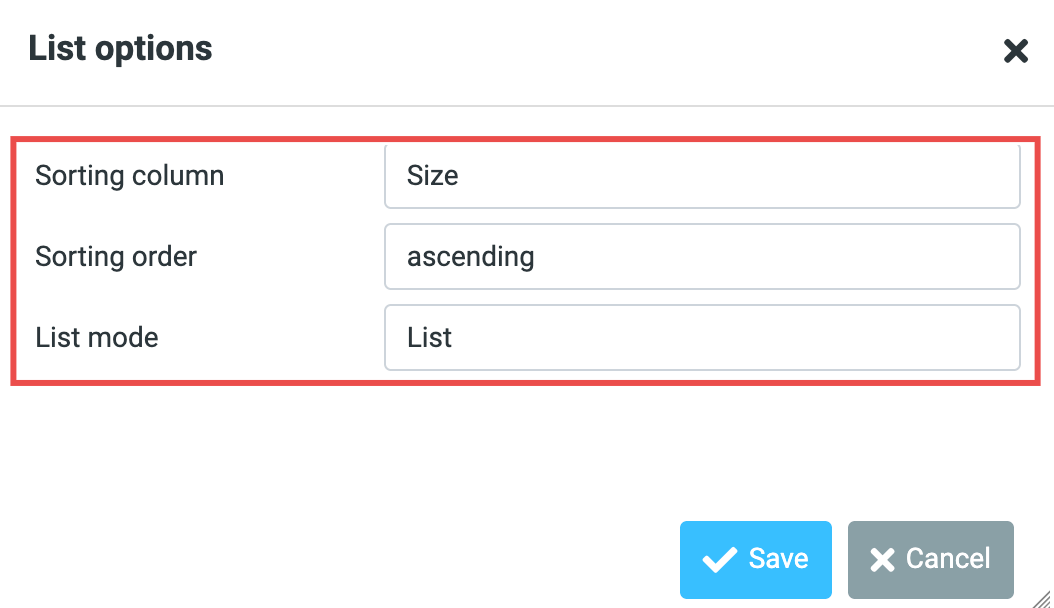
- Click Options and a pop up window will appear.
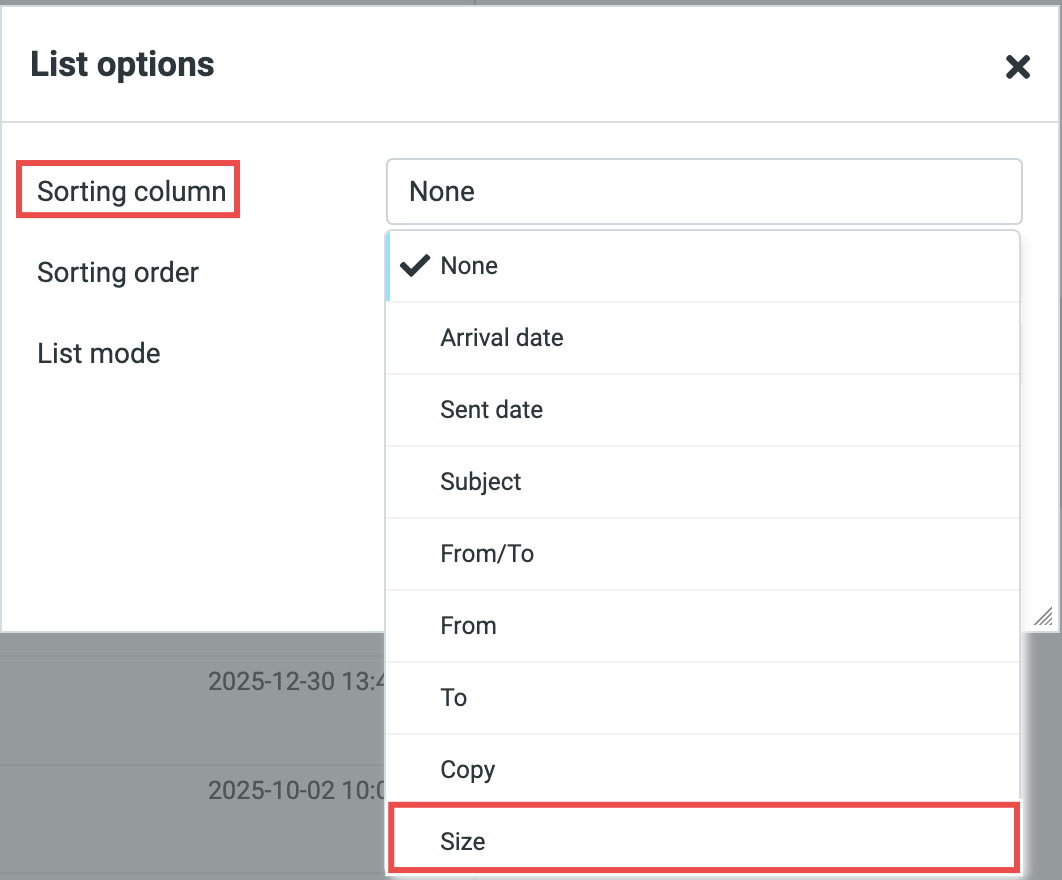
- Select Size for the Sorting Column.
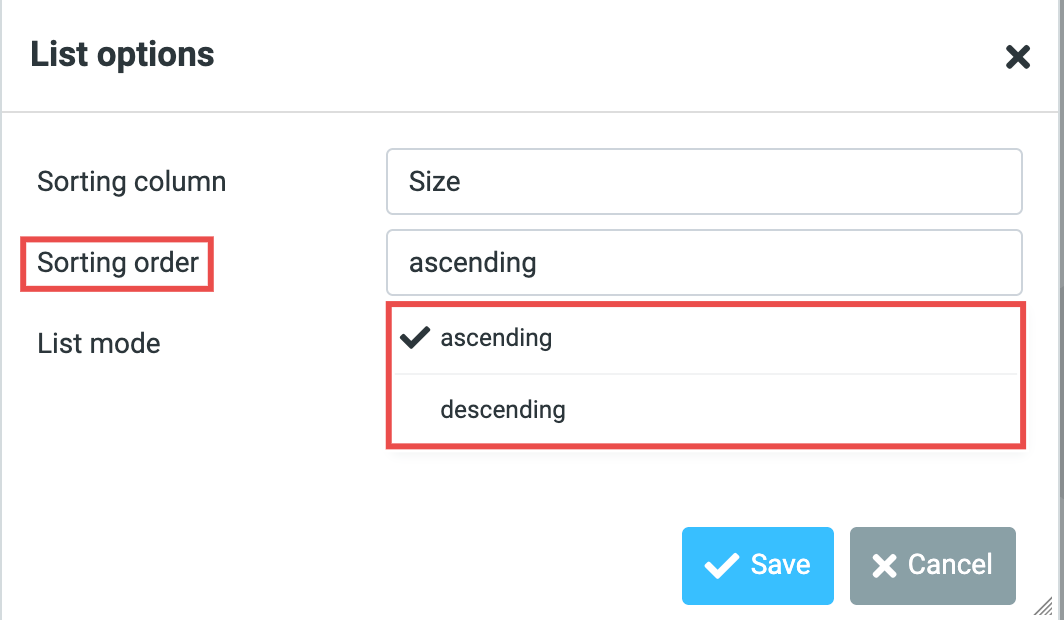
- Select either ascending or descending as you desired.
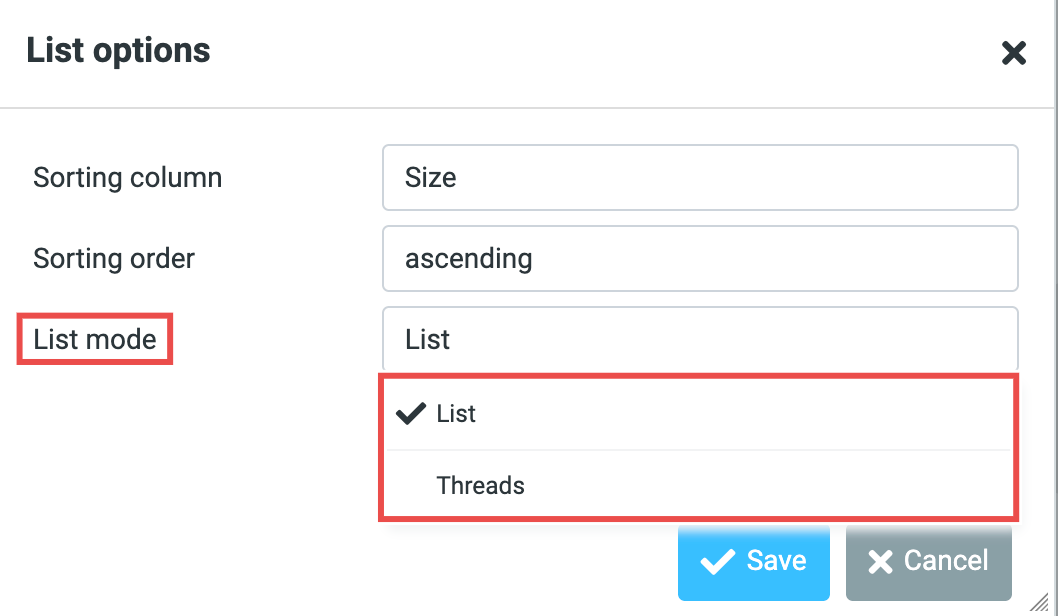
- Select either List and Threads as you desired.
⚠️ Important Note:
-
Ascending vs. Descending:
-
Ascending: A-Z, oldest to newest, smallest to largest.
-
Descending: Z-A, newest to oldest, largest to smallest.
-
-
List vs. Threads:
-
List: Shows each email separately.
-
Threads: Groups related emails into conversations.
-

Step 4: Apply the Changes
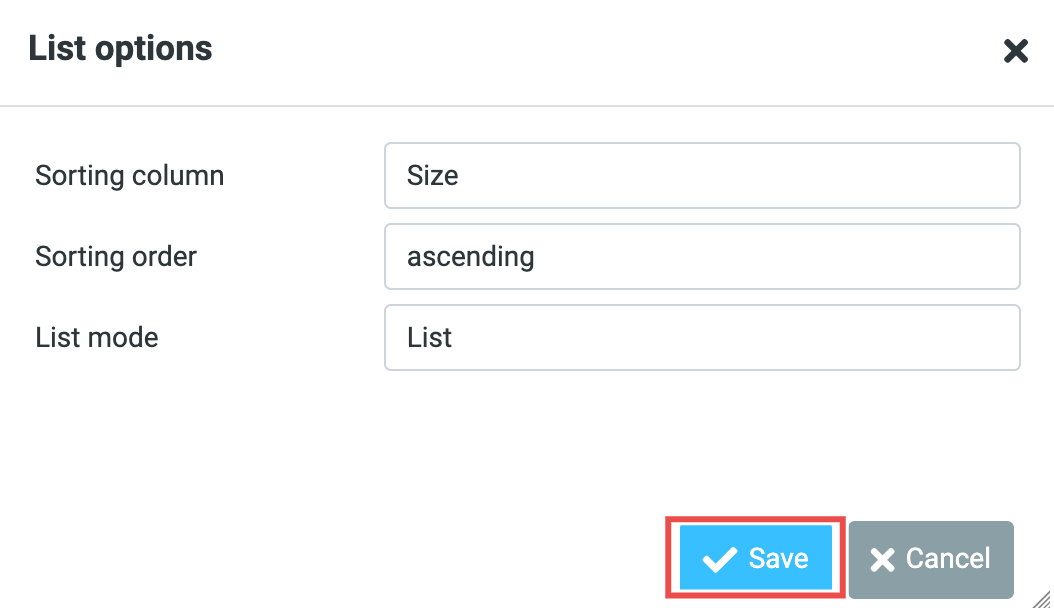
- Click Save to apply for the changes.
Step 5: Verify the Sort Order
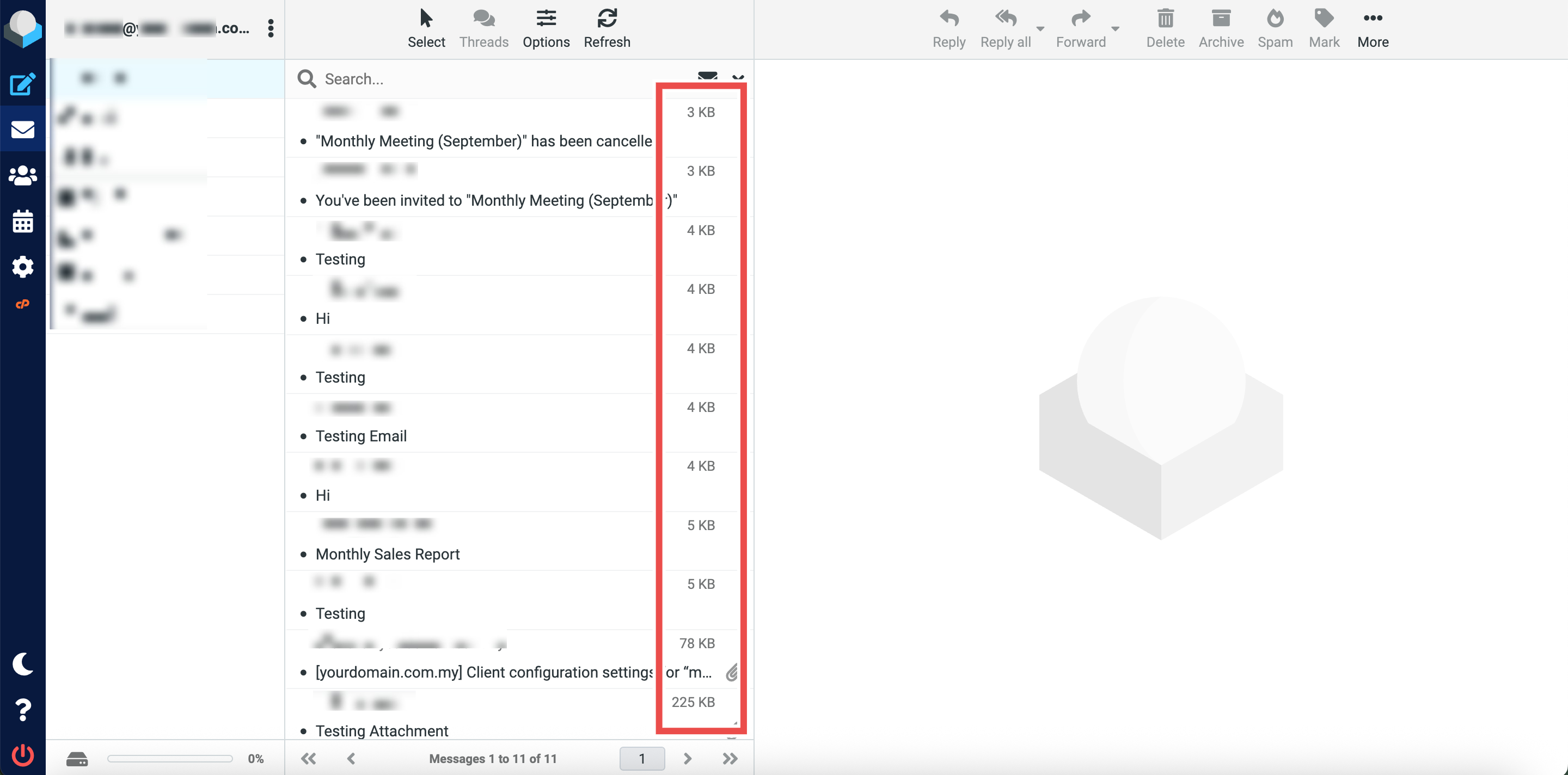
- Review your inbox email list.
- Emails should now be organized by their size in your chosen order (ascending or descending).
- The sort order will remain active until you change it or select a different sorting option.
Conclusion
By following these steps, you can sort archive emails by size in Roundcube Webmail. This sorting method helps you identify large archived messages that consume storage space, allowing you to manage your archive folder efficiently. This is particularly useful for optimizing mailbox storage and locating archived emails with large attachments.
Should you encounter any issues or have any questions, our support team at IPSERVERONE is always here to assist you. Don’t hesitate to reach out to us at support@ipserverone.com for any help you need.