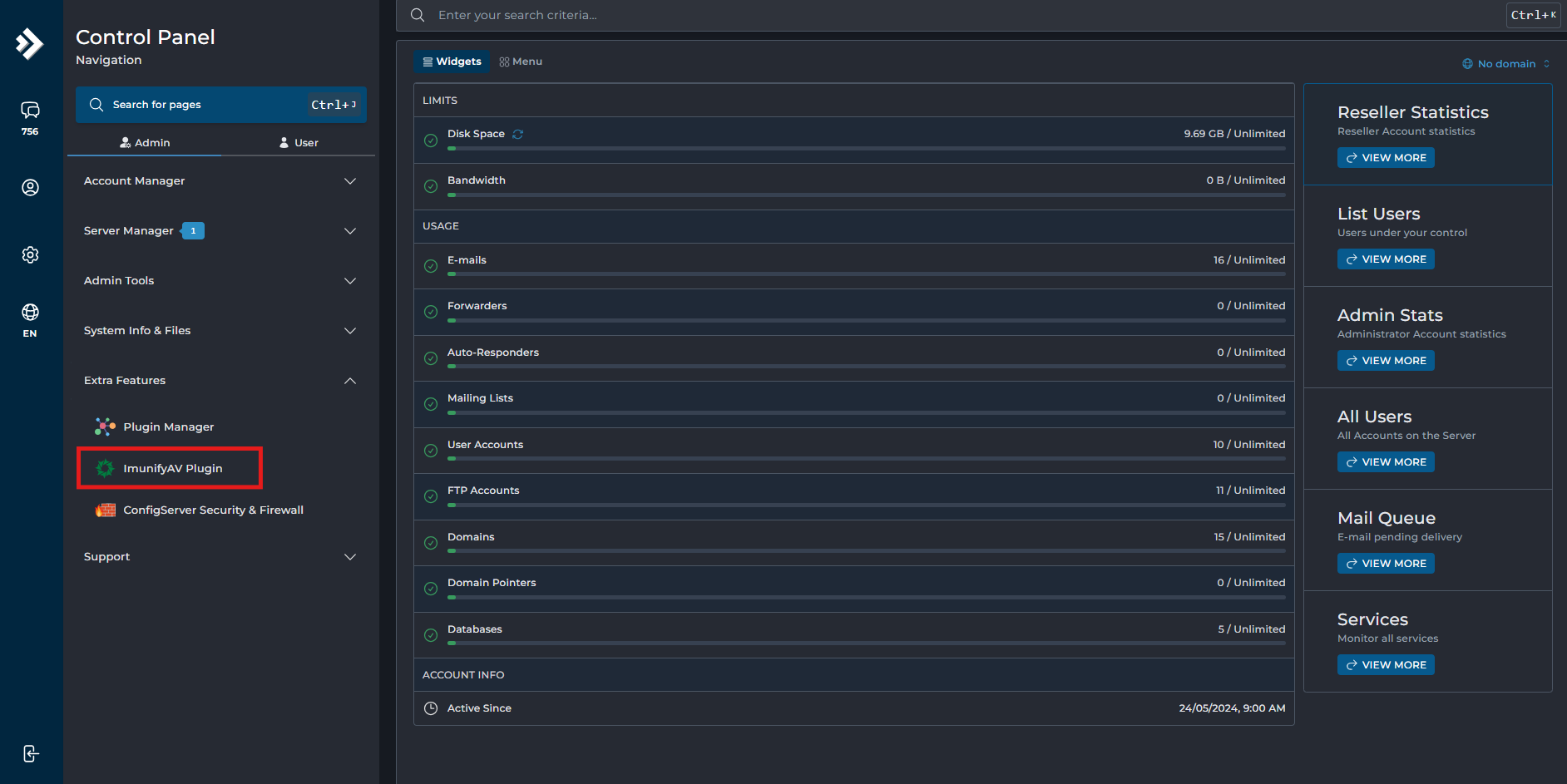
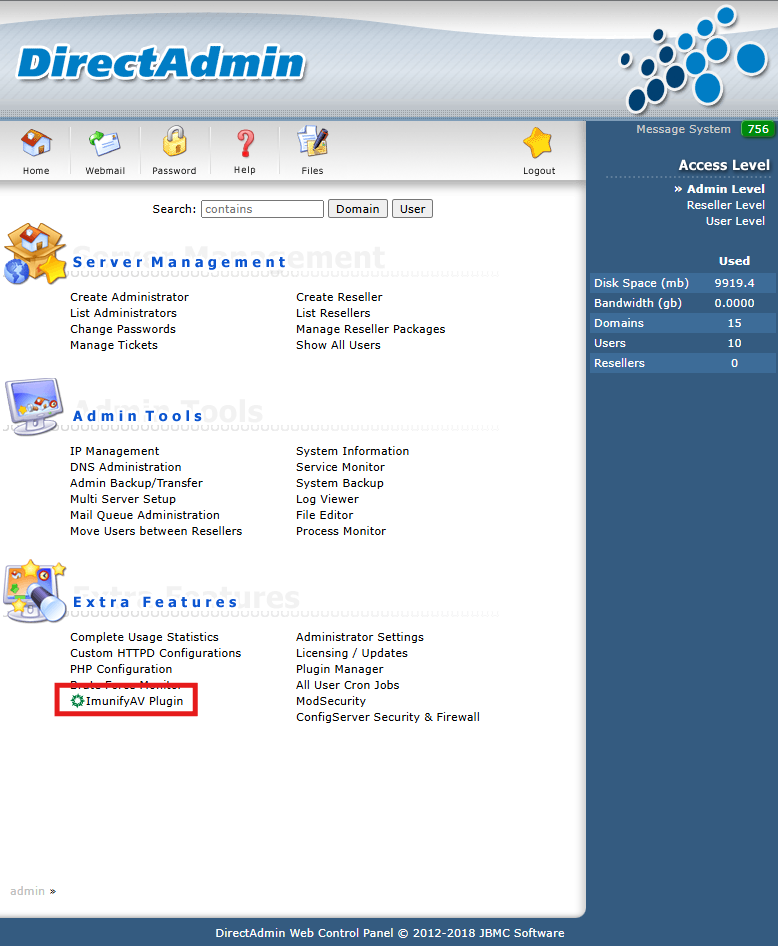
[root@server-118-107-202-31 ~]# cd /tmp/
[root@server-118-107-202-31 tmp]# wget https://repo.imunify360.cloudlinux.com/defence360/imav-deploy.sh
–2026-03-26 12:02:20– https://repo.imunify360.cloudlinux.com/defence360/imav-deploy.sh
Resolving repo.imunify360.cloudlinux.com (repo.imunify360.cloudlinux.com)… 2400:6180:100:d0::b67c:b001, 2a01:4ff:2f0:2d7e::1, 64.227.141.99, …
Connecting to repo.imunify360.cloudlinux.com (repo.imunify360.cloudlinux.com)|2400:6180:100:d0::b67c:b001|:443… connected.
HTTP request sent, awaiting response… 200 OK
Length: 39381 (38K) [application/octet-stream]
Saving to: ‘imav-deploy.sh’
imav-deploy.sh 100%[========================================================================================================================>] 38.46K –.-KB/s in 0.001s
2026-03-26 12:02:22 (62.5 MB/s) – ‘imav-deploy.sh’ saved [39381/39381]
[root@server-118-107-202-31 tmp]# bash imav-deploy.sh
[2026-03-26 12:02:27] Compatiblity check output:
[2026-03-26 12:02:27] ostype=centos
[2026-03-26 12:02:27] is_cloudways=false
[2026-03-26 12:02:27] INTEGRATION_CONF_PATH=/etc/sysconfig/imunify360/integration.conf
[2026-03-26 12:02:27] PANEL=directadmin
[2026-03-26 12:02:27] Compatibility check passed. System is compatible with .
[2026-03-26 12:02:27] Checking for an update to imav-deploy.sh
[2026-03-26 12:02:27] Downloading imav-deploy.sh.repo_version (please wait)
[2026-03-26 12:02:29] imav-deploy.sh is already the latest version (2.143) – continuing
[2026-03-26 12:02:29] In a few moments the script will install latest imunify-antivirus package (w/dependencies)… (Ctrl-C to cancel)
[2026-03-26 12:02:33] Downloading imunify-release package: imunify-release-latest.el9.rpm
[2026-03-26 12:02:33] –2026-03-26 12:02:33– https://repo.imunify360.cloudlinux.com/defence360/imunify-release-latest.el9.rpm
[2026-03-26 12:02:33] Resolving repo.imunify360.cloudlinux.com (repo.imunify360.cloudlinux.com)… 2400:6180:100:d0::b67c:b001, 2a01:4ff:2f0:2d7e::1, 64.227.141.99, …
[2026-03-26 12:02:33] Connecting to repo.imunify360.cloudlinux.com (repo.imunify360.cloudlinux.com)|2400:6180:100:d0::b67c:b001|:443… connected.
[2026-03-26 12:02:34] HTTP request sent, awaiting response… 200 OK
[2026-03-26 12:02:34] Length: 11068 (11K) [application/x-redhat-package-manager]
[2026-03-26 12:02:34] Saving to: ‘imunify-release-latest.el9.rpm’
[2026-03-26 12:02:34]
[2026-03-26 12:02:34] 0K ………. 100% 50.0M=0s
[2026-03-26 12:02:34]
[2026-03-26 12:02:34] 2026-03-26 12:02:34 (50.0 MB/s) – ‘imunify-release-latest.el9.rpm’ saved [11068/11068]
……
[2026-03-26 12:05:47] directadmin panel was detected.
[2026-03-26 12:05:47] copying module nav-root from /usr/local/directadmin/plugins/Imunify/images/brought_by_package_manager to /usr/local/directadmin/plugins/Imunify/images/assets/static
[2026-03-26 12:05:47] copying module other-root from /usr/local/directadmin/plugins/Imunify/images/brought_by_package_manager to /usr/local/directadmin/plugins/Imunify/images/assets/static
[2026-03-26 12:05:47] copying files from brought_by_package_manager/fonts to /usr/local/directadmin/plugins/Imunify/images/assets/static/fonts
[2026-03-26 12:05:47] copying spa root from brought_by_package_manager/ to /usr/local/directadmin/plugins/Imunify/images/assets/static/
[2026-03-26 12:05:47] copying files from brought_by_package_manager/shared-dependencies to /usr/local/directadmin/plugins/Imunify/images/assets/static/shared-dependencies
[2026-03-26 12:05:47] /
[2026-03-26 12:05:47]
[2026-03-26 12:05:48] Verifying : imunify-ui-8.10.1-2.noarch 1/2
[2026-03-26 12:05:48] Verifying : imunify-ui-antivirus-directadmin-8.10.1-2.noarch 2/2
[2026-03-26 12:05:48]
[2026-03-26 12:05:48] Installed:
[2026-03-26 12:05:48] imunify-ui-8.10.1-2.noarch imunify-ui-antivirus-directadmin-8.10.1-2.noarch
[2026-03-26 12:05:48]
[2026-03-26 12:05:48] Complete!
[2026-03-26 12:06:15] Not registered
[2026-03-26 12:06:16] Waiting for ImunifyAV to start…
[2026-03-26 12:06:17] 8.7.1
[2026-03-26 12:06:17] ImunifyAV is started
[2026-03-26 12:06:17] Success
[2026-03-26 12:06:17] You can find complete log in /var/log/imav-deploy.log