
Search Our Database
How to Copy Emails to Inbox Folder in Roundcube Webmail
Introduction
This Knowledge Base article provides a concise, step-by-step guide on How to Copy Emails to Inbox Folder in Roundcube Webmail. Copying emails to your Inbox allows you to keep a message in its original location while also placing a duplicate in your Inbox for quick access and visibility. Use this guide when you need to reference important emails in your Inbox without removing them from their organized folders.
Prerequisite
- Access to your Roundcube Webmail login page.
Step-by-Step Guide
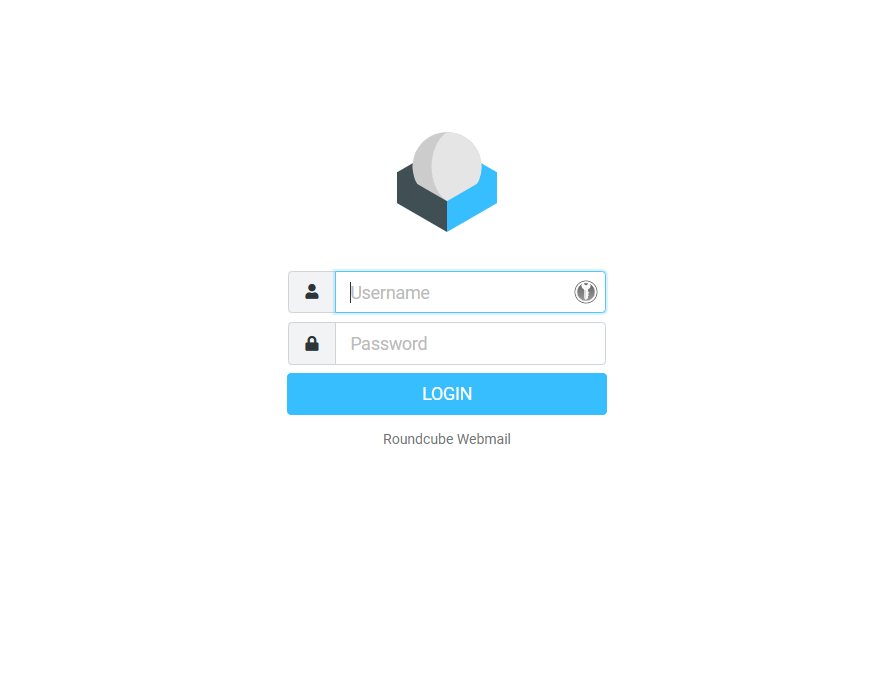
Step 1: Log in to Roundcube Webmail
- Visit the webmail login page (e.g., https://webmail.yourdomain.com).
- Enter your email address and password, then click Login .
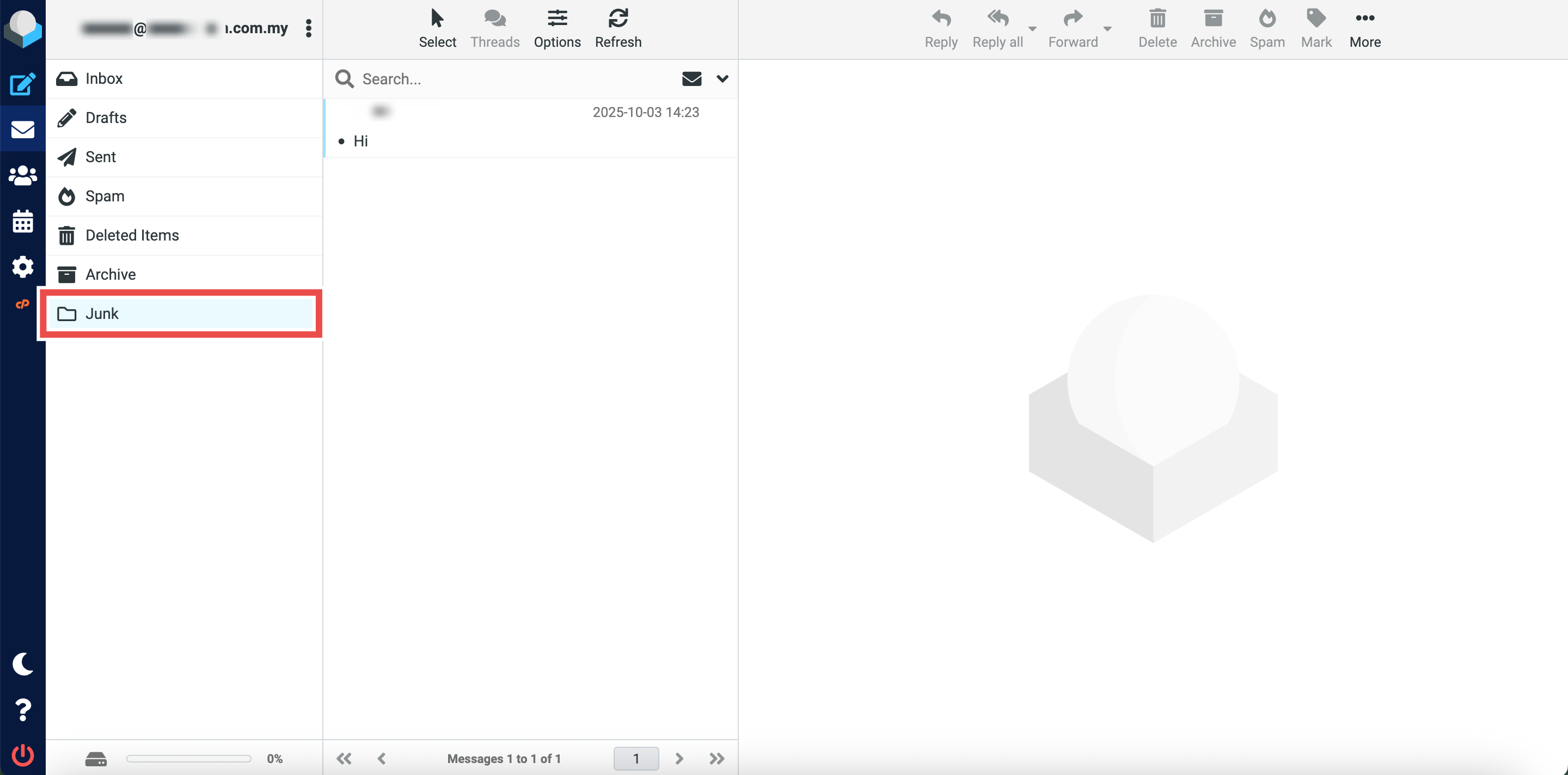
Step 2: Locate the Original Folder
- Navigate to the folder containing the email you want to copy (e.g., Junk).
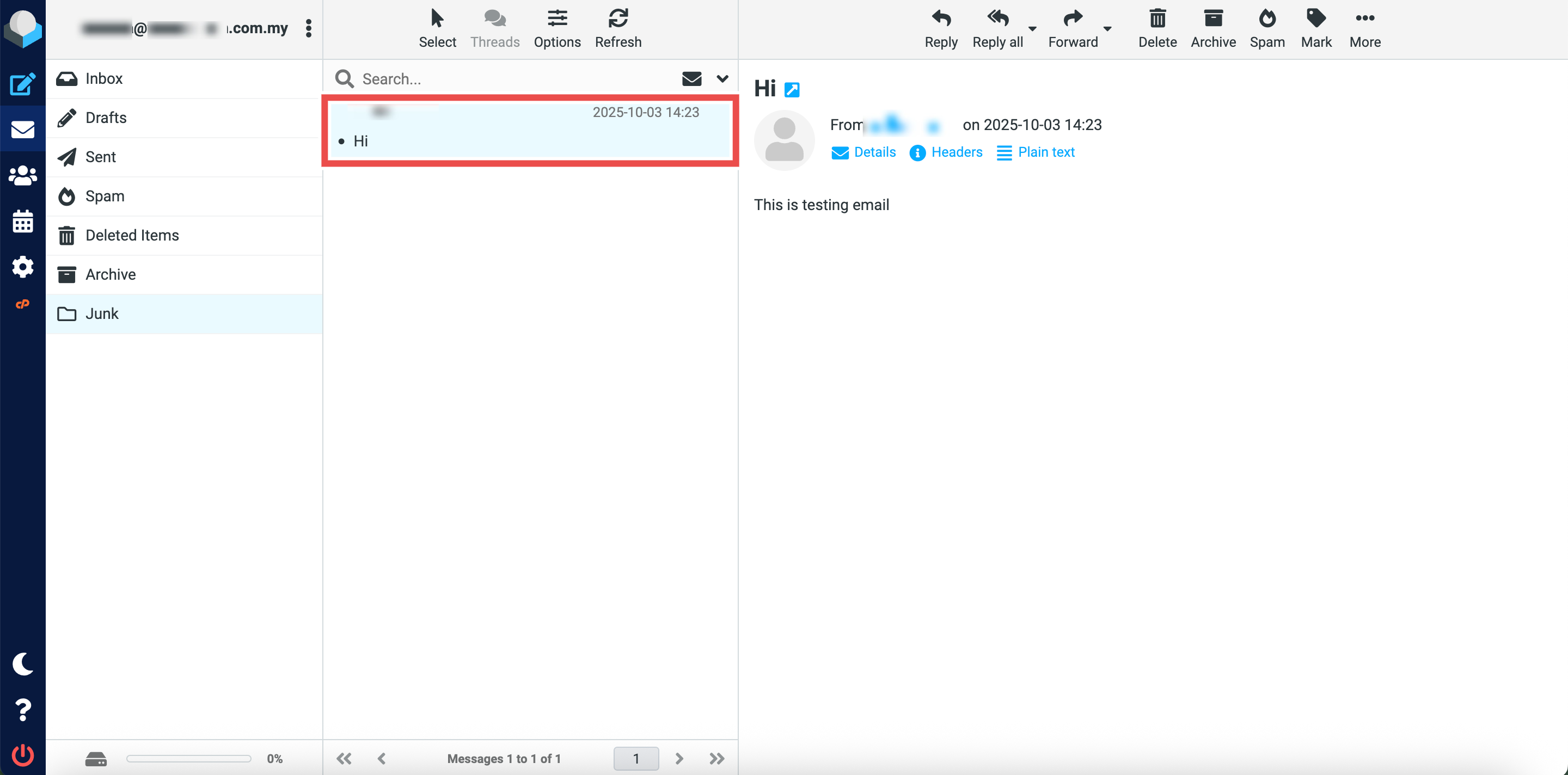
Step 3: Select the Email to Copy
- Locate the email message you wish to copy to the Inbox folder.
- You can select multiple emails.
Step 4: Copy the Email to Inbox Folder
- Click More button at the top right of the page.
- Click Copy to button from the dropdown options.
- Click Inbox to copy the selected email(s) to the Inbox folder.


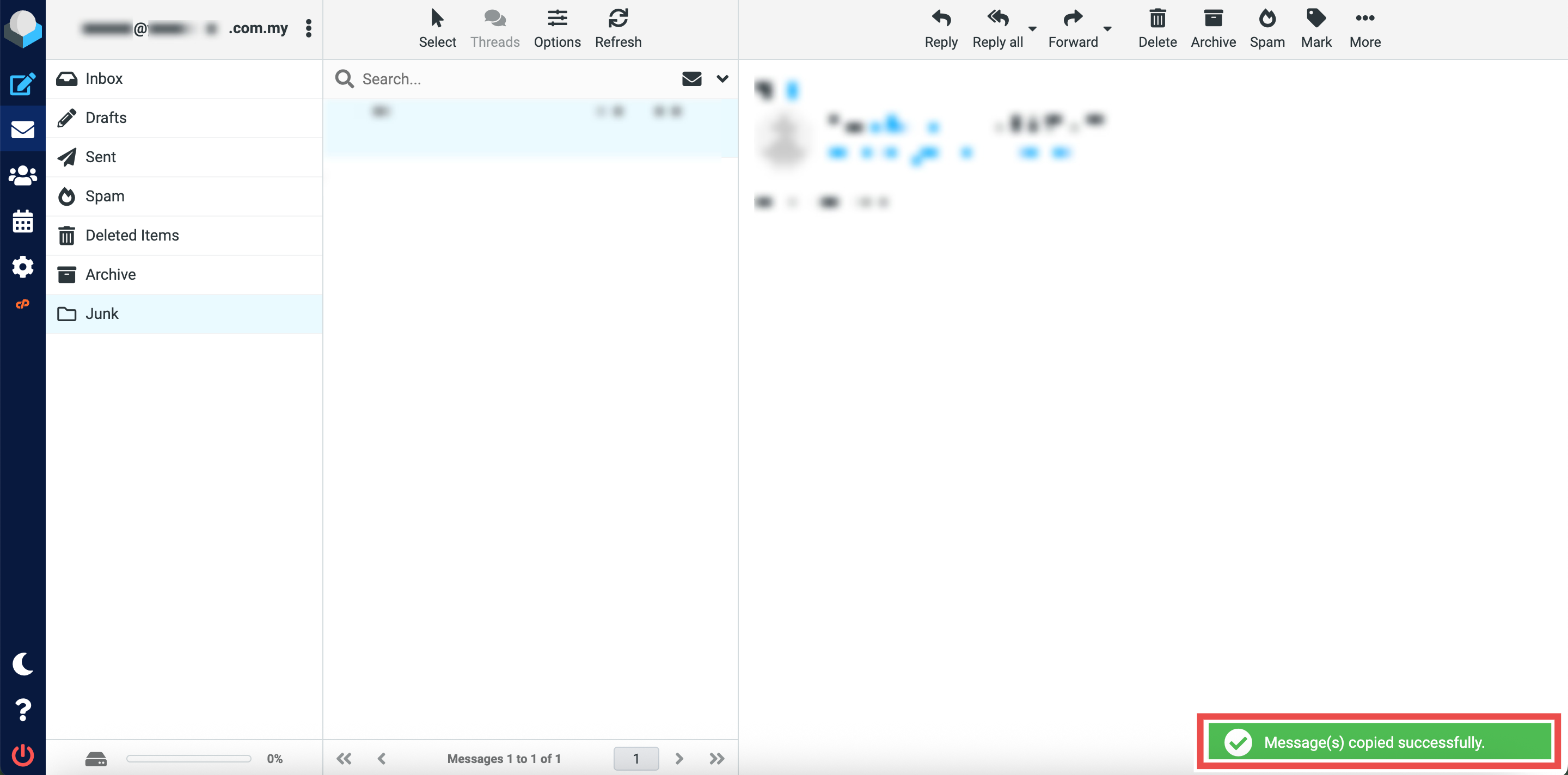
Step 5: Verify the Email Was Copied
- Successful message will appear confirming the email has been copied to the Inbox folder.
- Additionally, you may click on the Inbox folder in the left sidebar and locate the email you just copied in the folder, the email should now appear both in the Inbox folder and its original folder.
Conclusion
By following these steps, you can copy emails to the Inbox folder in Roundcube Webmail. This is useful for keeping important messages visible in your Inbox while maintaining organized copies in other folders. Unlike moving, copying preserves the original message in its current folder, allowing you to access the same email from multiple locations.
Should you encounter any issues or have any questions, our support team at IPSERVERONE is always here to assist you. Don’t hesitate to reach out to us at support@ipserverone.com for any help you need.