
Search Our Database
How to Check Website Visitor Operating Systems using AWStats in cPanel
Introduction
This Knowledge Base article provides a concise, step-by-step guide on How to Check Website Visitor Operating Systems using AWStats in cPanel. Understanding which operating systems your visitors use helps you optimize your website’s compatibility, test across appropriate platforms, and make informed decisions about design and functionality. Use this guide when you need to analyze the operating system distribution of your website audience.
Prerequisite
- Access to your cPanel login page.
Step-by-Step Guide
Step 1: Log in to cPanel
- Access and log in to your cPanel account using your username and password.
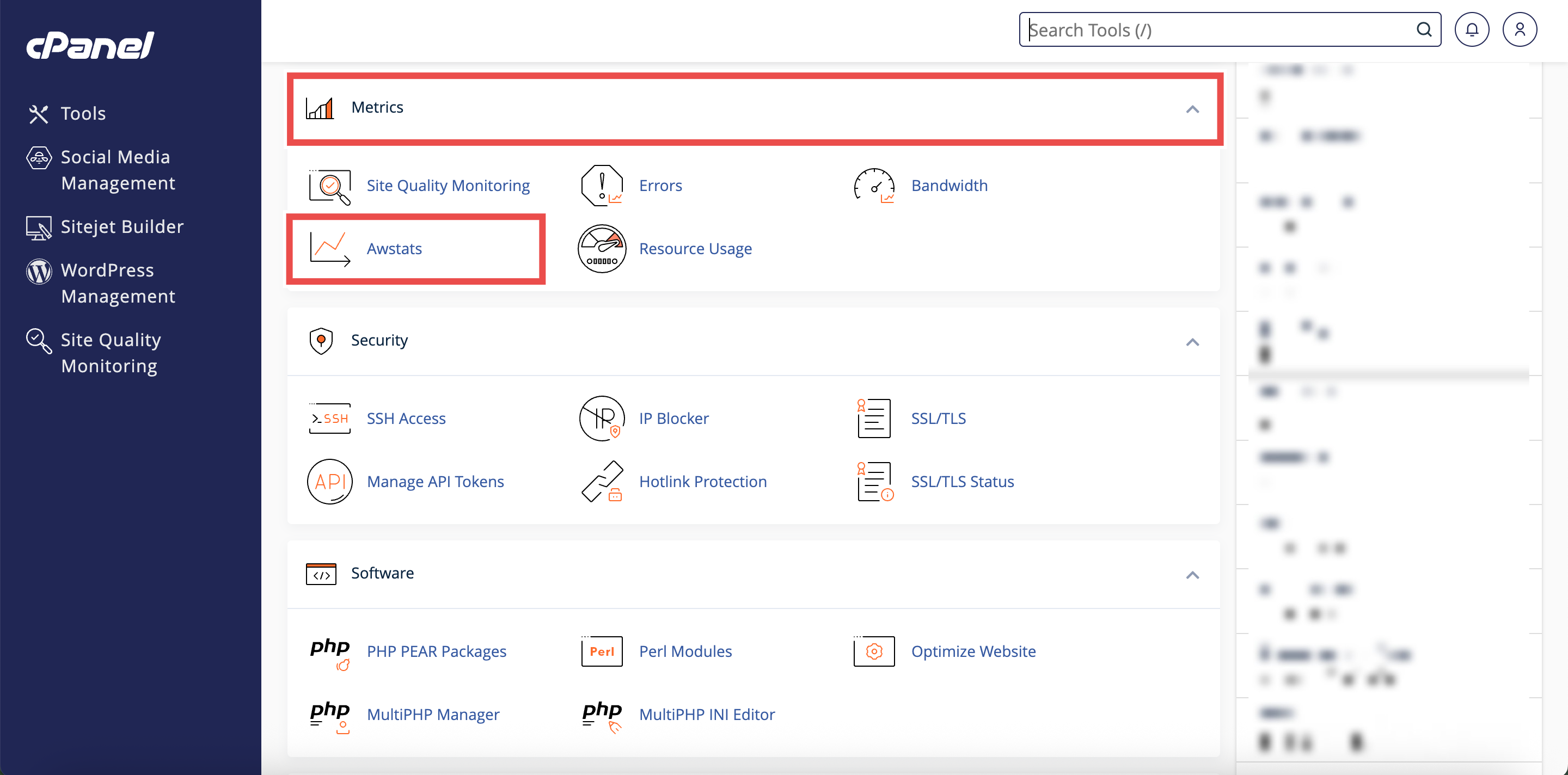
Step 2: Open AWStats
- In the Home page, under Metrics, click AWStats.
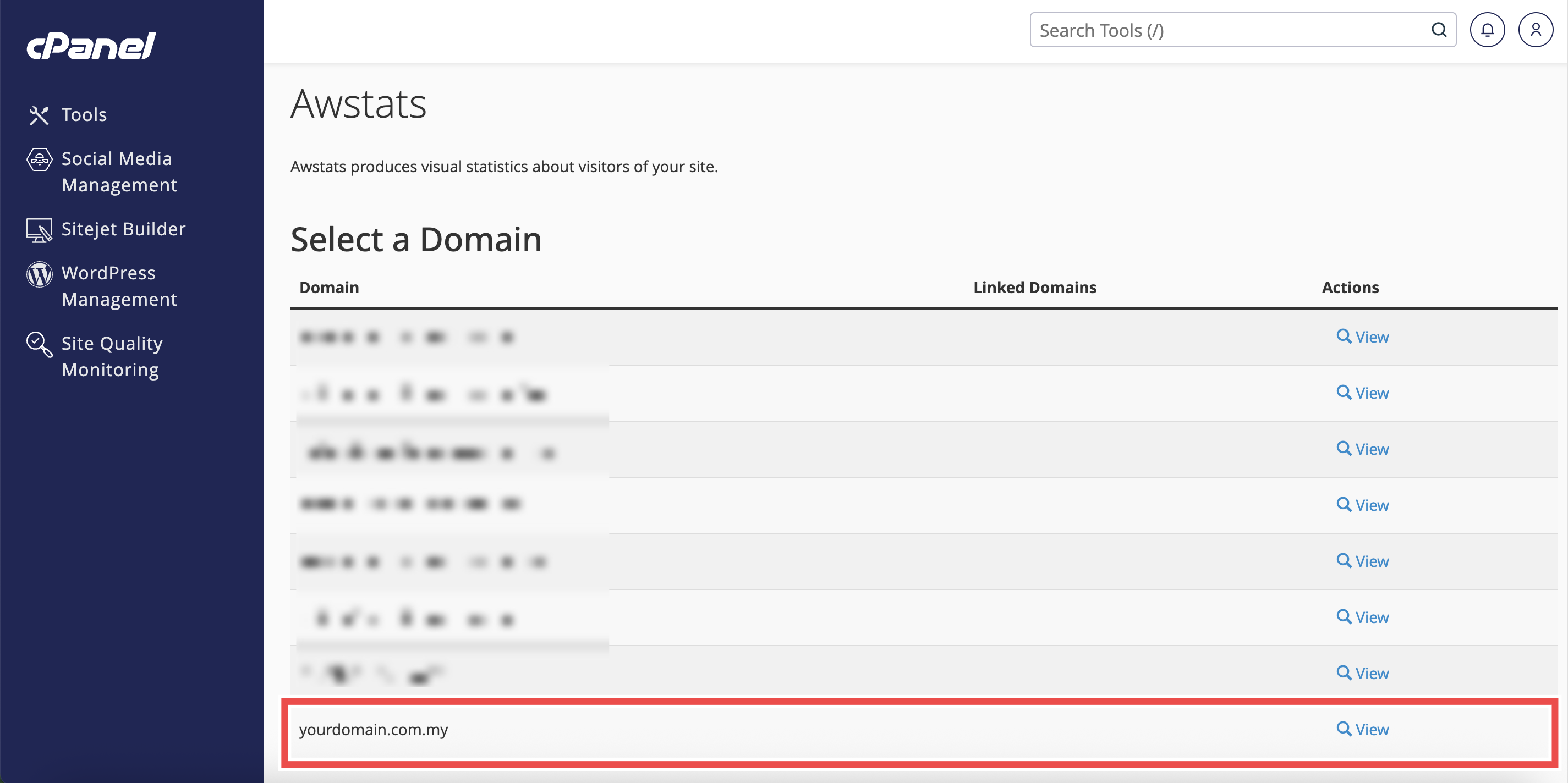
Step 3: Locate Your domain
- From the Domain menu, locate the domain you want to view traffic statistics.
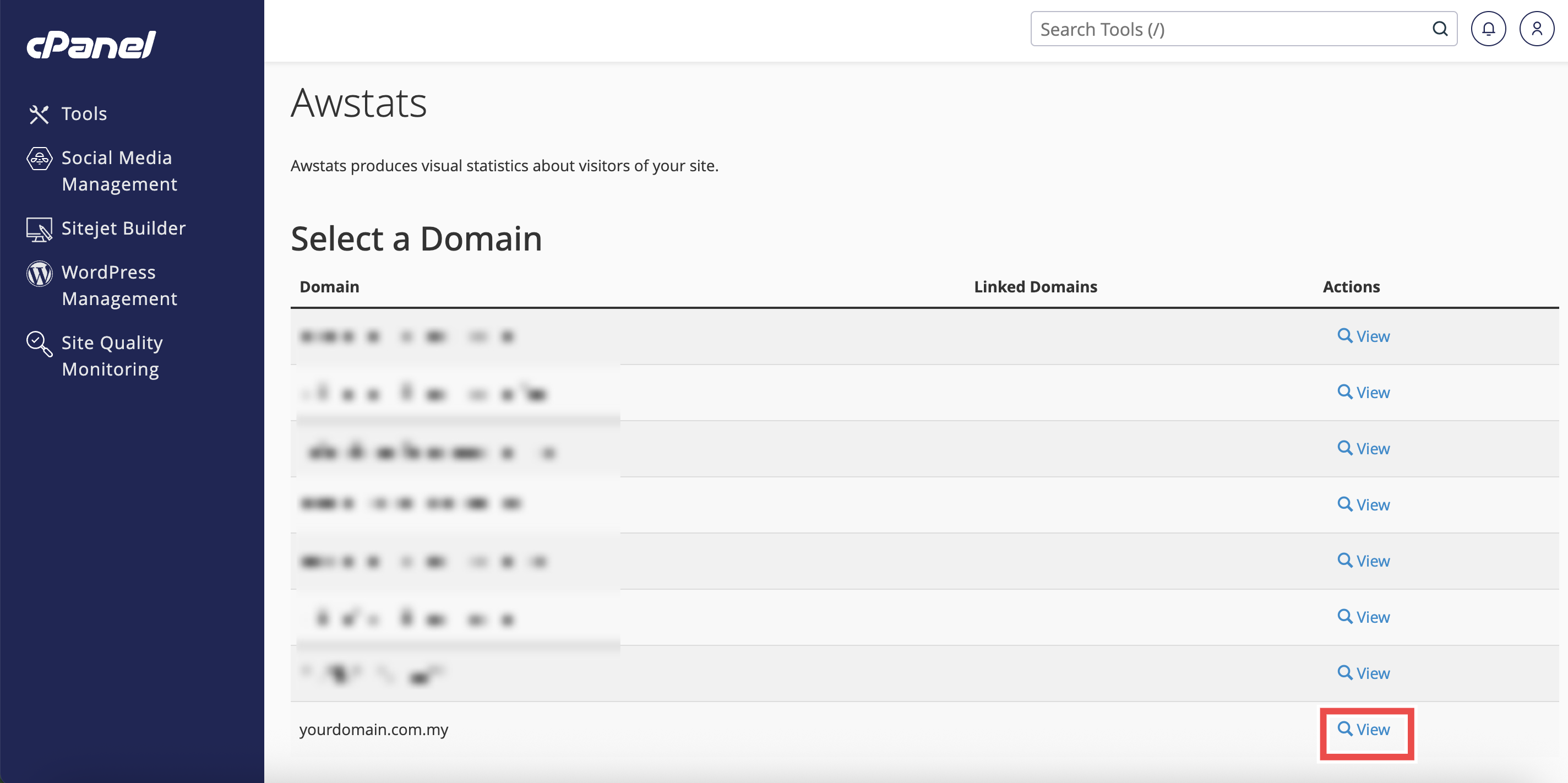
Step 4: Select Your domain
- Click View next to the domain name.
- The AWStats interface will open in a new window or tab.
Step 5: Select the Date
- In the Reported period, select the month and year you want to review.
- Click OK to apply the changes.
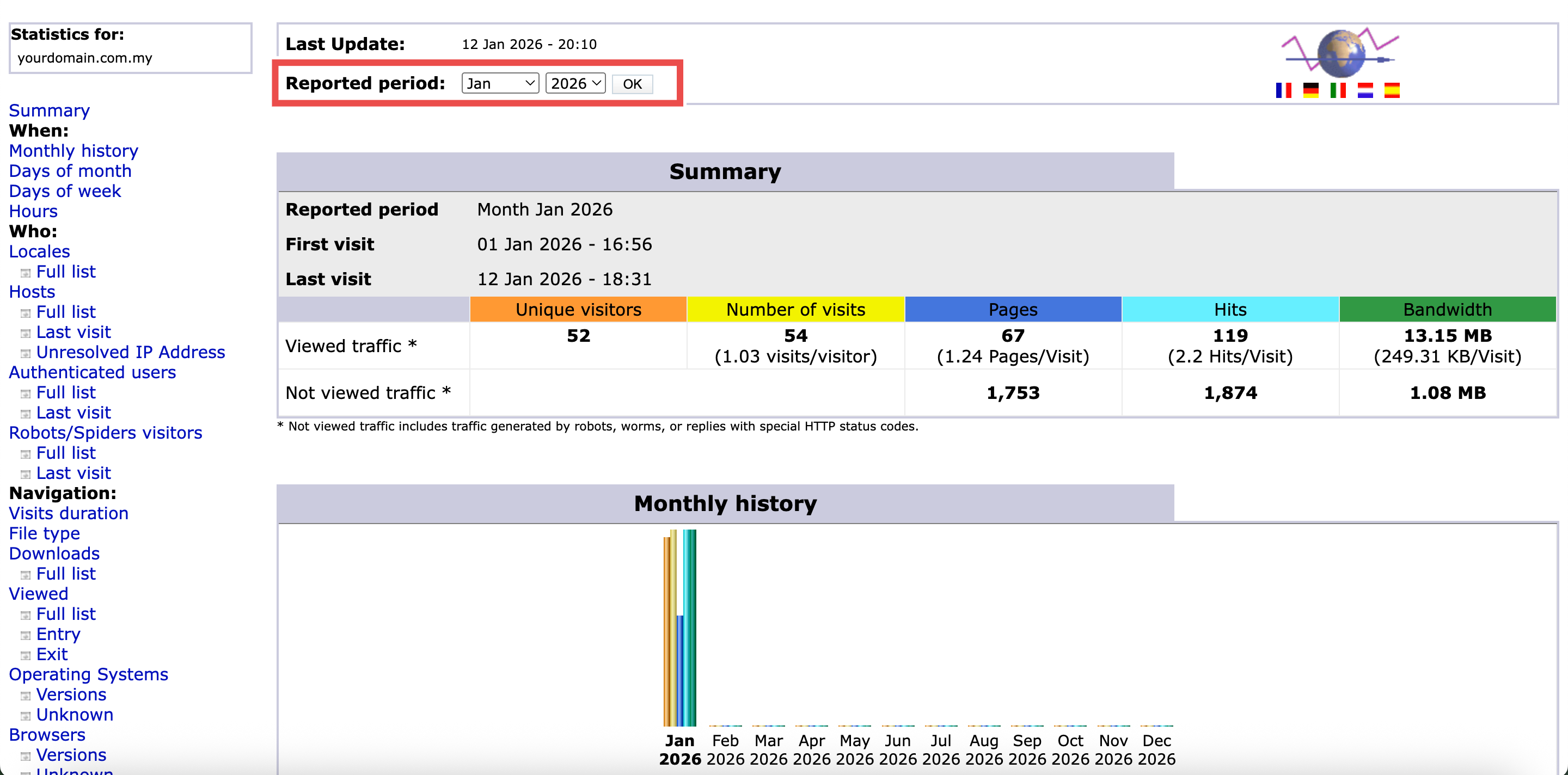

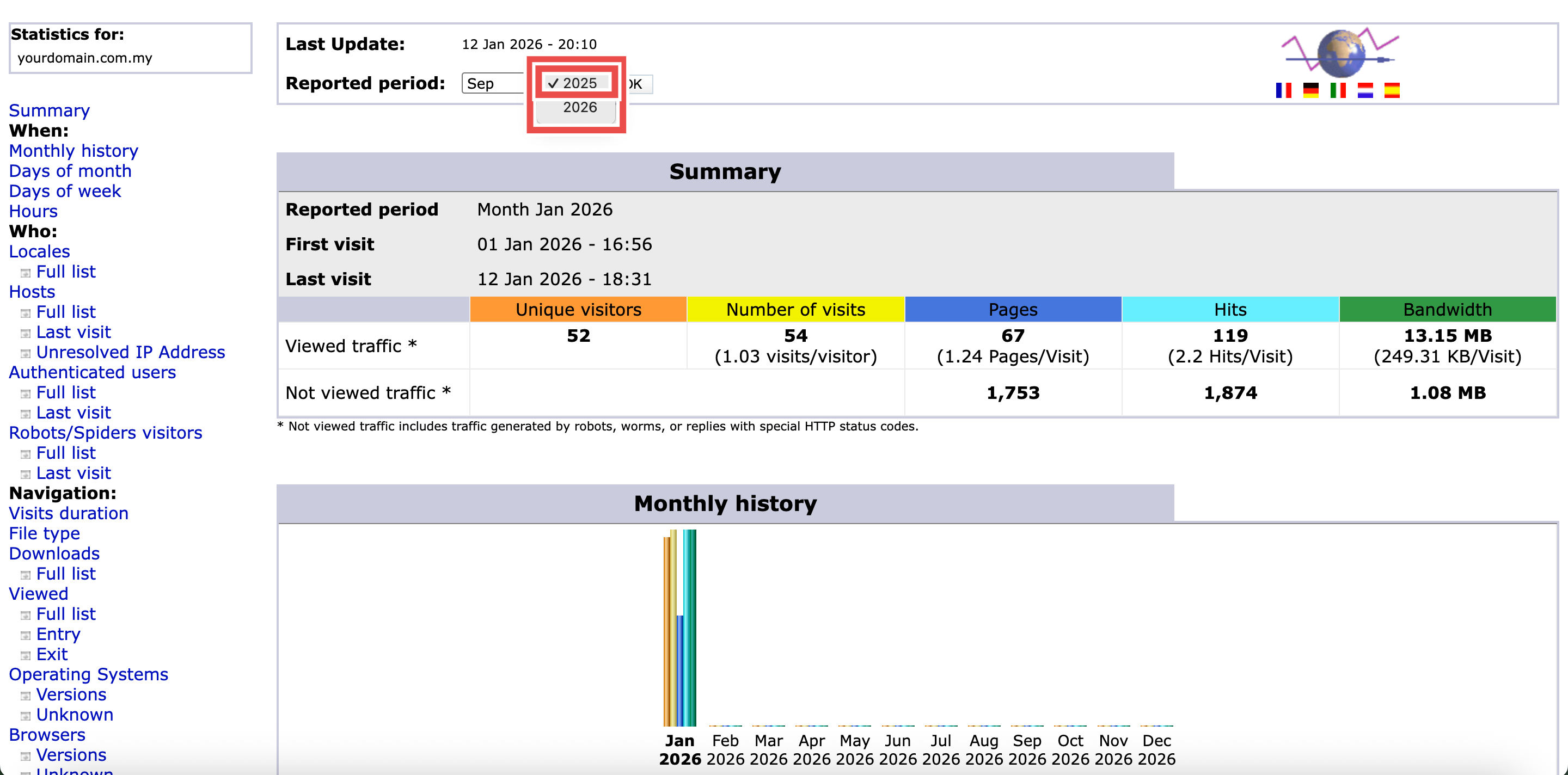
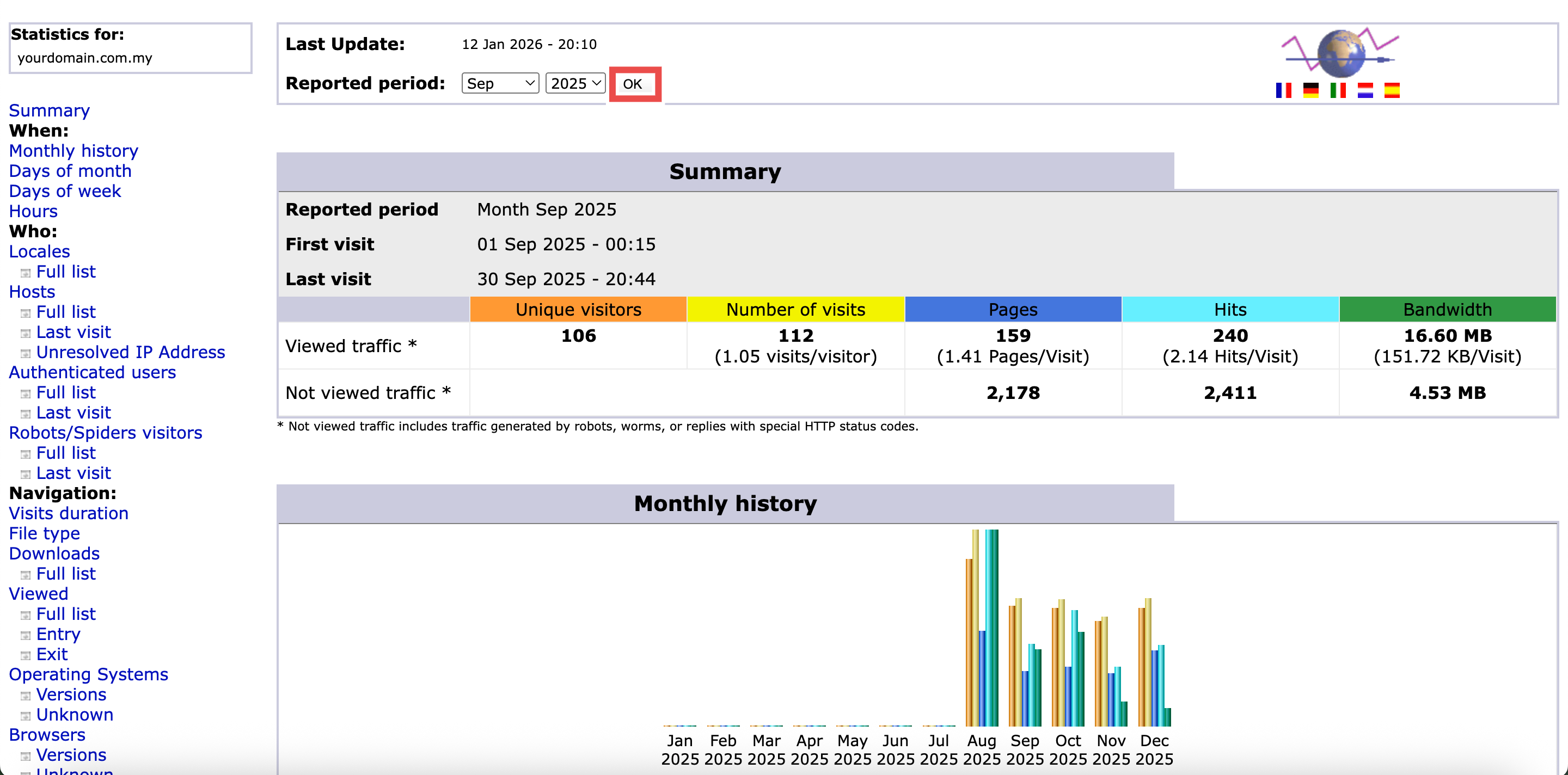
Step 6: Locate the Operating System Section
- In left side of the page, locate and click the Operating Systems.
- You will be directed to the Operating Systems section of the page.
⚠️ Important Note:
- Understanding Operating Systems Sections:
- Full List: Displays all operating systems and their specific versions detected from visitor devices, showing the number of hits and percentage of total traffic for each OS. Includes desktop systems (Windows, macOS, Linux) and mobile systems (iOS, Android) with their version details.
- Unknown: Lists traffic from devices where the operating system could not be identified. This may include custom user agents, privacy-focused browsers, or automated tools that don’t report standard OS information.
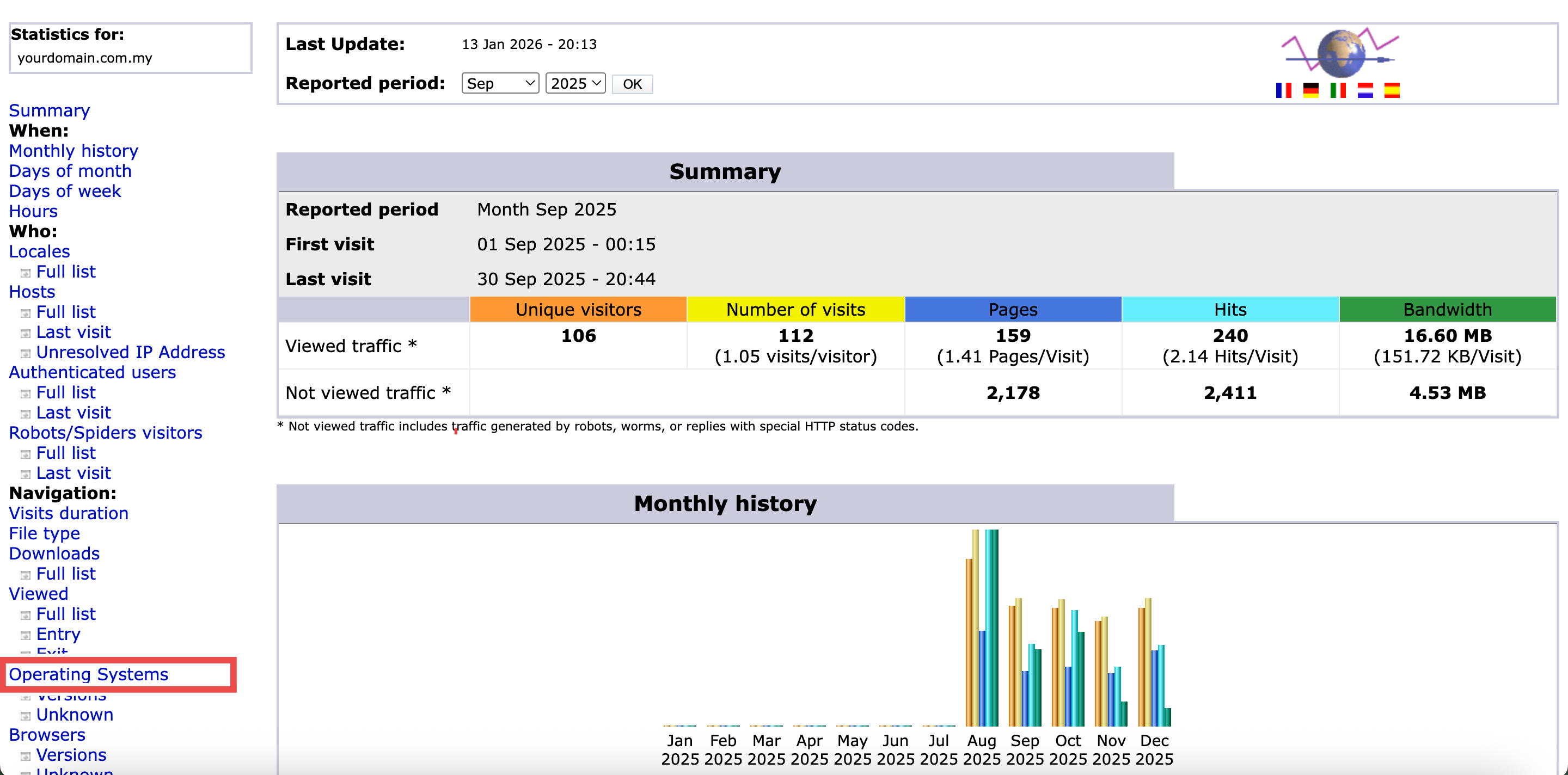
Step 7: Review the Operating System
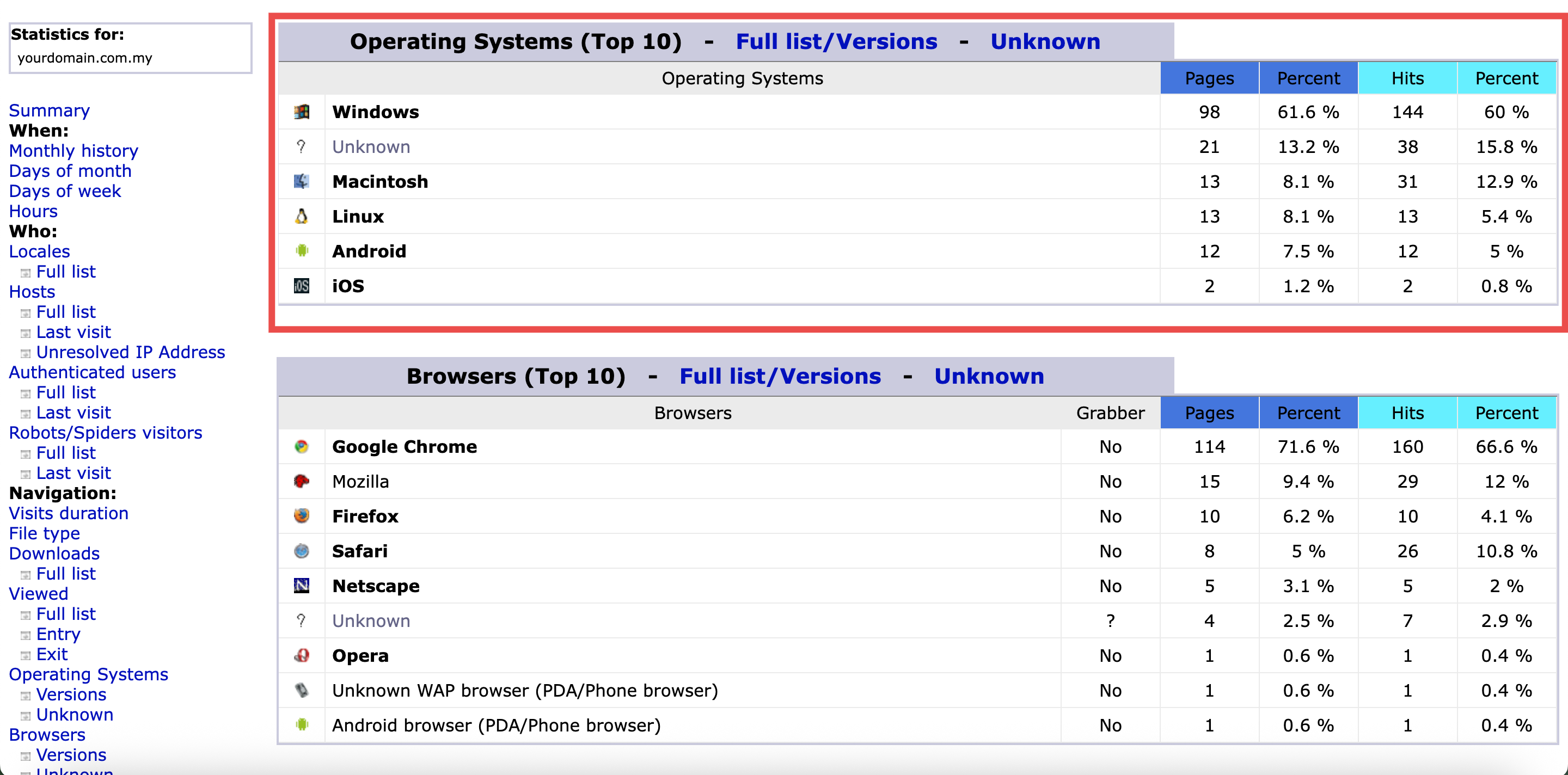
- In the Operating Systems section, review the key traffic metrics displayed in the color-coded table.
⚠️ Important Note:
- Understanding Traffic Metrics:
- Pages: Number of HTML pages viewed by visitors using each operating system (excludes images, CSS, and JavaScript files).
- Percent: Percentage of total page views from each operating system.
- Hits: All file requests including images, scripts, and stylesheets from each operating system.
- Percent: Percentage of total hits from each operating system.
Conclusion
By following these steps, you can check website visitor operating systems using AWStats in cPanel. Operating system analysis helps you ensure your website works properly across all platforms your visitors use. This data is essential for making decisions about browser compatibility, responsive design, and which platforms to prioritize during development and testing.
Should you encounter any issues or have any questions, our support team at IPSERVERONE is always here to assist you. Don’t hesitate to reach out to us at support@ipserverone.com for any help you need.