
Search Our Database
How to Check the File Types Visitors Access on Your Website in AWStats (cPanel)
Introduction
This Knowledge Base article provides a concise, step-by-step guide on How to Check the File Types Visitors Access on Your Website in AWStats (cPanel). Understanding which file types are most frequently accessed helps you optimize content delivery, identify popular resources, and manage bandwidth usage effectively. Use this guide when you need to analyze what types of content your visitors are consuming most frequently.
Prerequisite
- Access to your cPanel login page.
Step-by-Step Guide
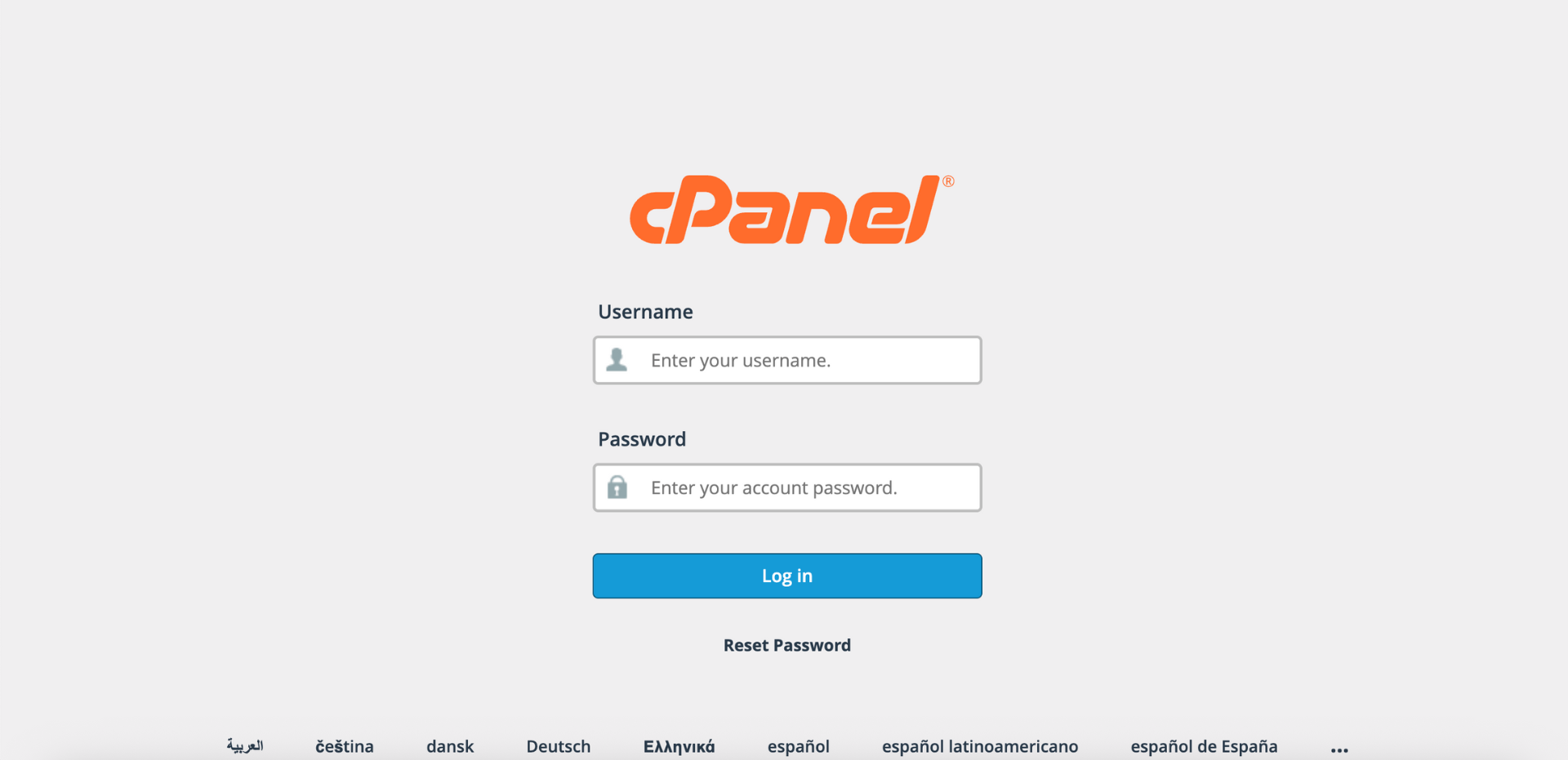
Step 1: Log in to cPanel
- Access and log in to your cPanel account using your username and password.
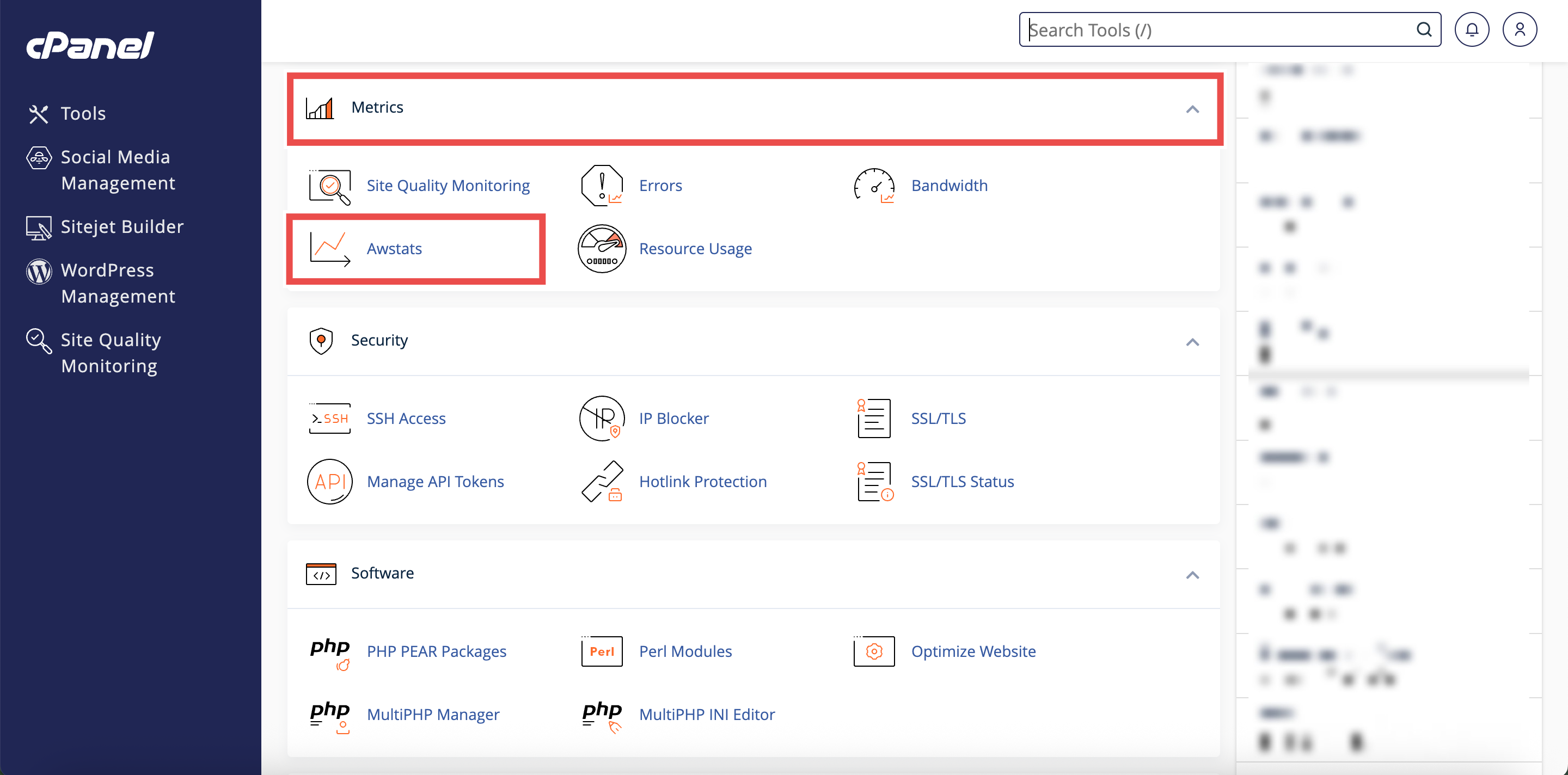
Step 2: Open AWStats
- In the Home page, under Metrics, click AWStats.
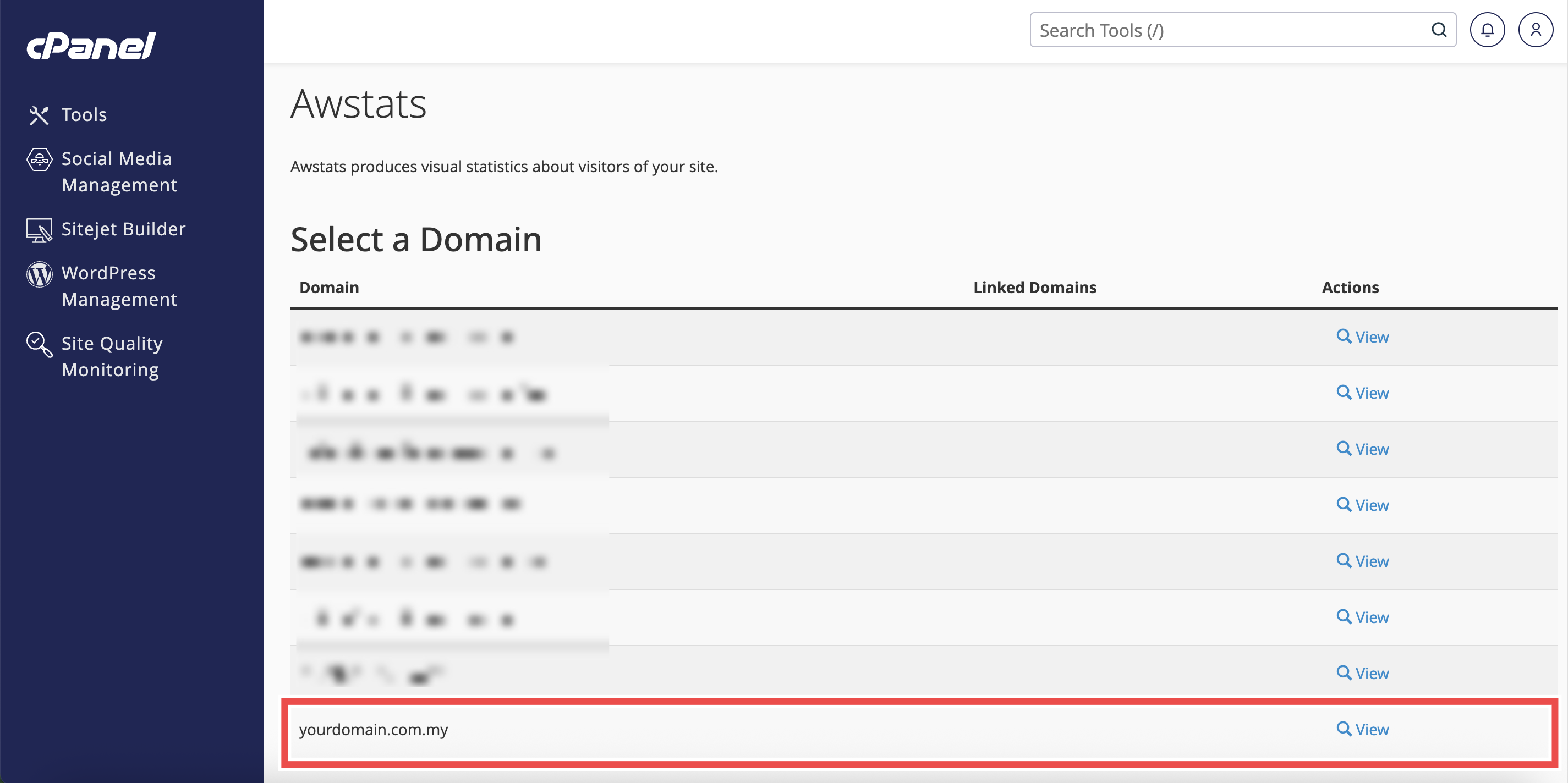
Step 3: Locate Your domain
- From the Domain menu, locate the domain you want to view traffic statistics.
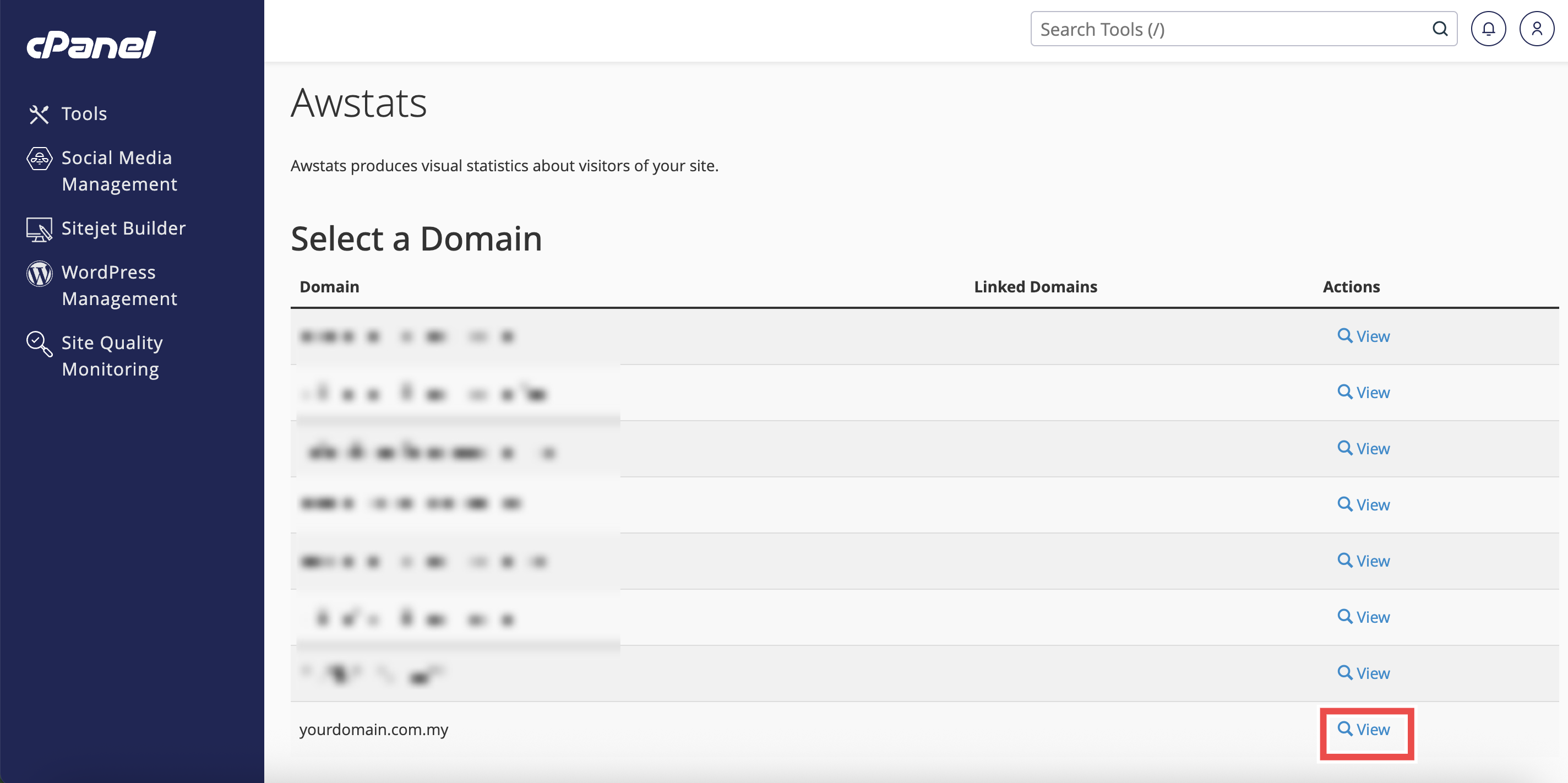
Step 4: Select Your domain
- Click View next to the domain name.
- The AWStats interface will open in a new window or tab.
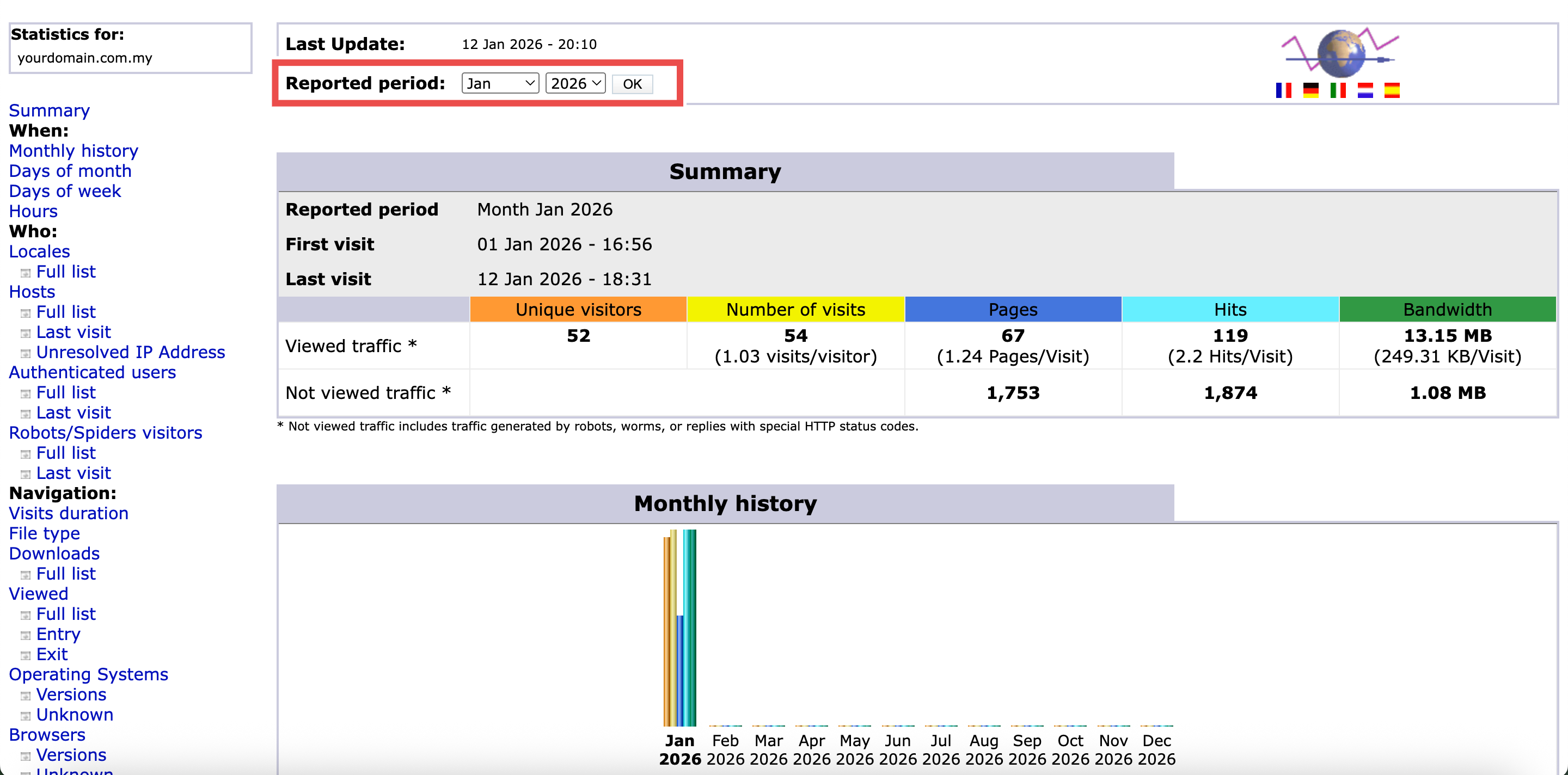
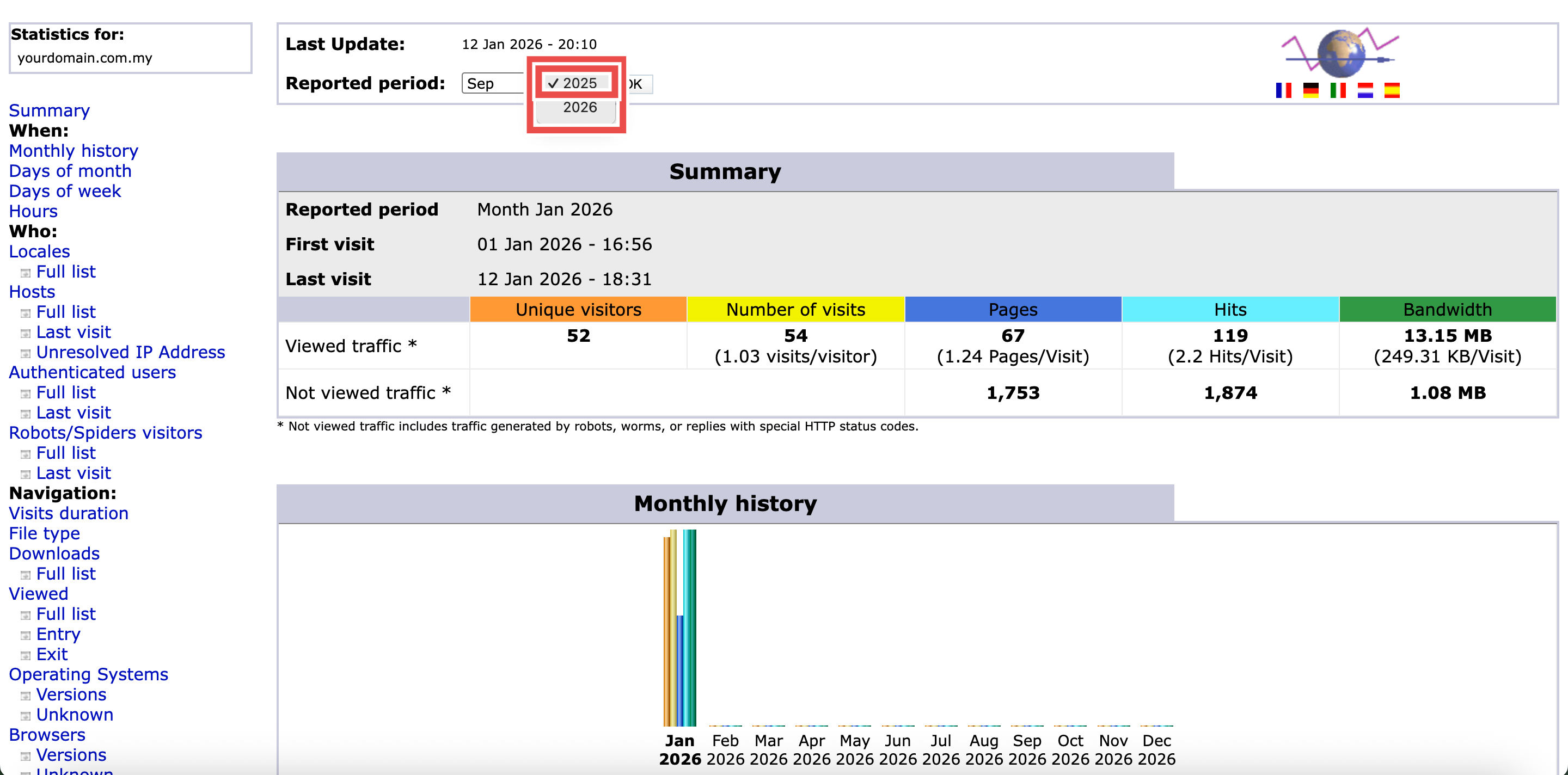
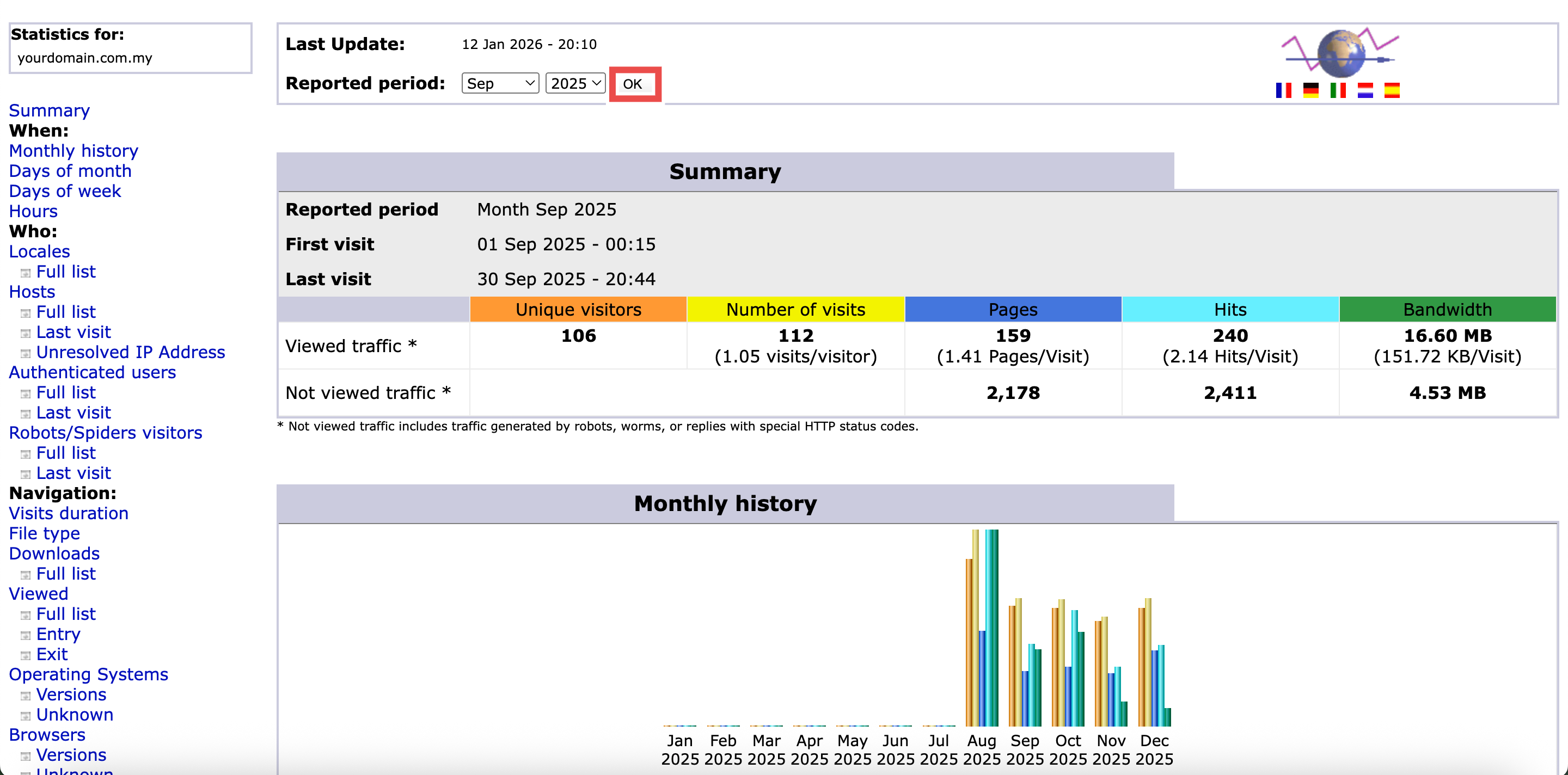
Step 5: Select the Date
- In the Reported period, select the month and year you want to review.
- Click OK to apply the changes.

Step 6: Locate the File Type Section
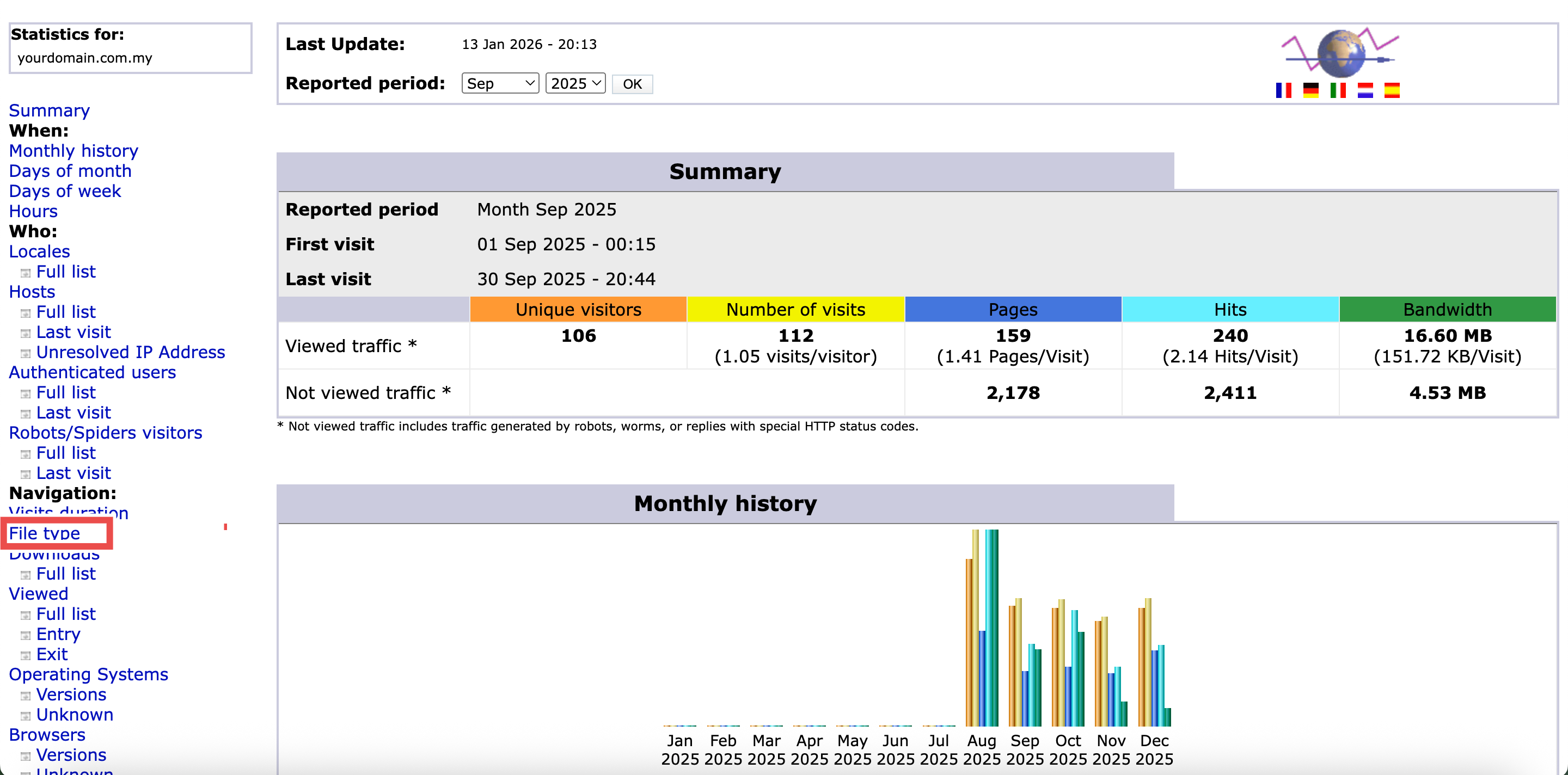
- In left side of the page, locate and click the File Type.
- You will be directed to the File Type section of the page.
Step 7: Review the File Type
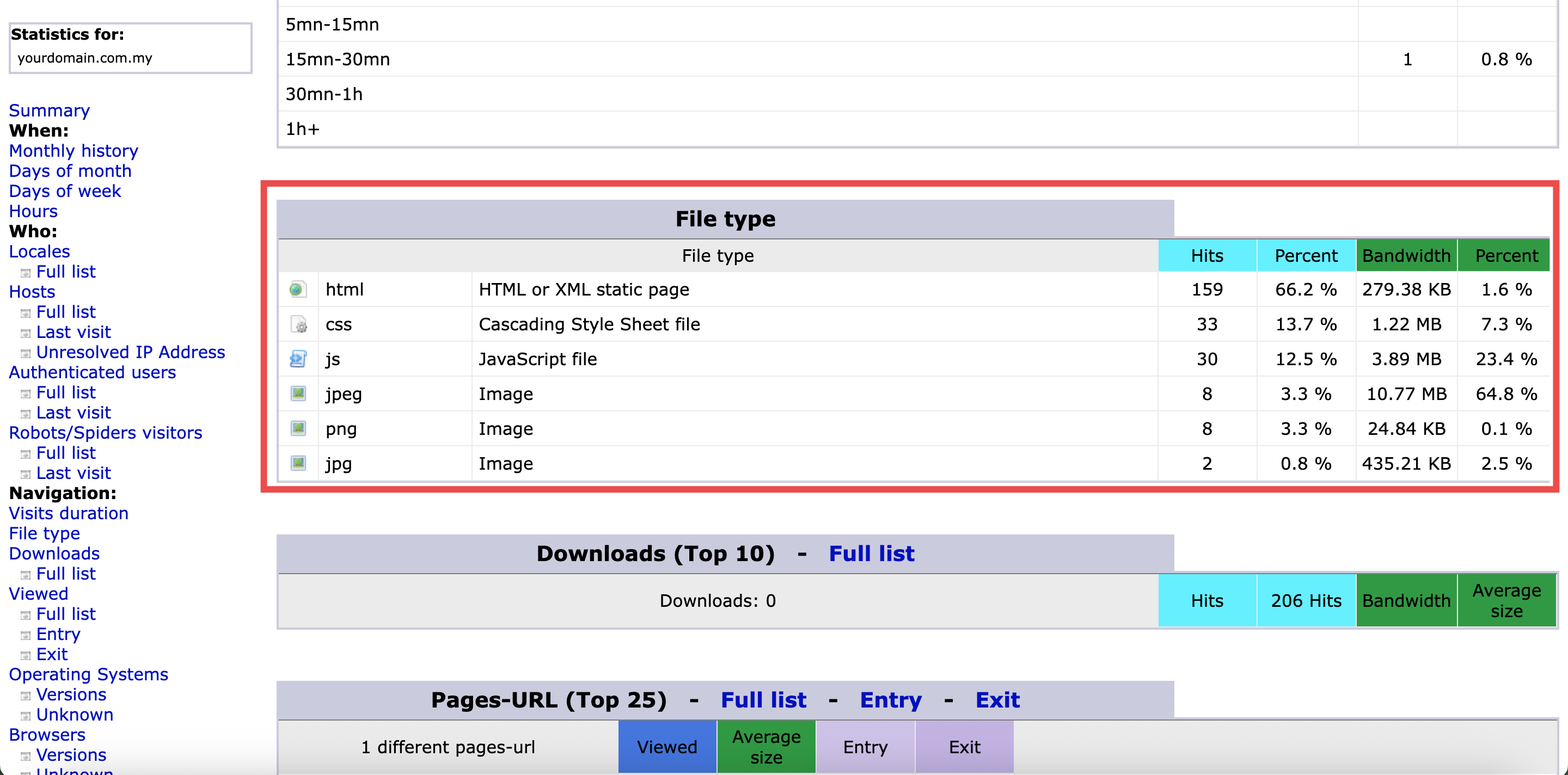
- In the File Type section, review the key traffic metrics displayed in the color-coded table.
⚠️ Important Note:
- Understanding File Type Metrics:
- Hits: The number of times files of this type were requested by visitors.
- Percent (Hits): The percentage of total hits represented by this file type.
- Bandwidth: The total data transfer consumed by this file type (shown in KB or MB).
- Percent (Bandwidth): The percentage of total bandwidth consumed by this file type.
Conclusion
By following these steps, you can check the file types visitors access on your website using AWStats in cPanel. File type analysis helps you understand what content your visitors consume most, allowing you to optimize performance and bandwidth usage. This information is valuable for improving website speed, reducing hosting costs, and ensuring your most important content is properly optimized.
Should you encounter any issues or have any questions, our support team at IPSERVERONE is always here to assist you. Don’t hesitate to reach out to us at support@ipserverone.com for any help you need.