
Search Our Database
How to Check PHP Version of a Website using MultiPHP Manager in cPanel
Introduction
This Knowledge Base article provides a concise, step-by-step guide on How to Check PHP Version of a Website using MultiPHP Manager in cPanel. Knowing which PHP version your website is running is essential for ensuring compatibility with your applications, plugins, and themes, as well as maintaining security and performance. The MultiPHP Manager interface provides a clear overview of the PHP version used by each domain in your account, along with additional information such as PHP-FPM status and inheritance settings.
Prerequisite
- Access to your cPanel login page.
Step-by-Step Guide
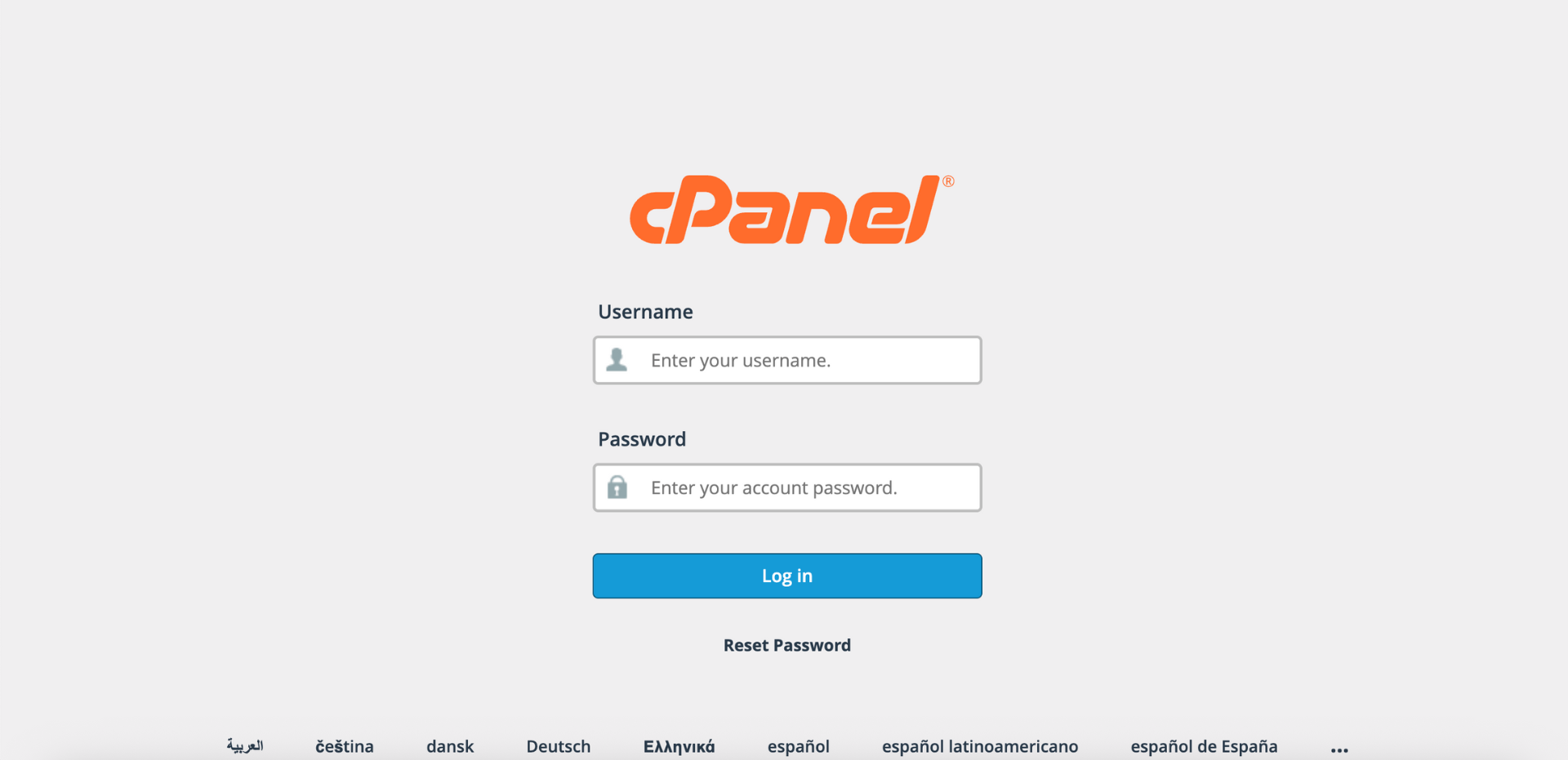
Step 1: Log in to cPanel
- Access and log in to your cPanel account using your username and password.
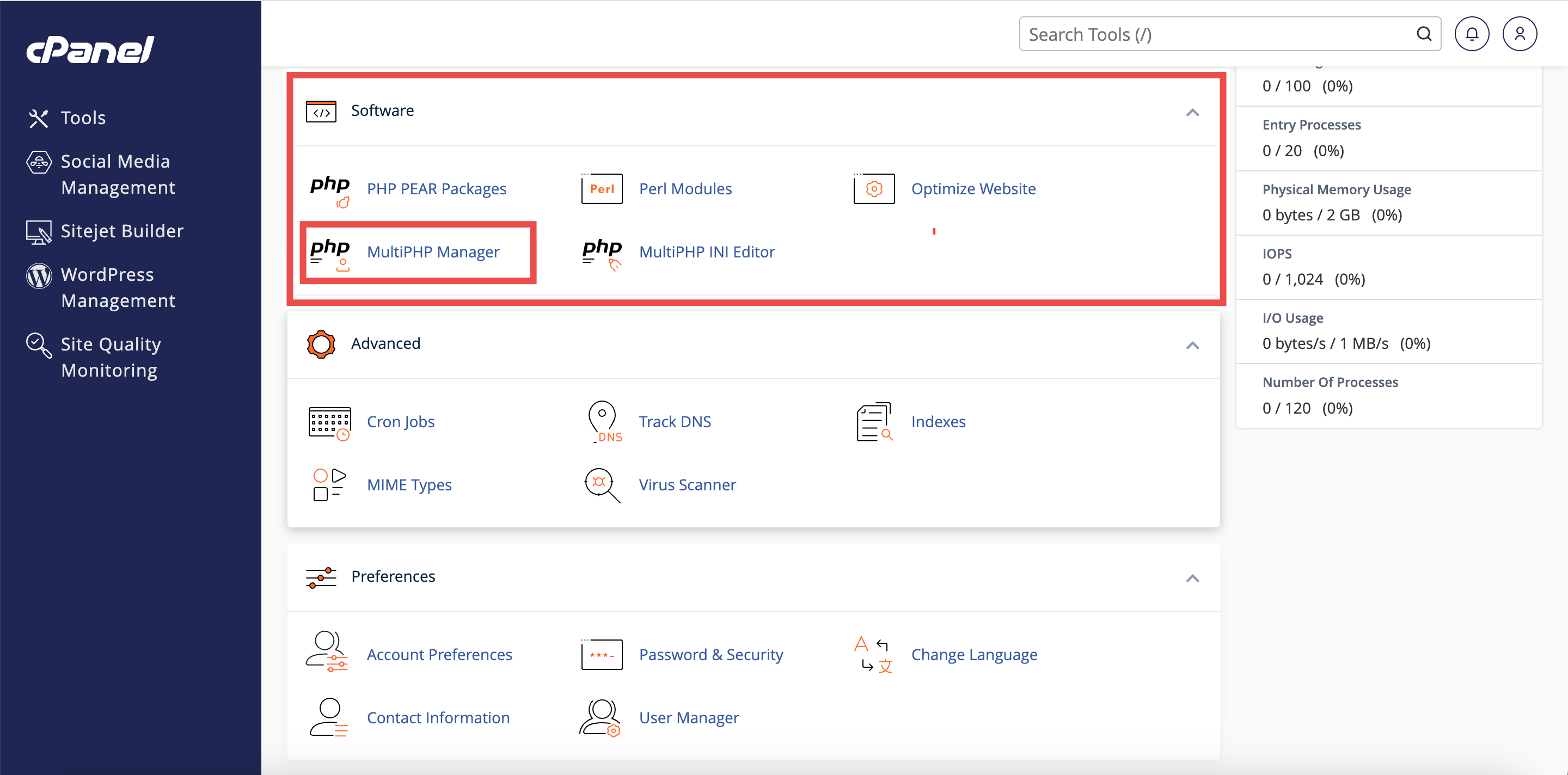
Step 2: Open MultiPHP Manager
- In the Home page, under Software, click MultiPHP Manager.
Step 3: Locate Your Domain
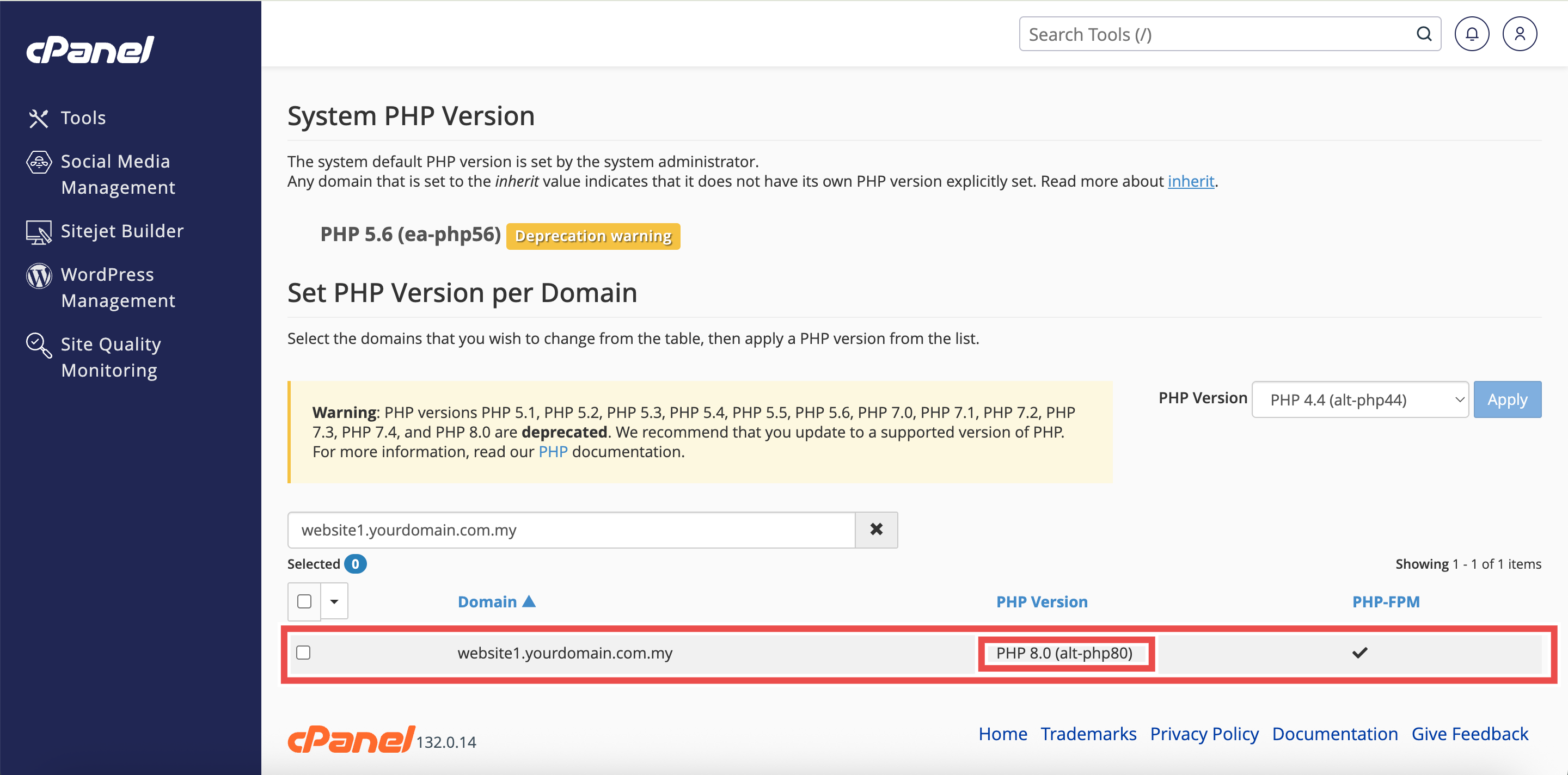
- The MultiPHP Manager interface will display a list of all non-parked domains in your account.
- Use the Search text box to quickly find your domain by entering the domain name or account name if you have multiple domains.
⚠️ Important Note:
- The list displays non-parked domains only.
- Parked domains use the same PHP version as your primary domain and will not appear separately in this list.
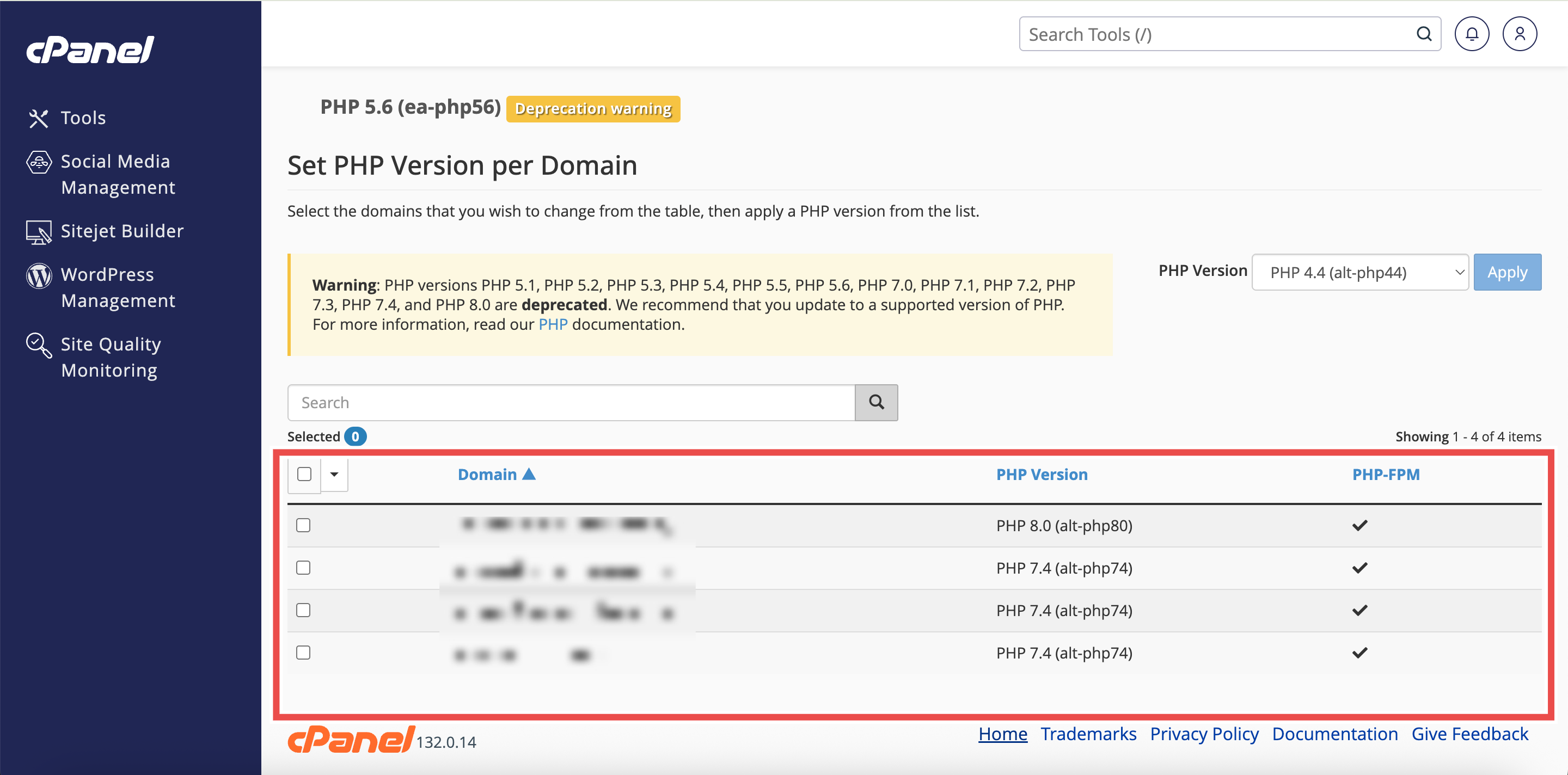
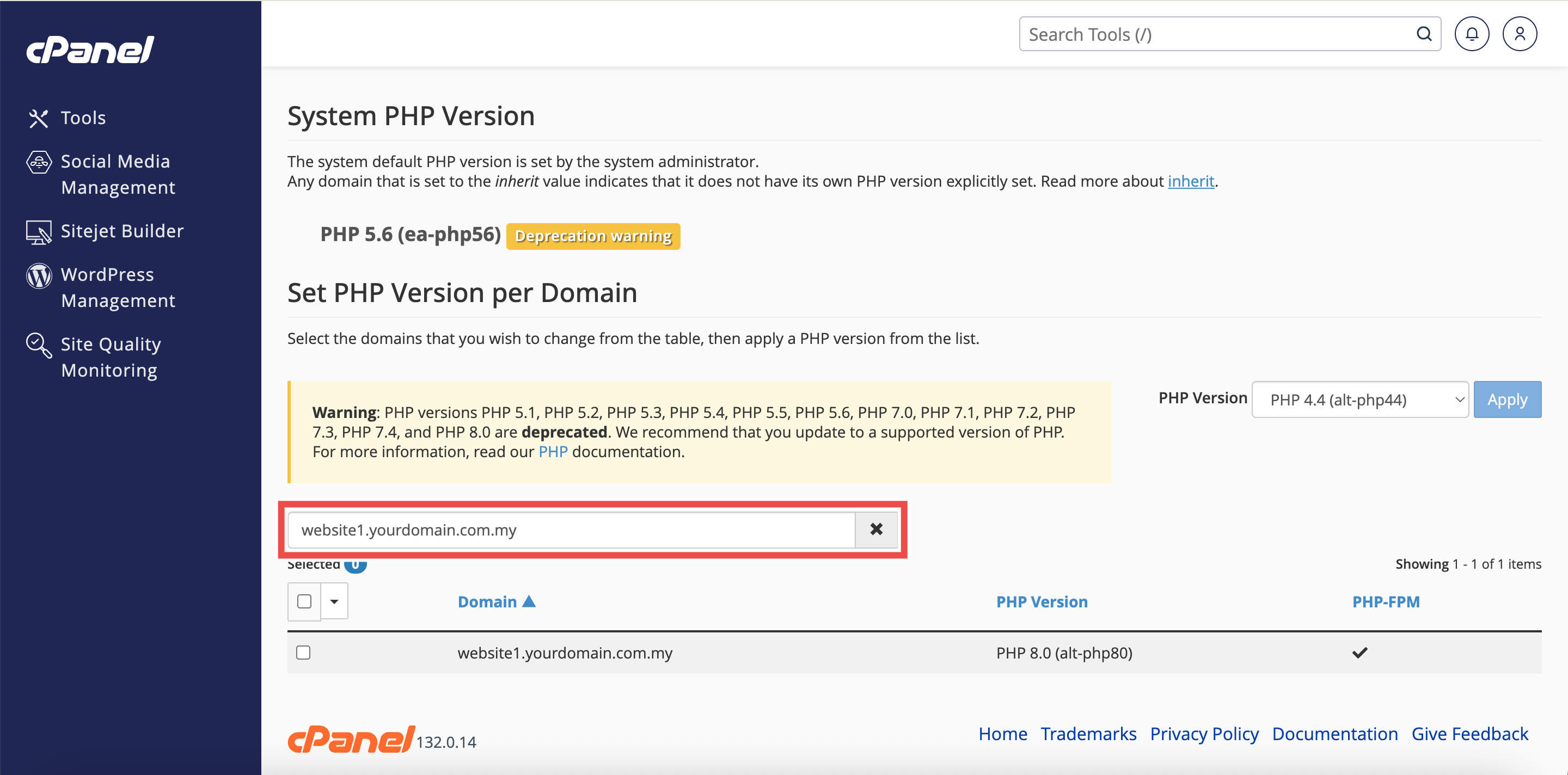
Step 4: View the PHP Version
- In the domain list, locate the PHP Version column.
- The current PHP version for each domain is displayed next to the domain name (for example, PHP 8.1, PHP 8.2, PHP 8.3, etc.).
⚠️ Important Note:
- The Inherited label indicates that the domain automatically uses the system-wide PHP version.
- Only the system administrator can set this default version, which functions as the global default for all accounts.
Conclusion
By following these steps, you can successfully check the PHP version of a website using MultiPHP Manager in cPanel. Regularly monitoring your PHP version ensures your website remains compatible with your applications and maintains optimal security and performance. If you need to change your PHP version or enable PHP-FPM, you can do so directly from the MultiPHP Manager interface.
Should you encounter any issues or have any questions, our support team at IPSERVERONE is always here to assist you. Don’t hesitate to reach out to us at support@ipserverone.com for any help you need.