
Search Our Database
How to Delete an Email Autoresponder using Autoresponders in cPanel
Introduction
This Knowledge Base article provides a simple, step-by-step guide on How to Delete an Email Autoresponder using Autoresponders in cPanel. Deleting an autoresponder stops automatic replies from being sent when you return from vacation, finish a project, or no longer need the automatic response feature. Use this guide when you need to remove an autoresponder that is no longer needed.
Prerequisite
- Access to your cPanel login page.
Step-by-Step Guide
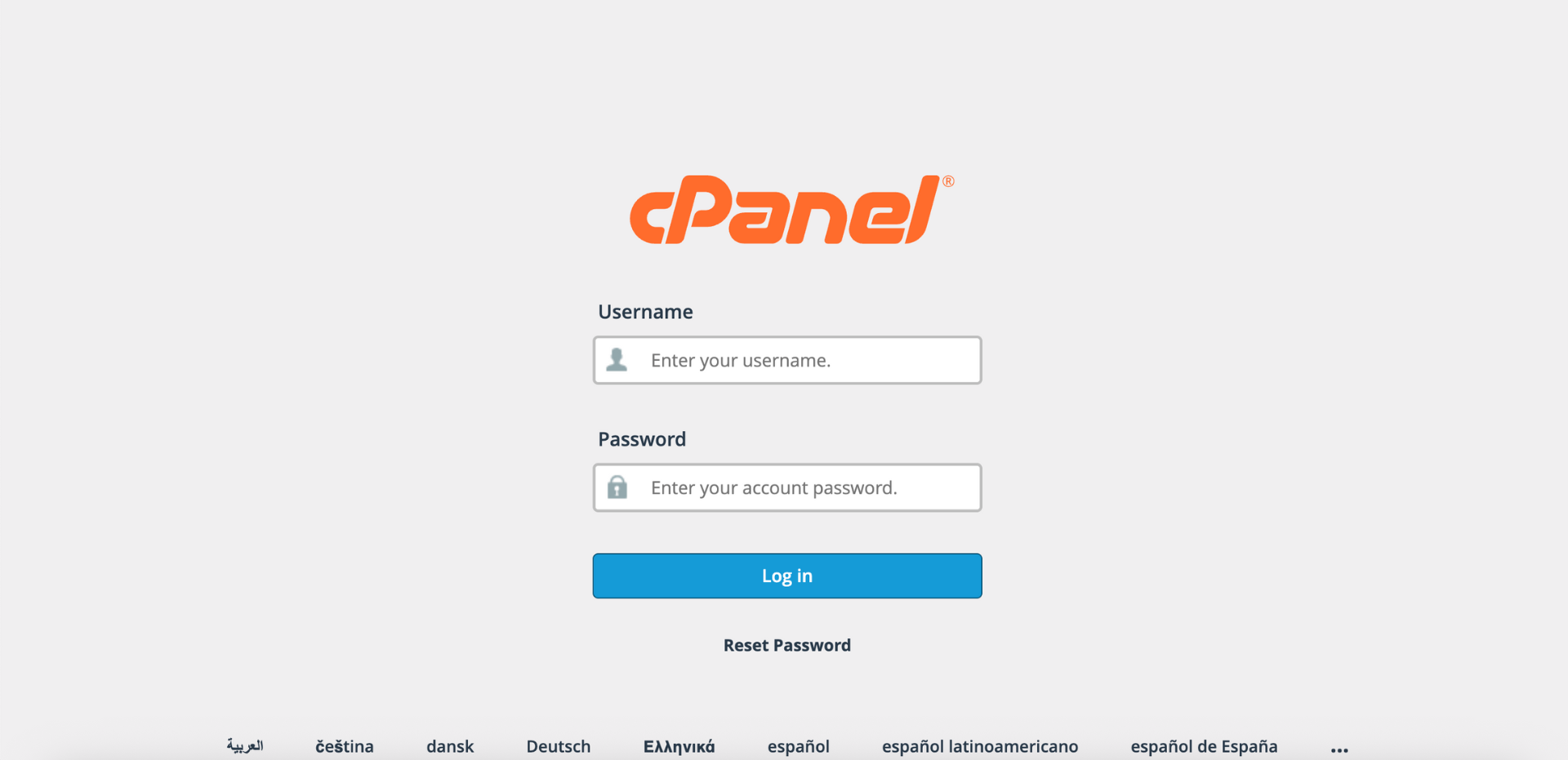
Step 1: Log in to cPanel
-
Access your cPanel account using your username and password.
Step 2: Open Autoresponders
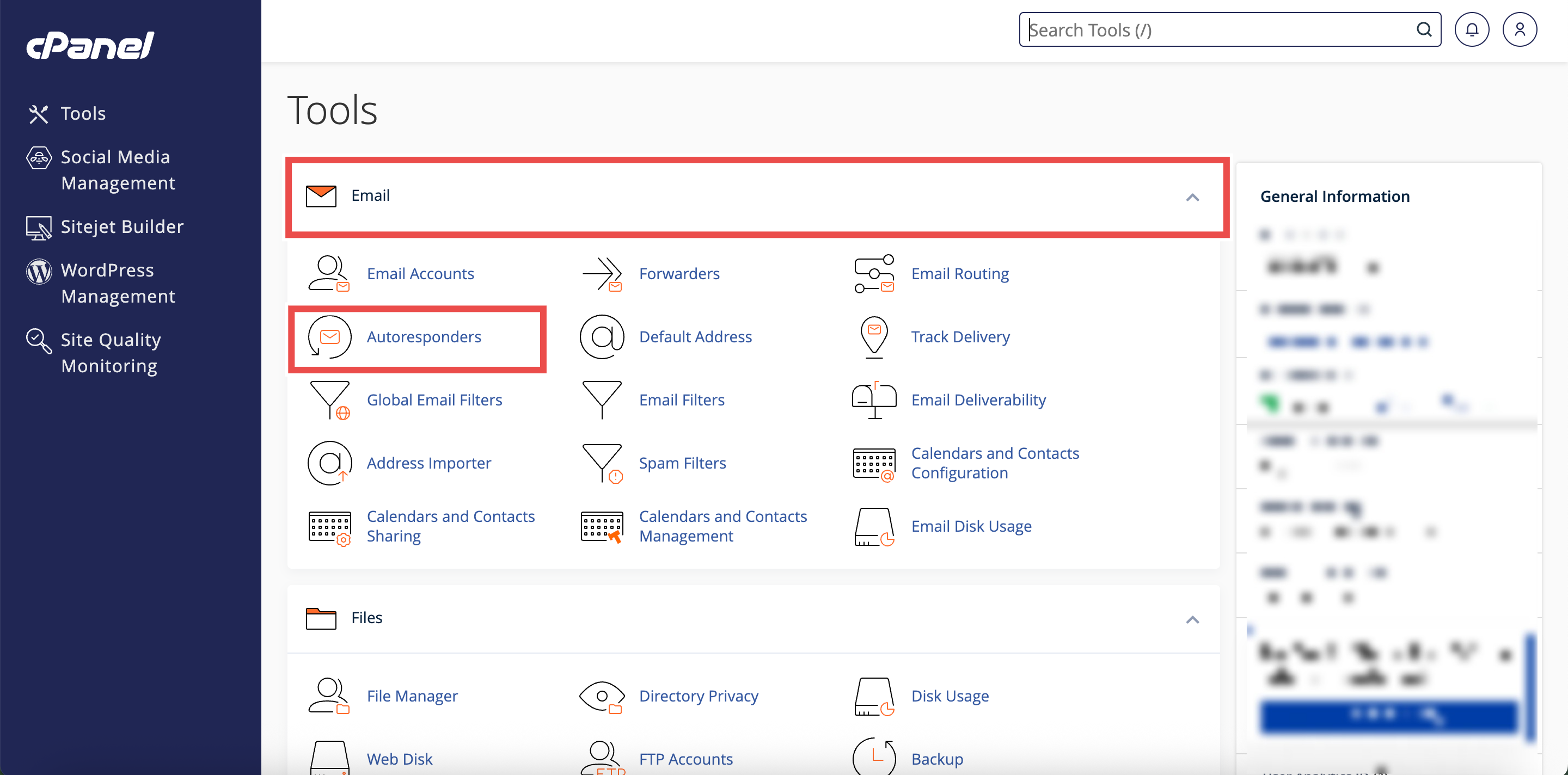
- In the Home page, under the Email section, click Autoresponders.
Step 3: Select Your Domain
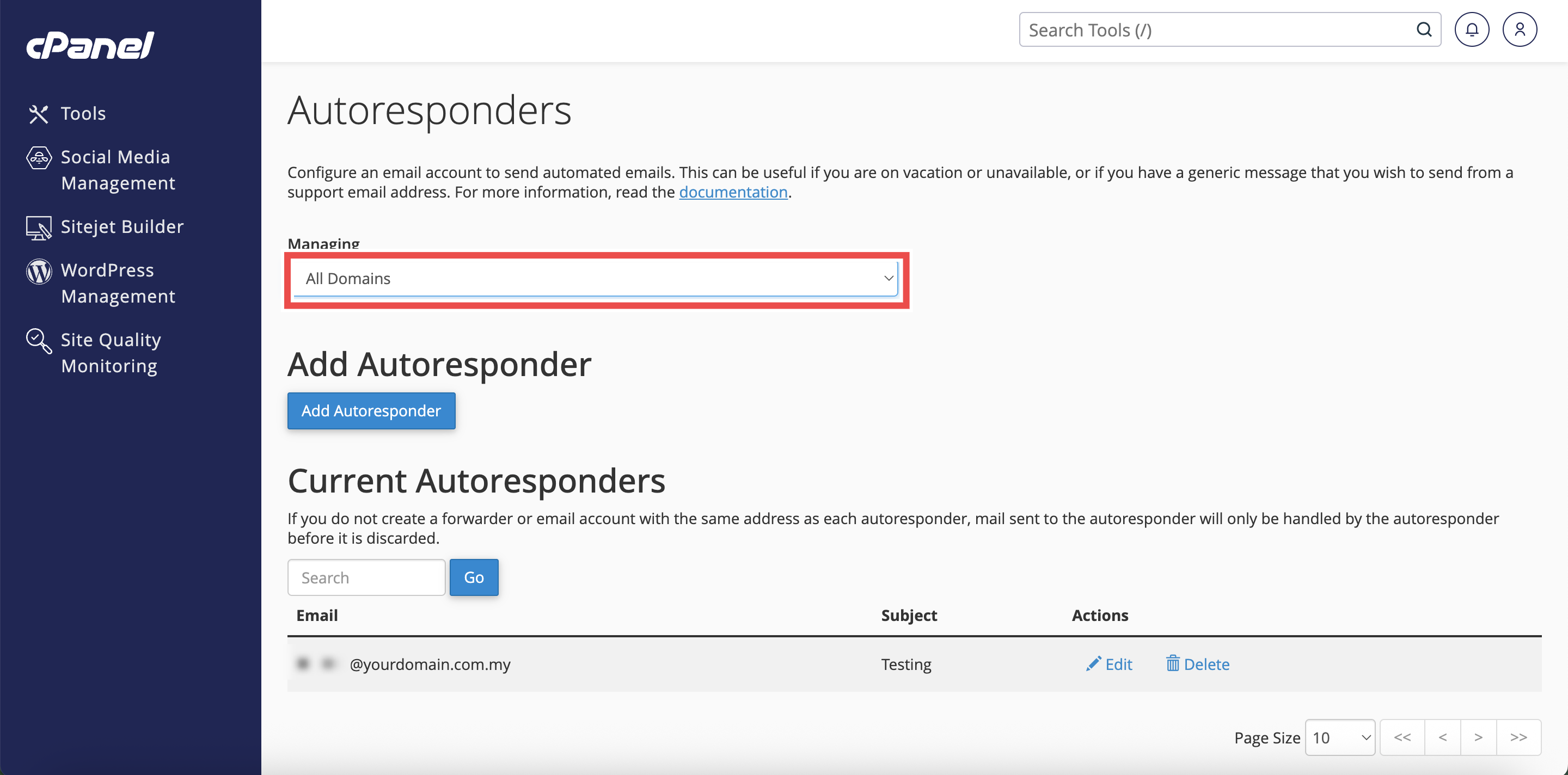
- From the Managing menu on the top left side of the interface, select the domain for which you want to configure an autoresponder.
⚠️ Important Note:
- Select All Domains if you want the autoresponders to be applied to all of your domain.

Step 4: Locate the Autoresponder
- In the Current Autoresponders table, locate the autoresponder you want to delete.
⚠️ Important Note: You can use the Search text box to find a specific autoresponder by entering a keyword and clicking Go.

Step 5: Delete Autoresponder
- Click Delete next to the autoresponder you want to remove.

Step 6: Confirm the Deletion
- A confirmation message will appear asking you to confirm the deletion.
- Review the autoresponder details to ensure you’re deleting the correct one.
- Click Delete Autoresponder to confirm and permanently remove the autoresponder.

Step 7: Verify Deletion
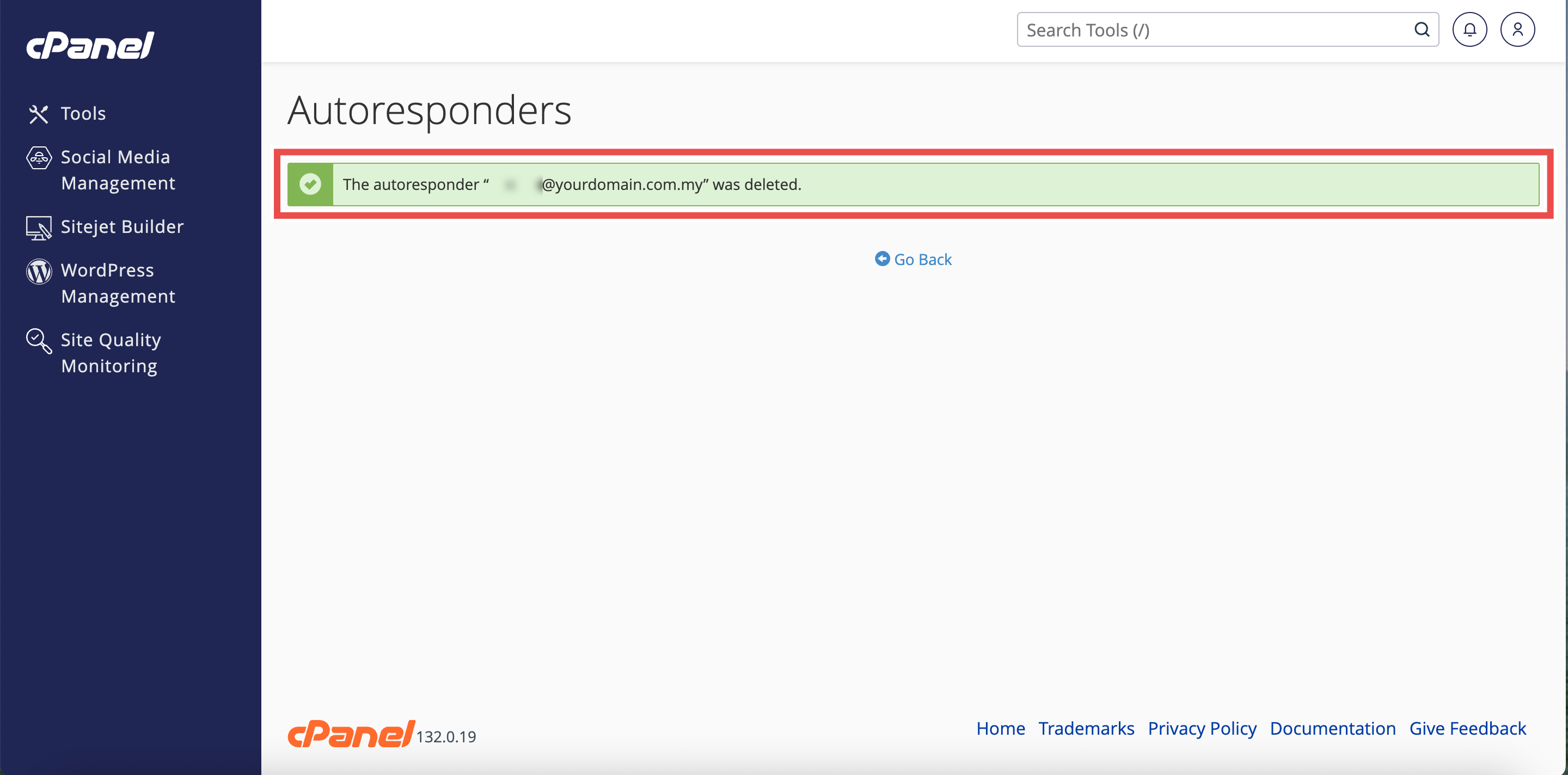
- The autoresponder will be removed from the Current Autoresponders list.
- Additionally, you may send a test email to the email address to verify that automatic responses are no longer being sent.
Conclusion
By following these steps, you can delete an email autoresponder using Autoresponders in cPanel. Removing autoresponders when they are no longer needed prevents outdated automatic replies from being sent to your contacts. Remember to delete or disable autoresponders promptly when you return from vacation or complete the situation that required the automatic response.
Should you encounter any issues or have any questions, our support team at IPSERVERONE is always here to assist you. Don’t hesitate to reach out to us at support@ipserverone.com for any help you need.