
Search Our Database
How to Move Emails to Deleted Items Roundcube Folder in Webmail
Introduction
This Knowledge Base article provides a concise, step-by-step guide on How to Move Emails to Deleted Folder in Roundcube Webmail. Moving emails to the Deleted Items folder allows you to remove them from your active folders while keeping them temporarily in case you need to recover them. Use this guide when you want to delete emails but maintain the ability to restore them before permanent deletion.
Prerequisite
- Access to your Roundcube Webmail login page.
Step-by-Step Guide
Step 1: Log in to Roundcube Webmail
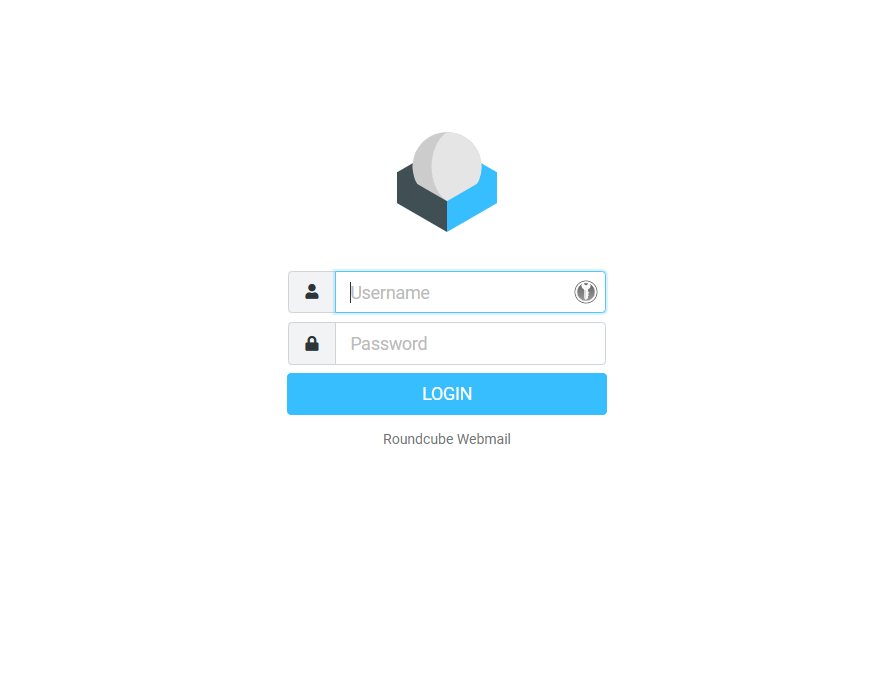
- Visit the webmail login page (e.g., https://webmail.yourdomain.com).
- Enter your email address and password, then click Login .
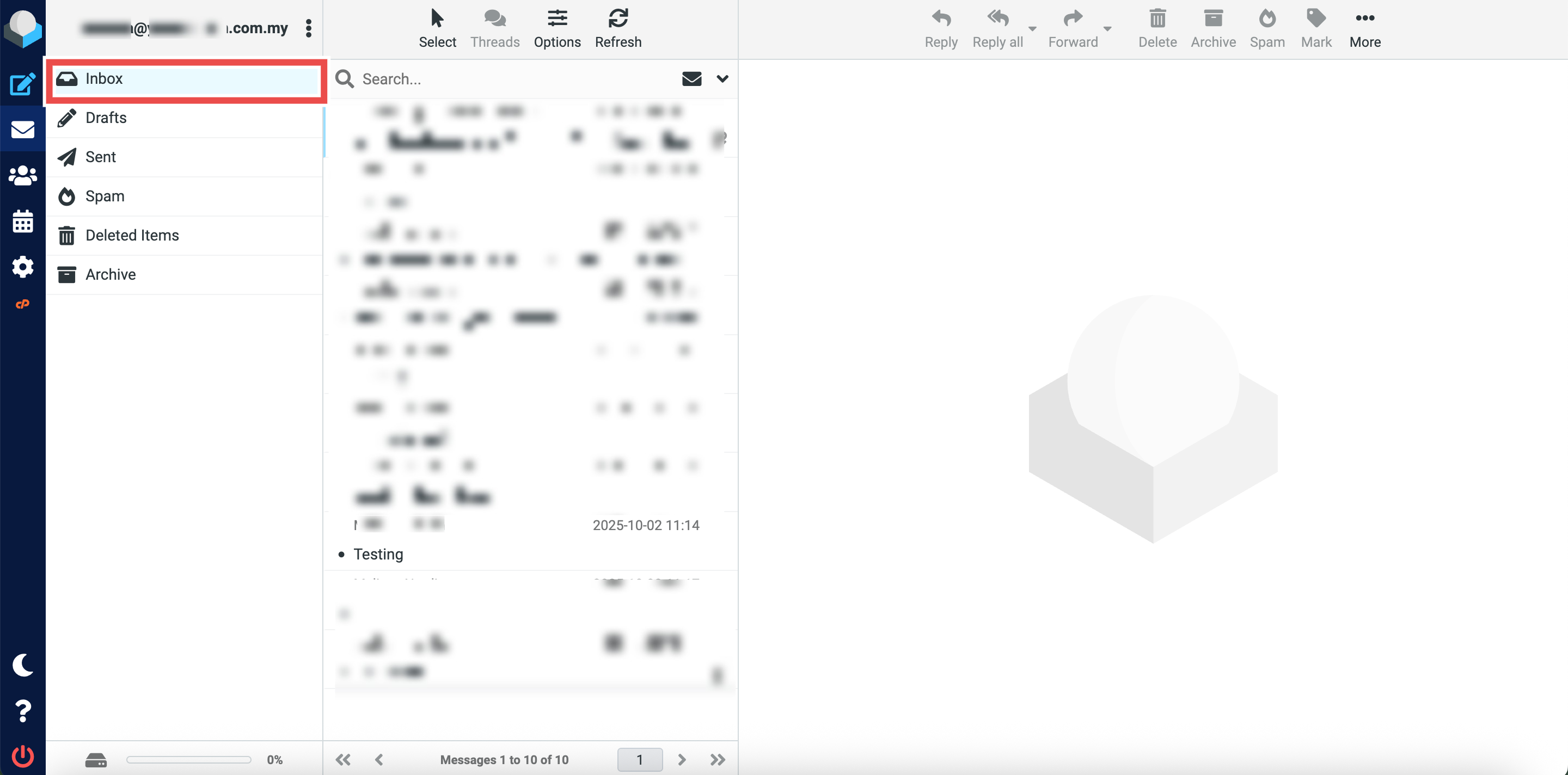
Step 2: Locate the Original Folder
- Navigate to the folder containing the email you want to move (e.g., Inbox).
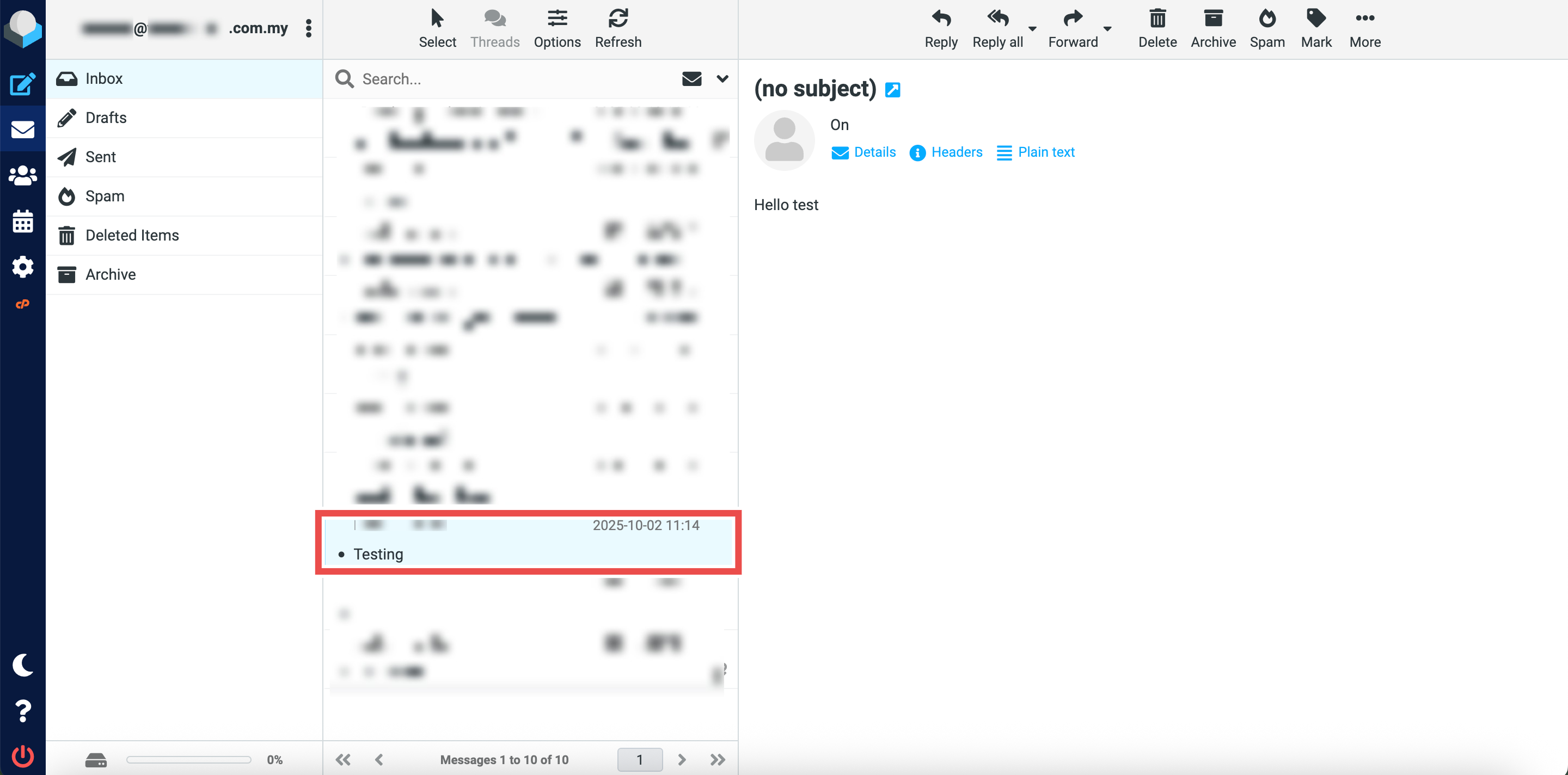
Step 3: Select the Email to Move
- Locate the email message you wish to move to the Deleted Items folder.
- You can select multiple emails.
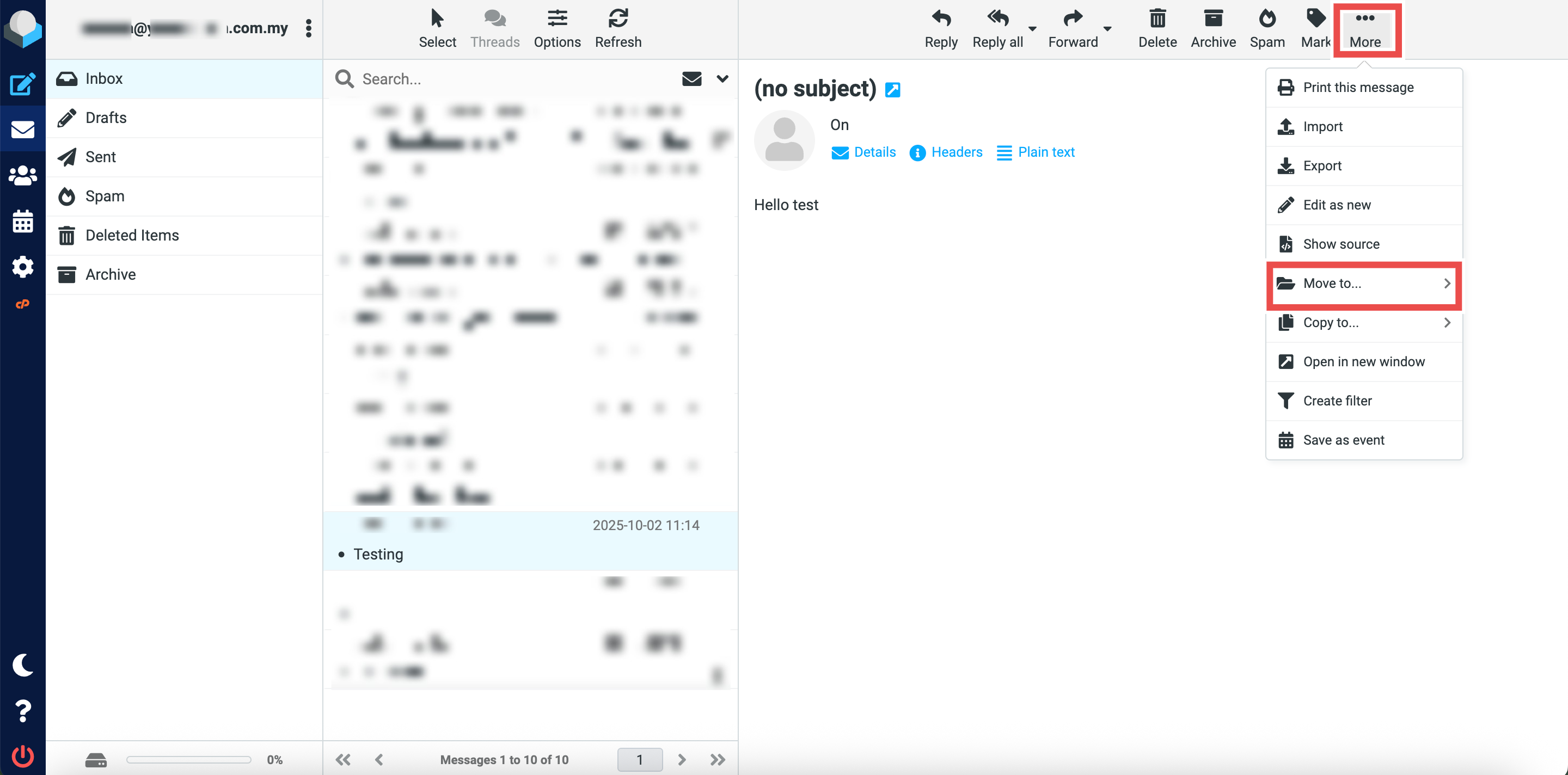
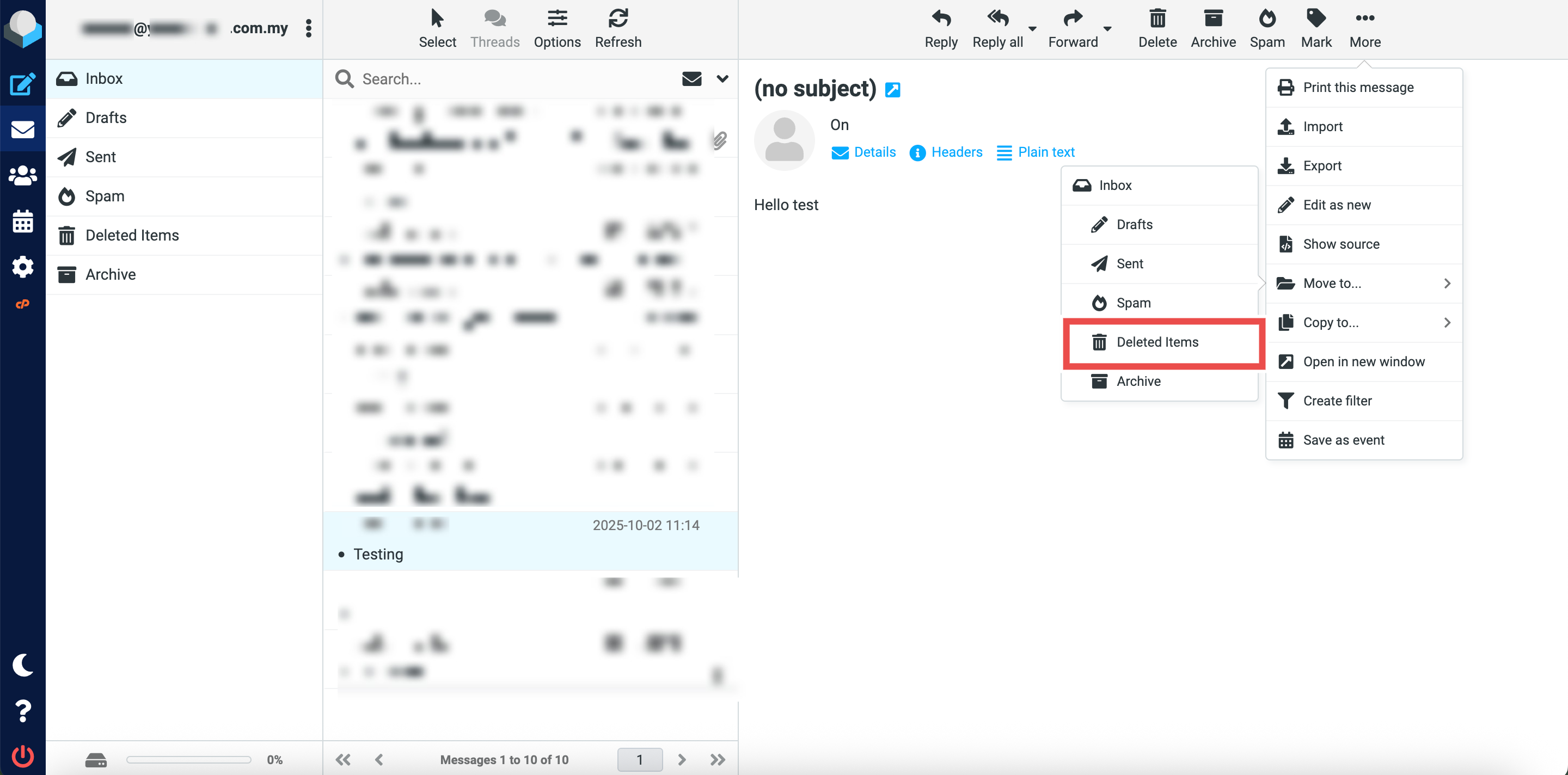
Step 4: Move the Email to Deleted Items Folder
- Click More button at the top right of the page.
- Click Move to button from the dropdown options.
- Click Deleted Items to move the selected email(s) to the Deleted folder.
Step 5: Verify the Email Was Moved
- Successful message will appear confirming the email has been moved to the Deleted Items folder.
- Additionally, you may click on the Deleted Items folder in the left sidebar and locate the email you just moved in the folder, the email should now appear in the Deleted Items folder and be removed from its original location.

Conclusion
By following these steps, you can move emails to the Deleted Items folder in Roundcube Webmail. Emails in this folder are not permanently deleted and can be recovered if needed. However, most email systems automatically empty the Deleted Items folder after a certain period, so make sure to recover any important emails promptly.
Should you encounter any issues or have any questions, our support team at IPSERVERONE is always here to assist you. Don’t hesitate to reach out to us at support@ipserverone.com for any help you need.