
Search Our Database
How to Add Apache Handlers in DirectAdmin (Evolution Skin)
Introduction
Apache handlers define how the web server processes specific file types, and creating custom handler configurations enables specialized file processing beyond default settings. Adding handlers for custom file extensions, alternative scripting languages, or specific application requirements allows precise control over how Apache interprets and executes different file types. DirectAdmin’s Apache Handlers interface provides a straightforward method for creating custom handler associations for your domain. This guide explains how to add Apache handlers using the Advanced Features > Apache Handlers section in DirectAdmin, enabling you to configure specialized file processing for your web applications.
Prerequisites
- Access to DirectAdmin control panel with the necessary permissions.
Step-by-step Guide
Step 1: Access DirectAdmin
Log in to your DirectAdmin control panel.

Step 2: Access Apache Handlers
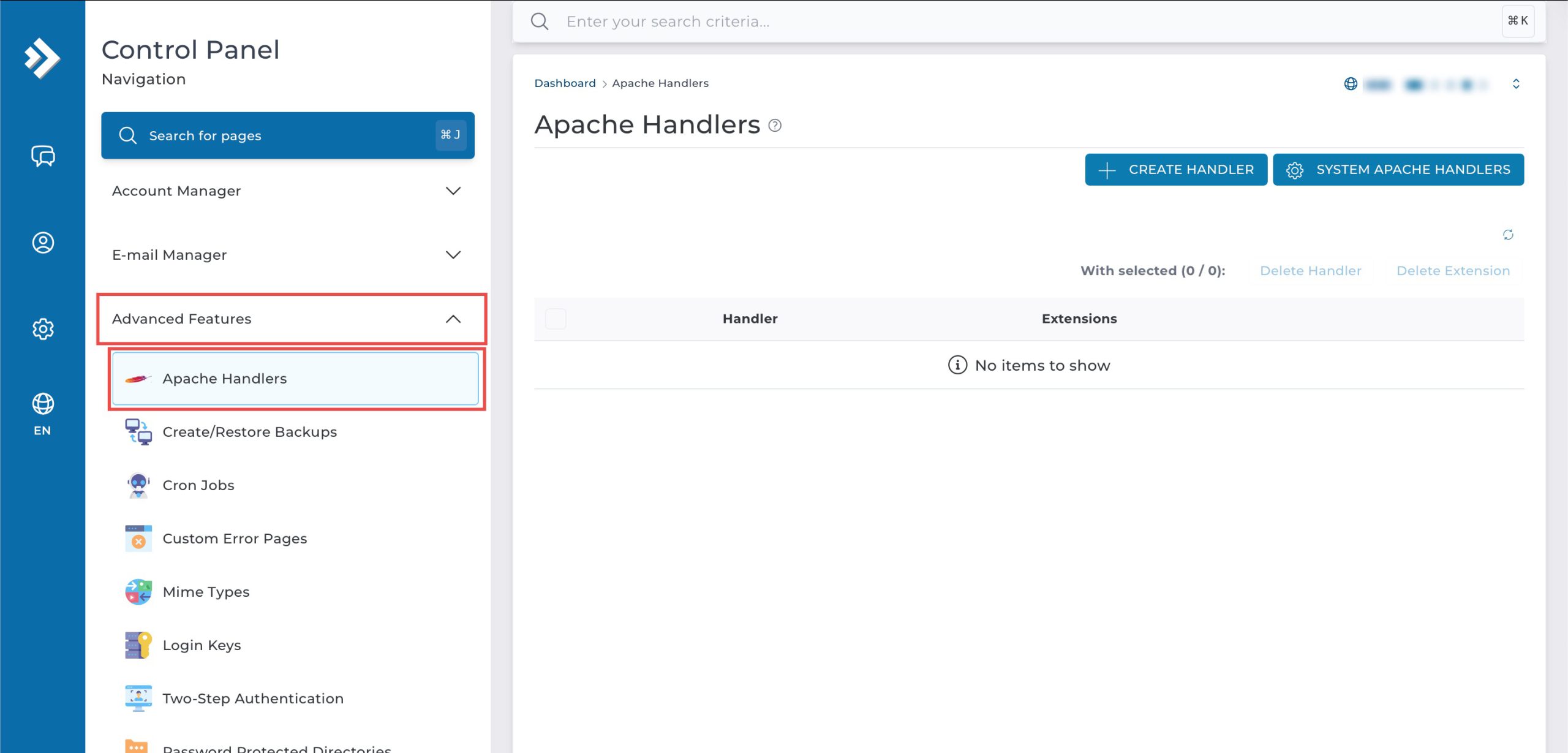
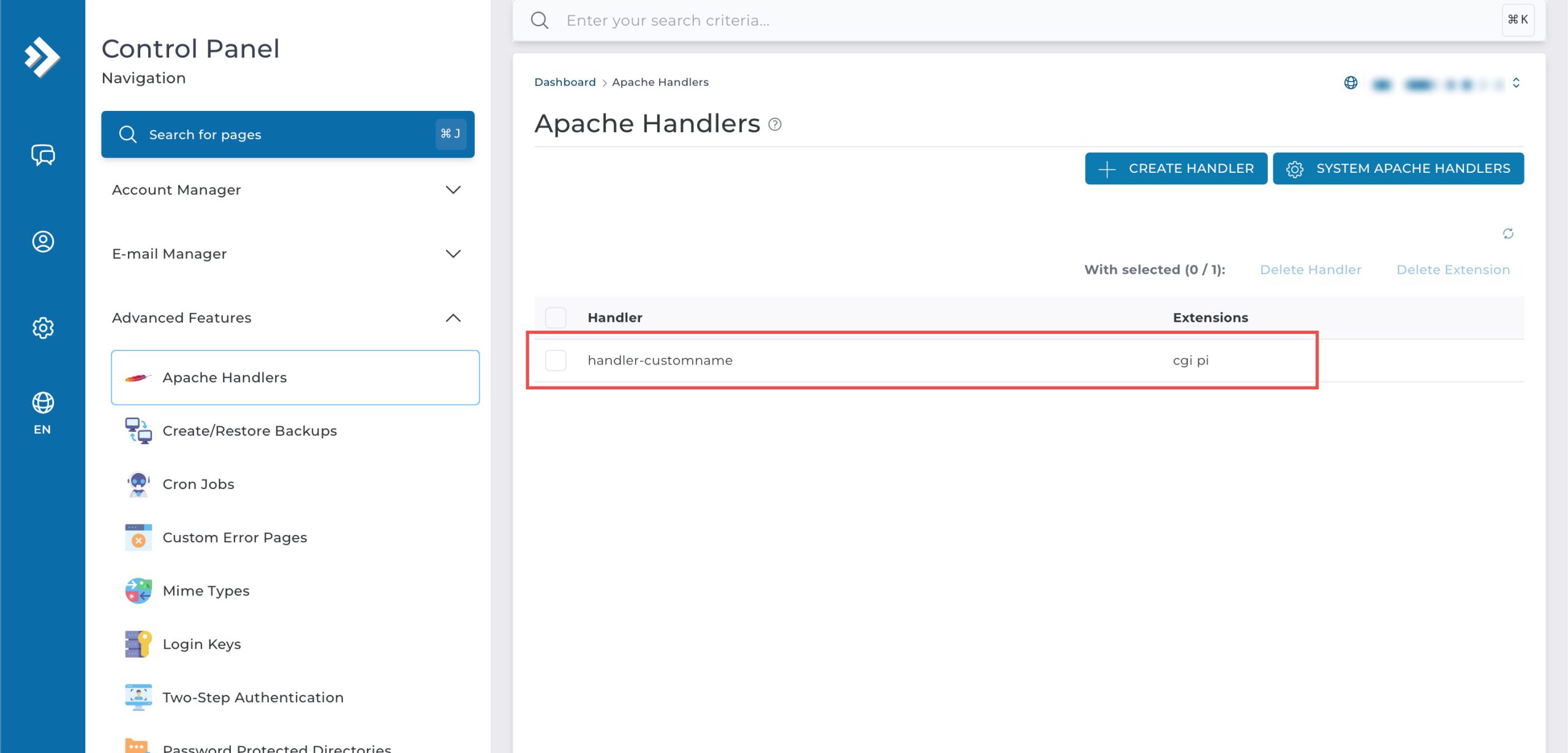
Go to the Advanced Features section and click on Apache Handlers. You will see the list of Apache Handlers that have been created.
Step 3: Add a New Apache Handler
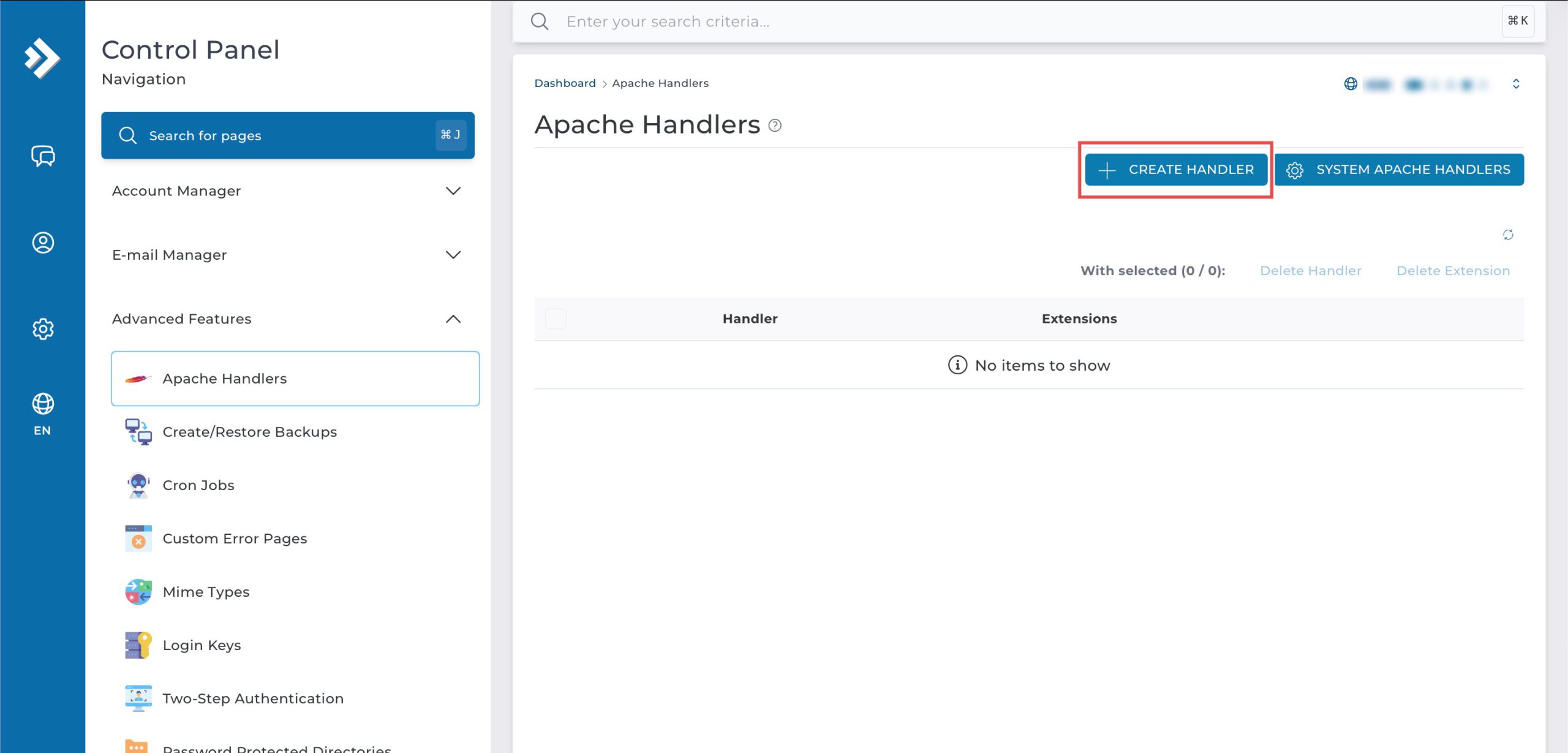
Click Create Handler at the top. On the pop-up, enter:
- Name: Enter the handler name (e.g., handler-customname)
- Extension: Enter file extension that will use this handler (e.g., cgi)
Then, click Create.
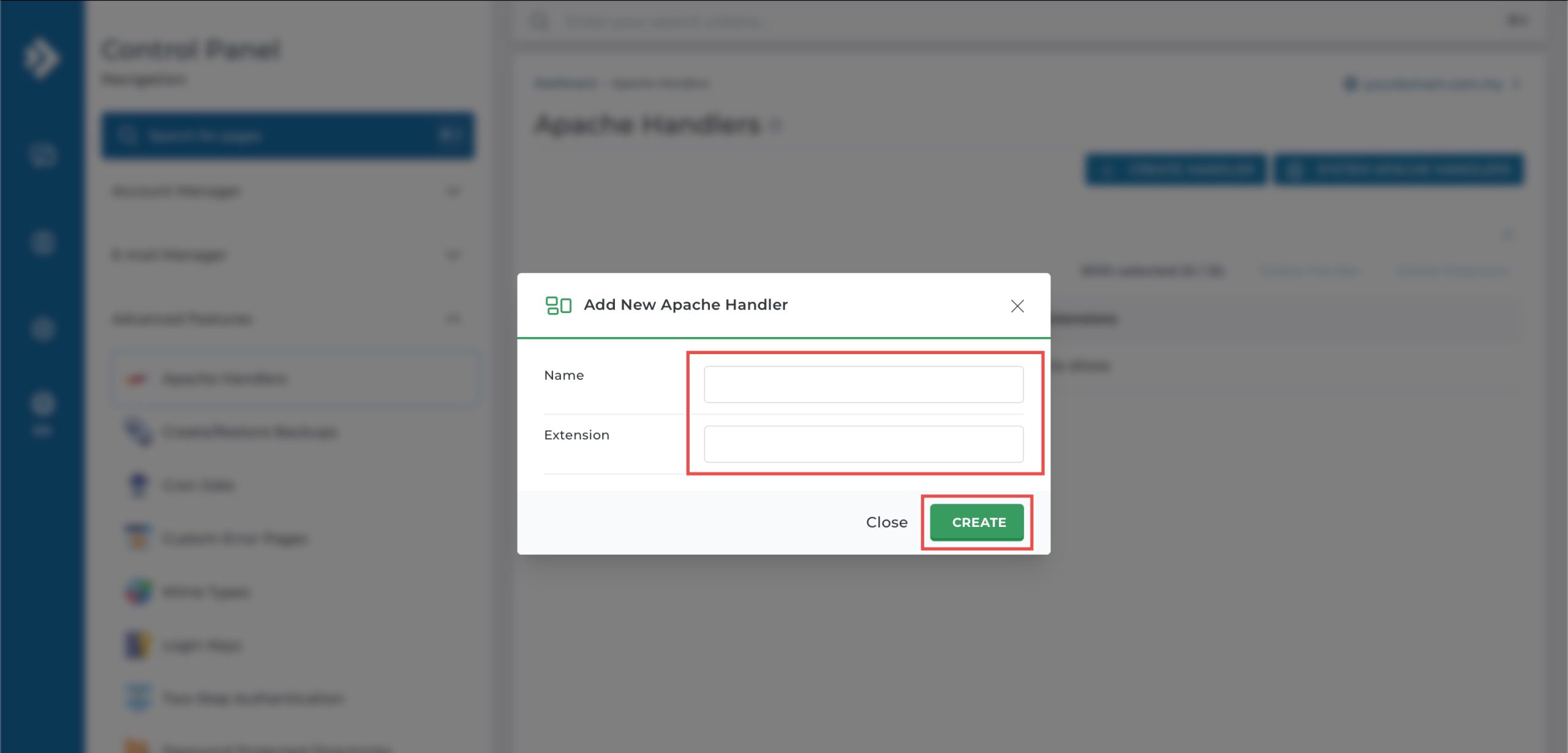
You can add different extensions to the same Apache handler by repeating the step and entering a different extension.
Step 4: Verify the changes
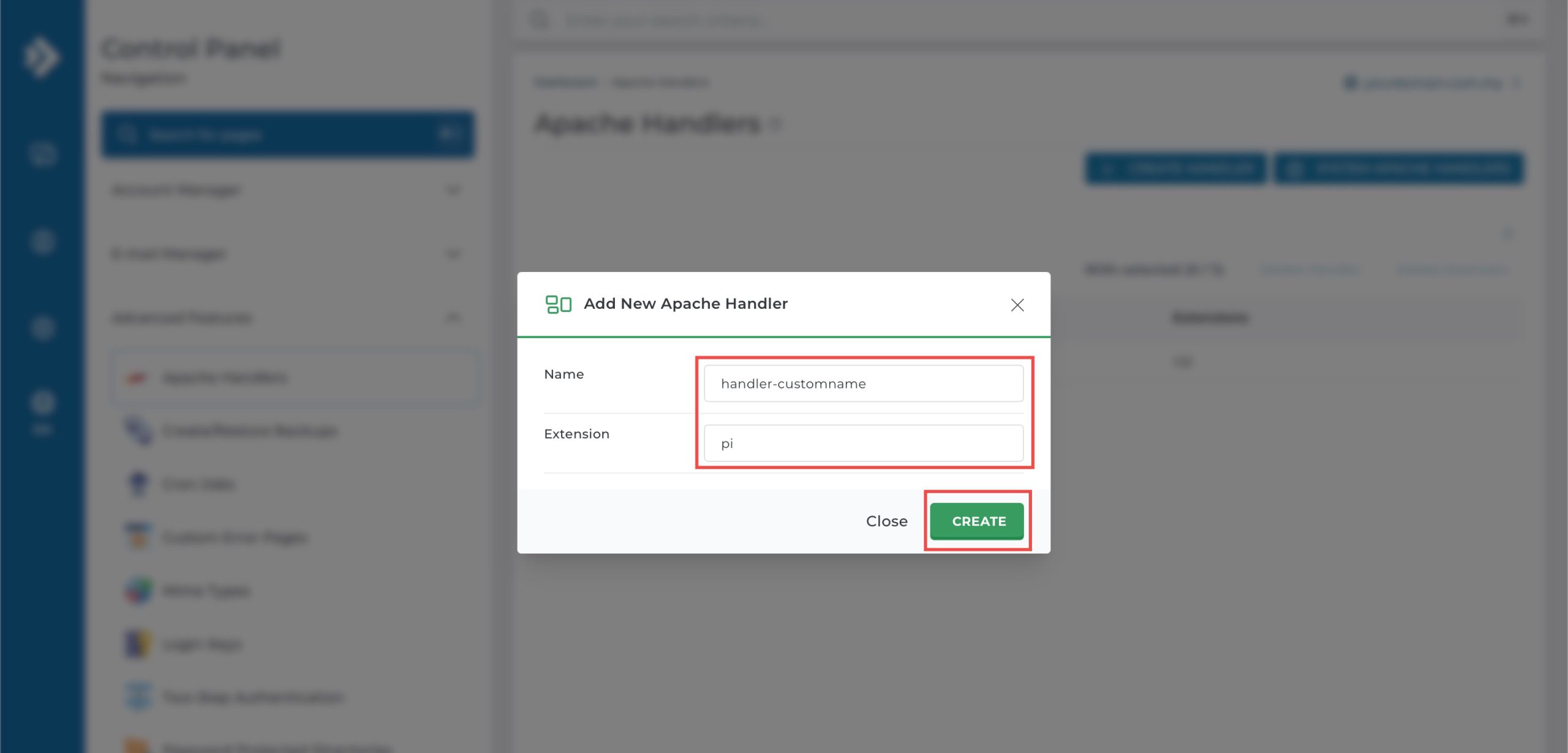
You can verify the addition by referring to the updated list of Apache Handlers. To test, upload a file with the new extension to your website and access it via a browser. The browser should now recognise and process the file as per the Apache Handler configuration.
Conclusion
Adding Apache handlers through DirectAdmin’s Apache Handlers interface is a simple process that enables custom file type processing configurations. Creating handler associations for specific file extensions allows your web server to process files according to your application requirements, with the flexibility to assign multiple extensions to the same handler for versatile file handling.
Should you have any inquiries about the guidelines, please feel free to open a ticket through your portal account or contact us at support@ipserverone.com. We’ll be happy to assist you further.