
Search Our Database
How to Download a Home Directory Backup Using cPanel
Introduction
This Knowledge Base article provides a concise, step-by-step guide on How to Download a Home Directory Backup Using cPanel. A home directory backup includes all files you own in your account, such as website files in public_html, email data for your domains, and other files you can access. This partial backup type is useful when you need to restore specific files without downloading your entire account backup.
Prerequisite
- Access to your cPanel login page.
- Sufficient disk space available for the backup file.
Step-by-Step Guide
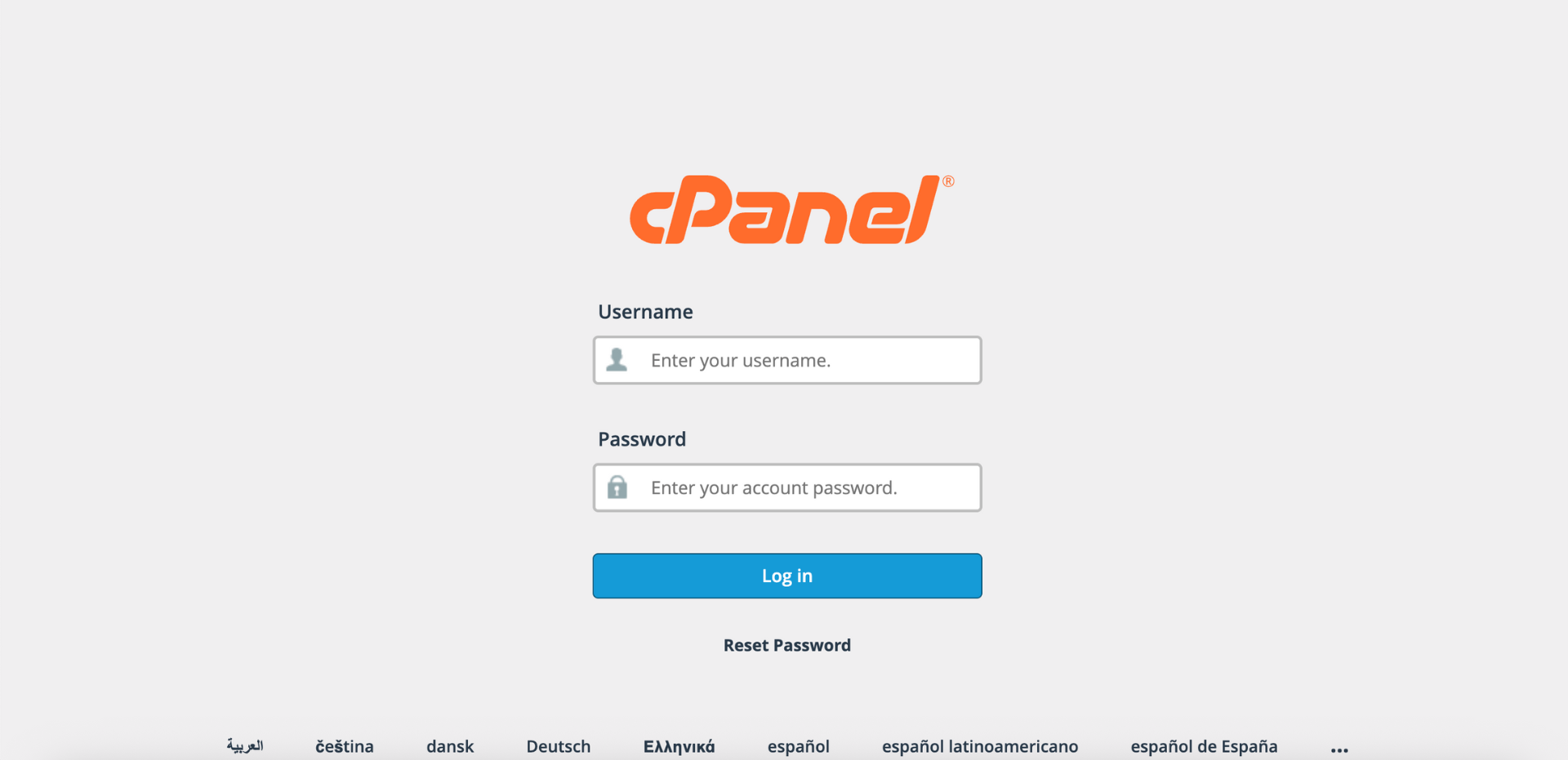
Step 1: Log in to cPanel
- Access and log in to your cPanel account using your username and password.
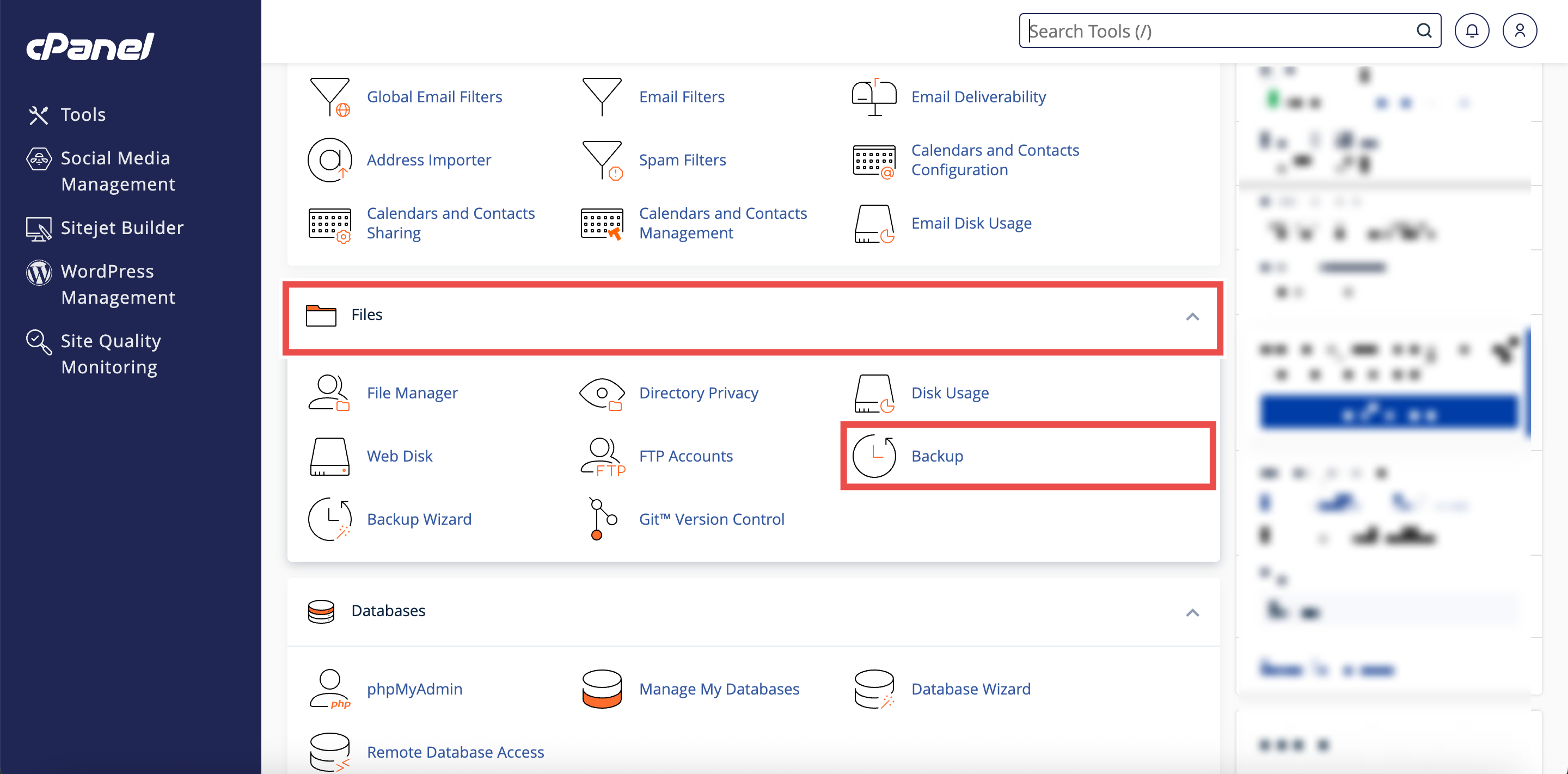
Step 2: Open Backup
- In the Home page, under Files, click Backup.
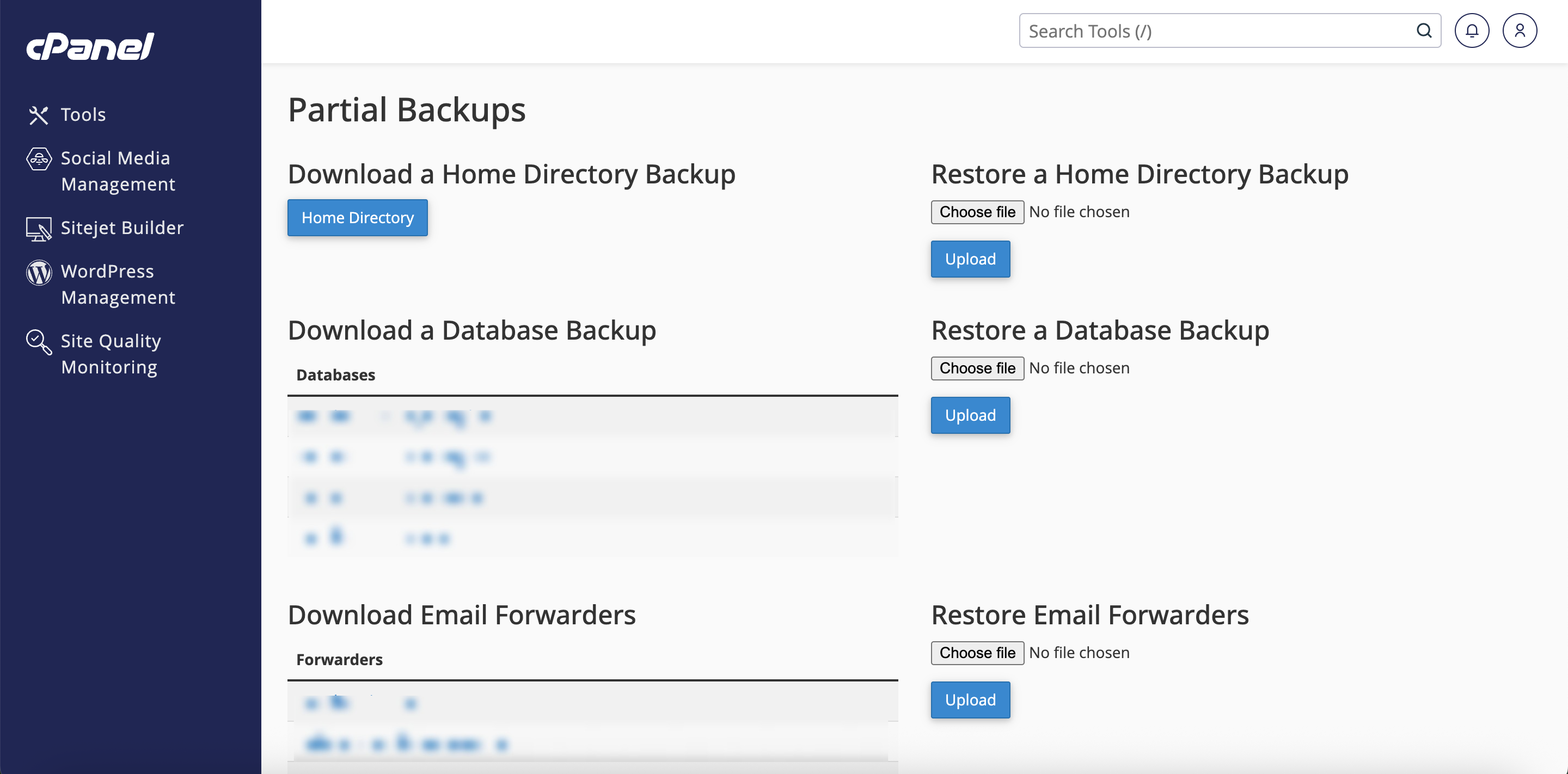
Step 3: Locate Partial Backups Section
- Scroll down to the Partial Backups section.
- This section contains options for downloading specific parts of your account.
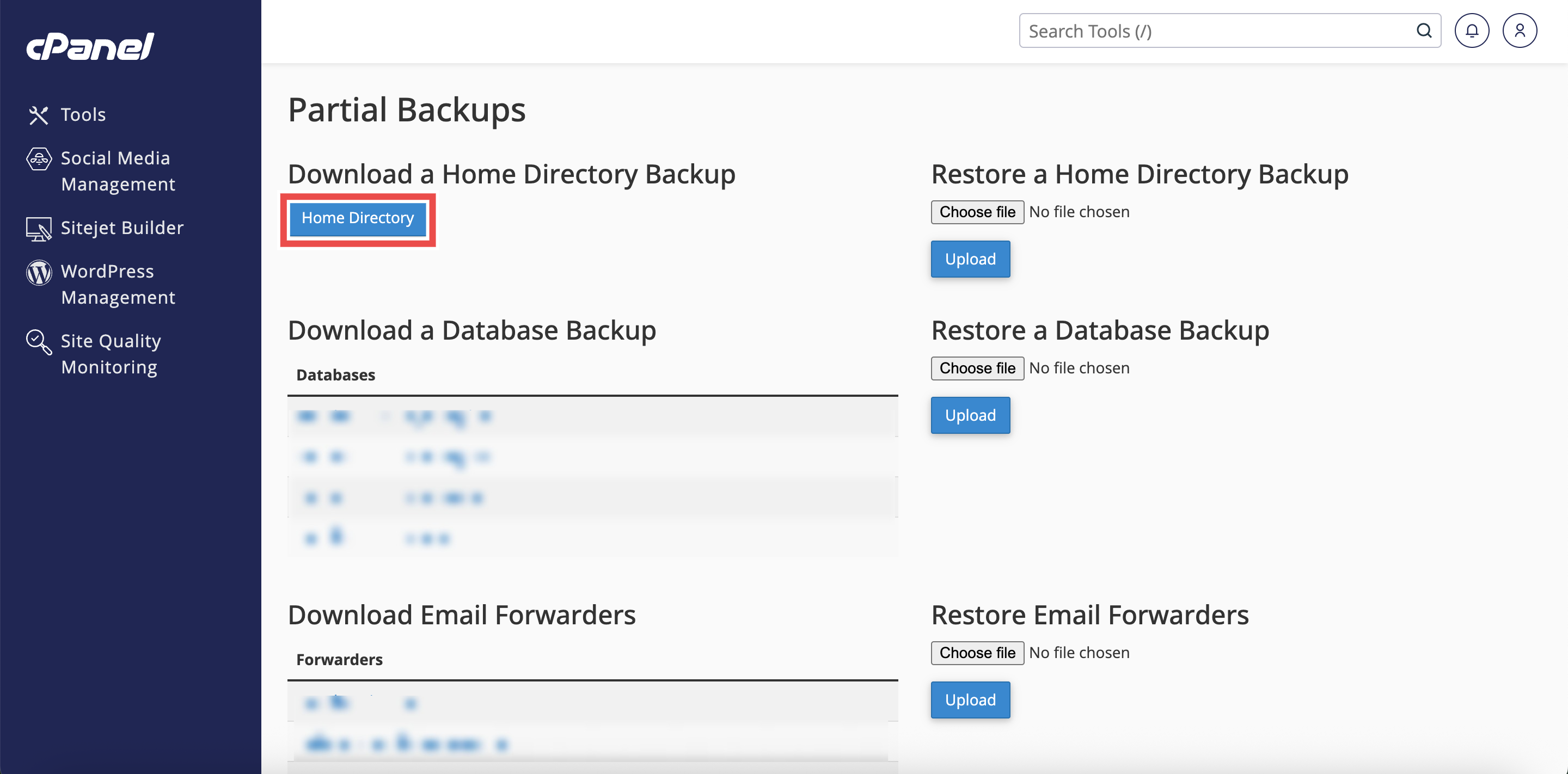
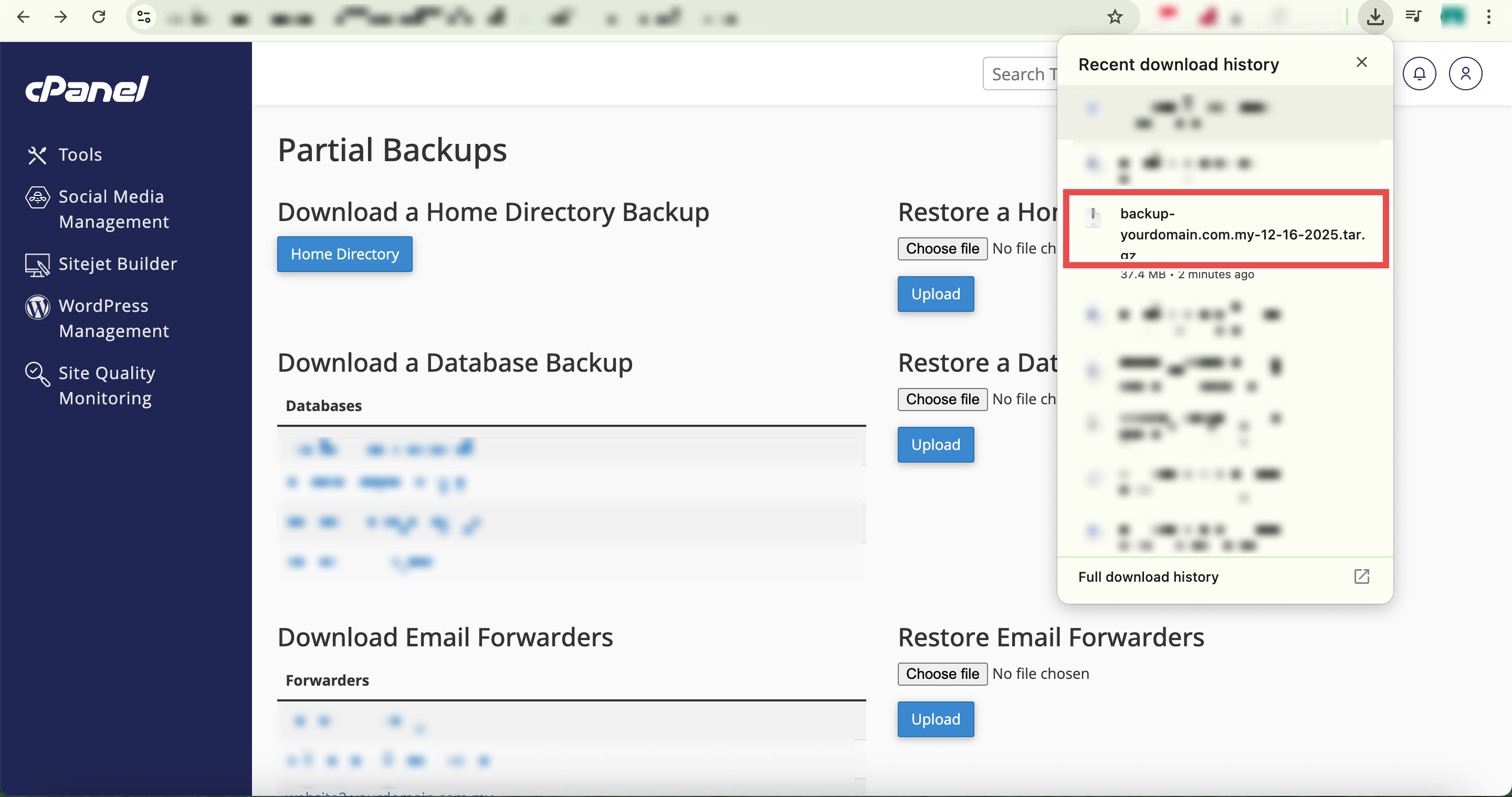
Step 4: Download Home Directory Backup
- Under the Download a Home Directory Backup heading, click Home Directory.
- The system will begin creating a backup of your /home directory.
⚠️ Important Note:
- The backup file includes all files you own and files you can access, but excludes files you do not own and cannot access.
- Files from your public_html directory and email data are included in this backup.
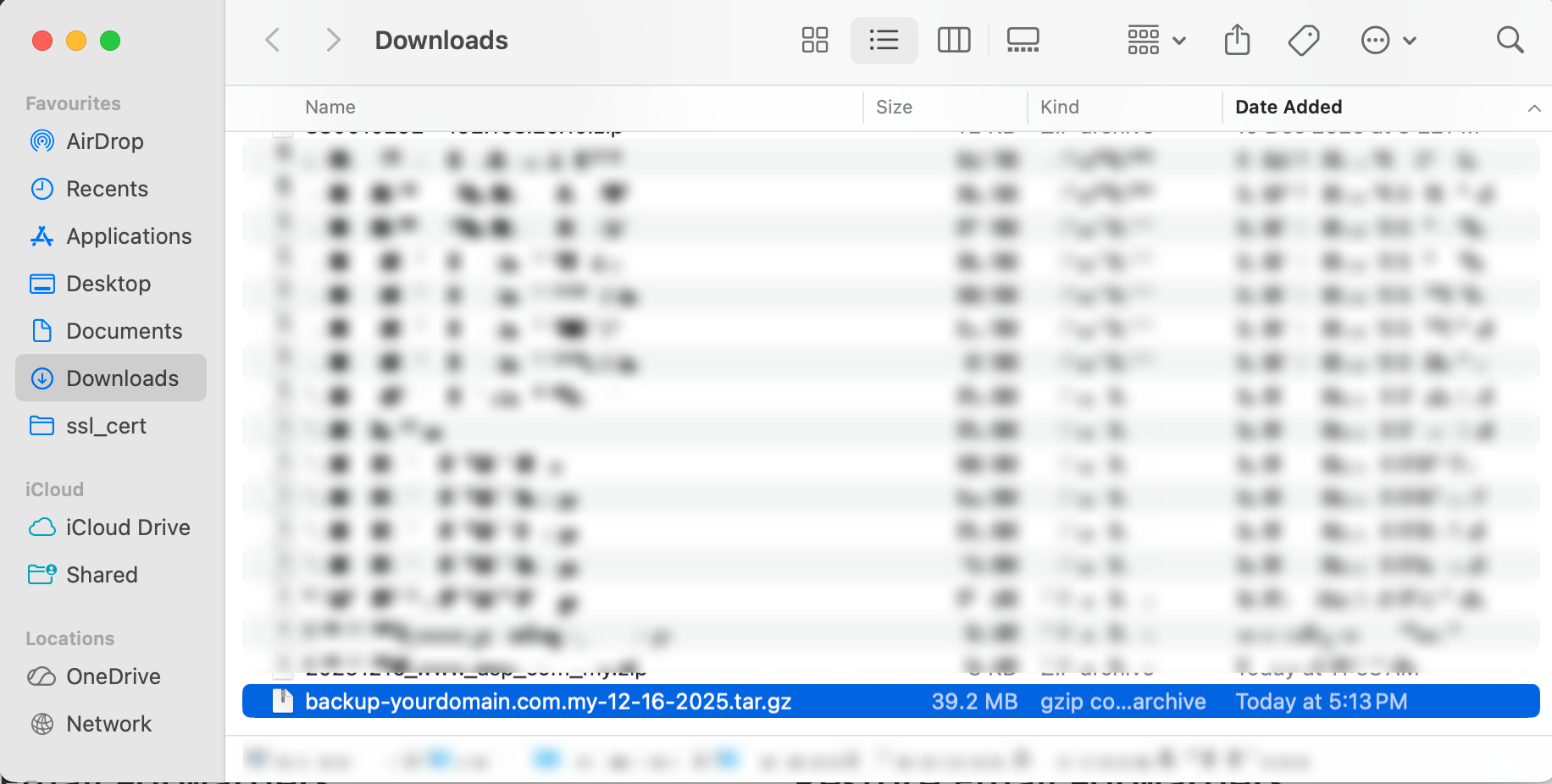
Step 5: Verify the Backup File
- Locate the downloaded backup file in your computer’s Downloads folder.
- Additionally, you may extract and inspect the contents to ensure all necessary files are included.
⚠️ Important Note:
- The backup file uses the backup-MM-DD-YYYY format, where MM is the month, DD is the day, and YYYY is the four-digit year.
Conclusion
By following these steps, you can successfully download a home directory backup using cPanel. This partial backup allows you to restore your website files and email data quickly without needing to download your entire account. Regular backups of your home directory help protect your important data from unexpected loss.
Should you encounter any issues or have any questions, our support team at IPSERVERONE is always here to assist you. Don’t hesitate to reach out to us at support@ipserverone.com for any help you need.