
Search Our Database
How to Adjust Maximum Post Data Size for a Specific Website using MultiPHP INI Editor in cPanel
Introduction
This Knowledge Base article provides a concise, step-by-step guide on How to Adjust Maximum Post Data Size for a Specific Website using MultiPHP INI Editor in cPanel. The post_max_size directive sets the maximum size of POST data that PHP will accept, which includes file uploads and form submissions. By configuring this setting for individual domains, you can optimize POST data limits based on each website’s specific needs without affecting other websites on your hosting account.
Prerequisite
- Access to your cPanel login page.
Step-by-Step Guide
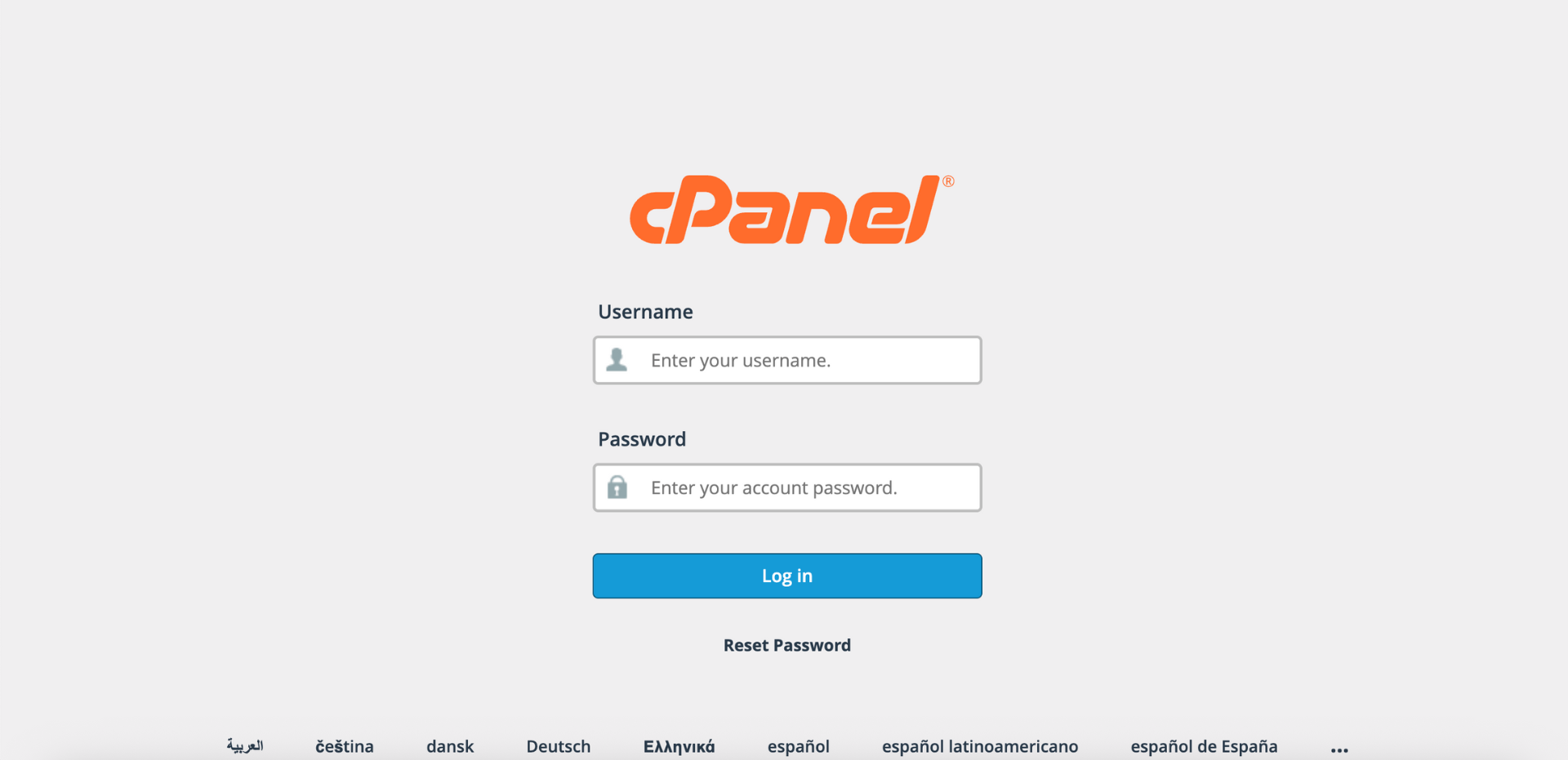
Step 1: Log in to cPanel
- Access and log in to your cPanel account using your username and password.
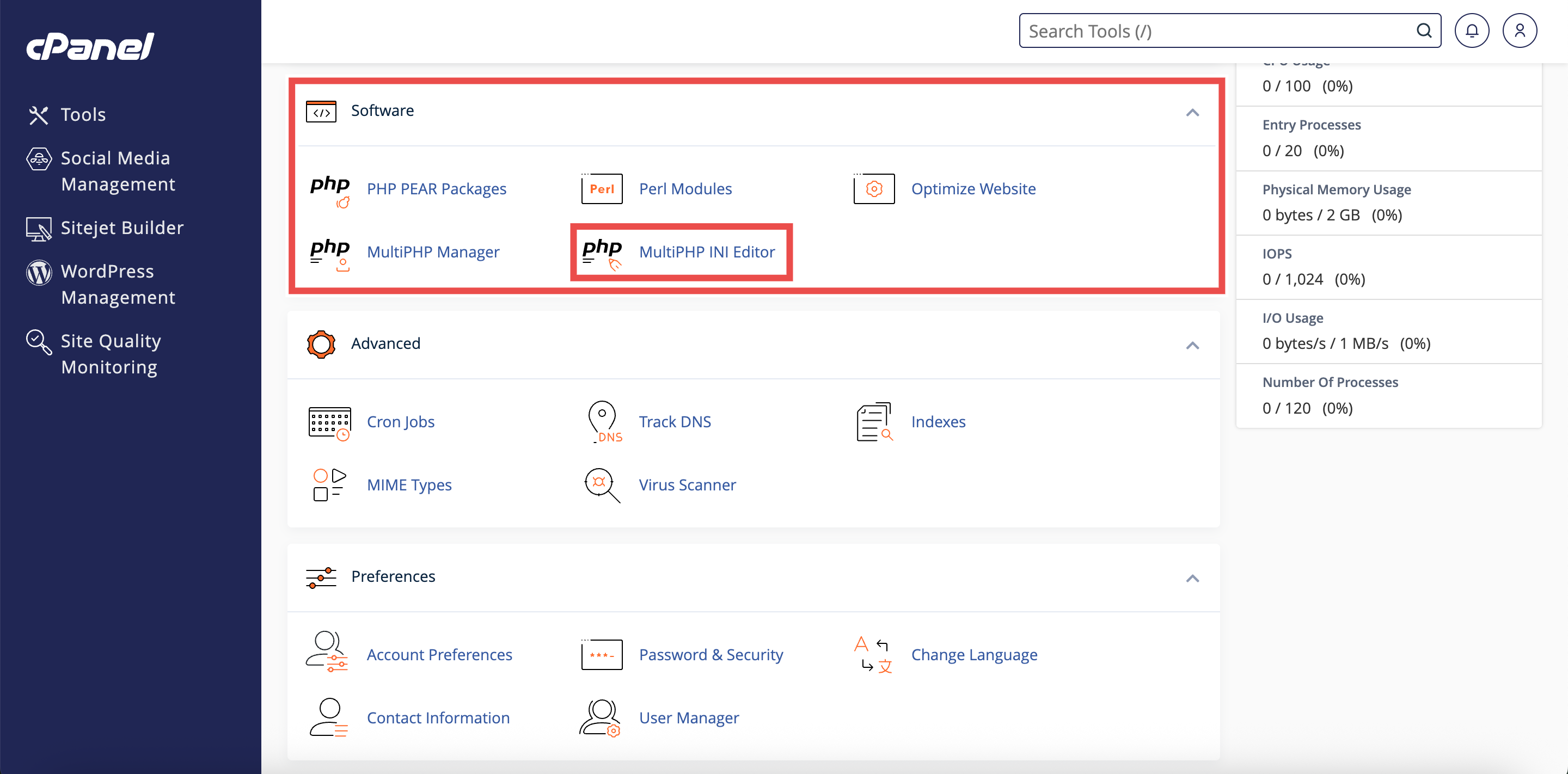
Step 2: Open MultiPHP INI Editor
- In the Home page, under Software, click MultiPHP INI Editor.
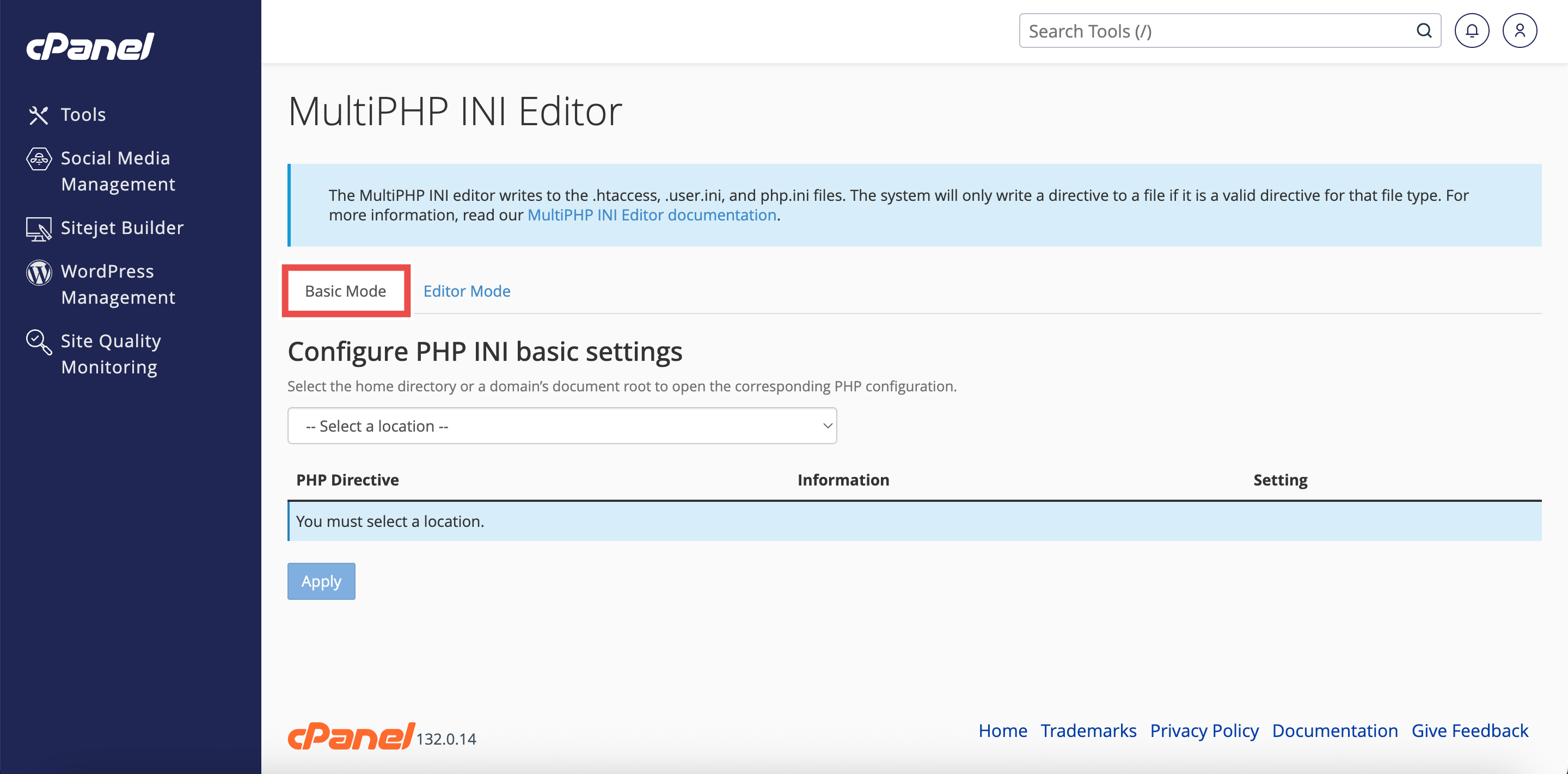
Step 3: Access Basic Mode
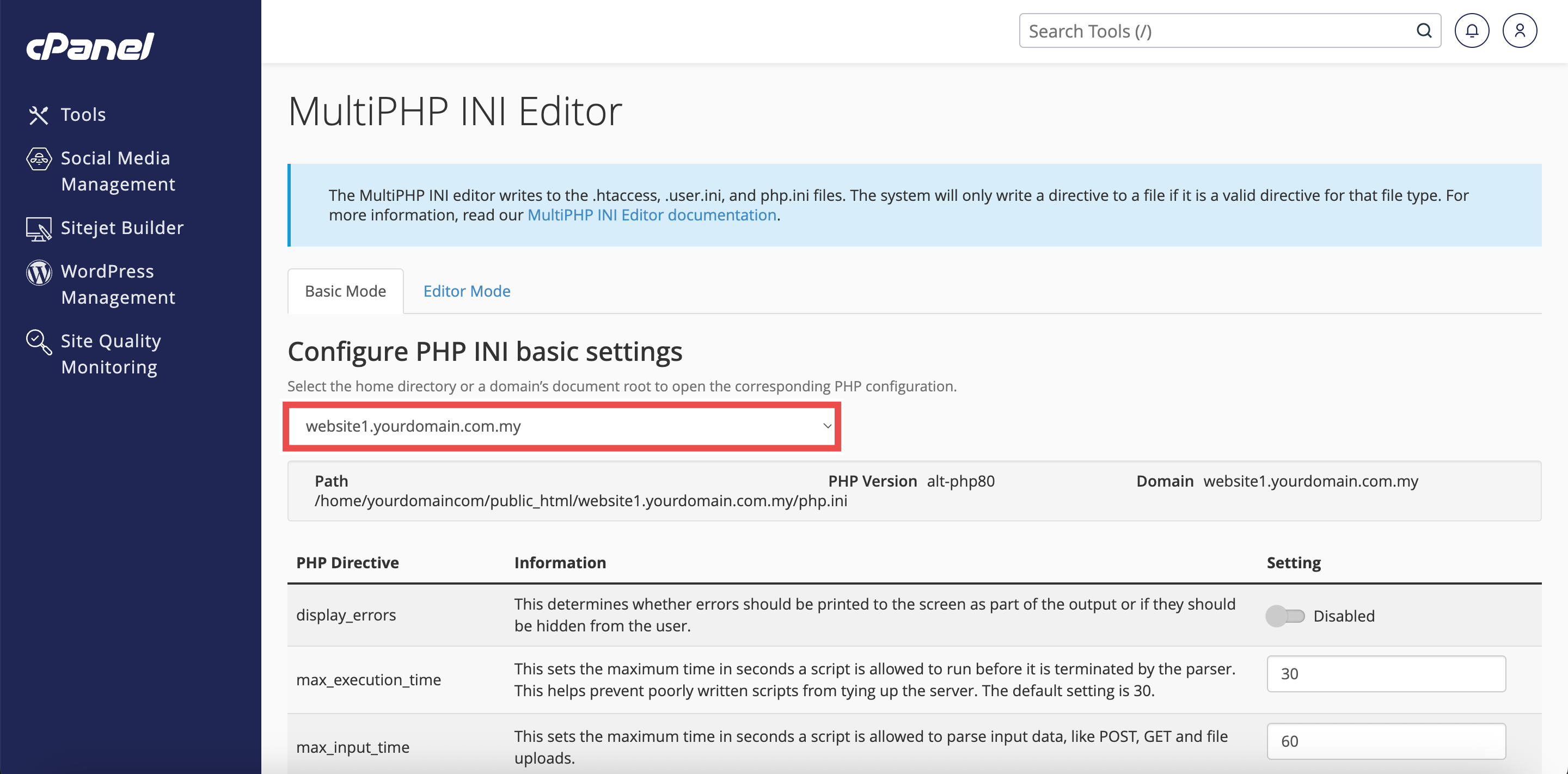
- The interface will open in the Basic Mode tab by default.
- If you are in Editor Mode, click the Basic Mode tab at the top of the interface.
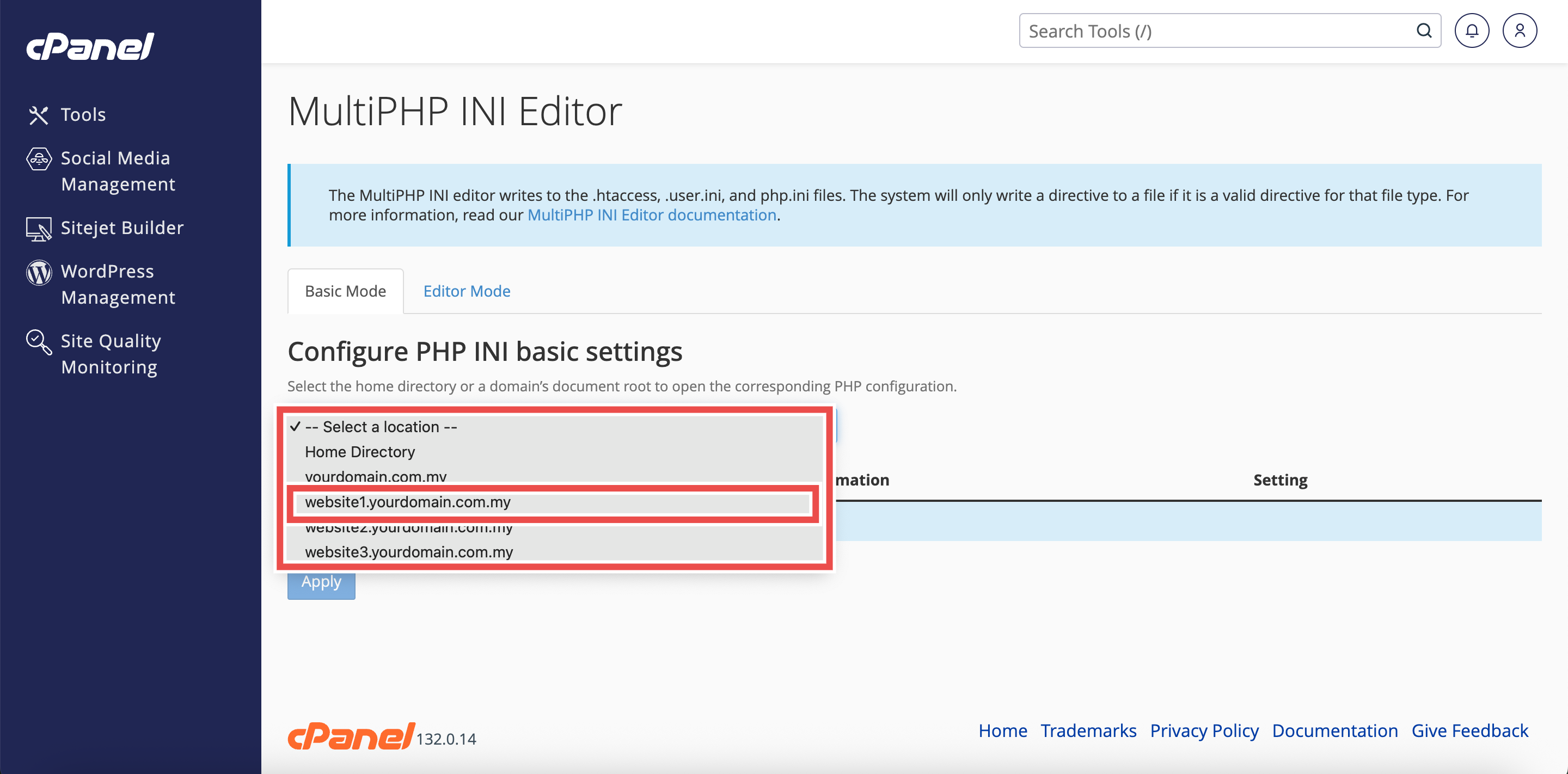
Step 4: Select Your Specific Domain
- From the Configure PHP INI basic settings dropdown menu, select the domain name for which you want to change PHP settings.
⚠️ Important Note:
- Selecting a specific domain will apply PHP configuration changes only to that domain.
- Other domains will retain their existing PHP settings.
Step 5: Adjust Post Max Size
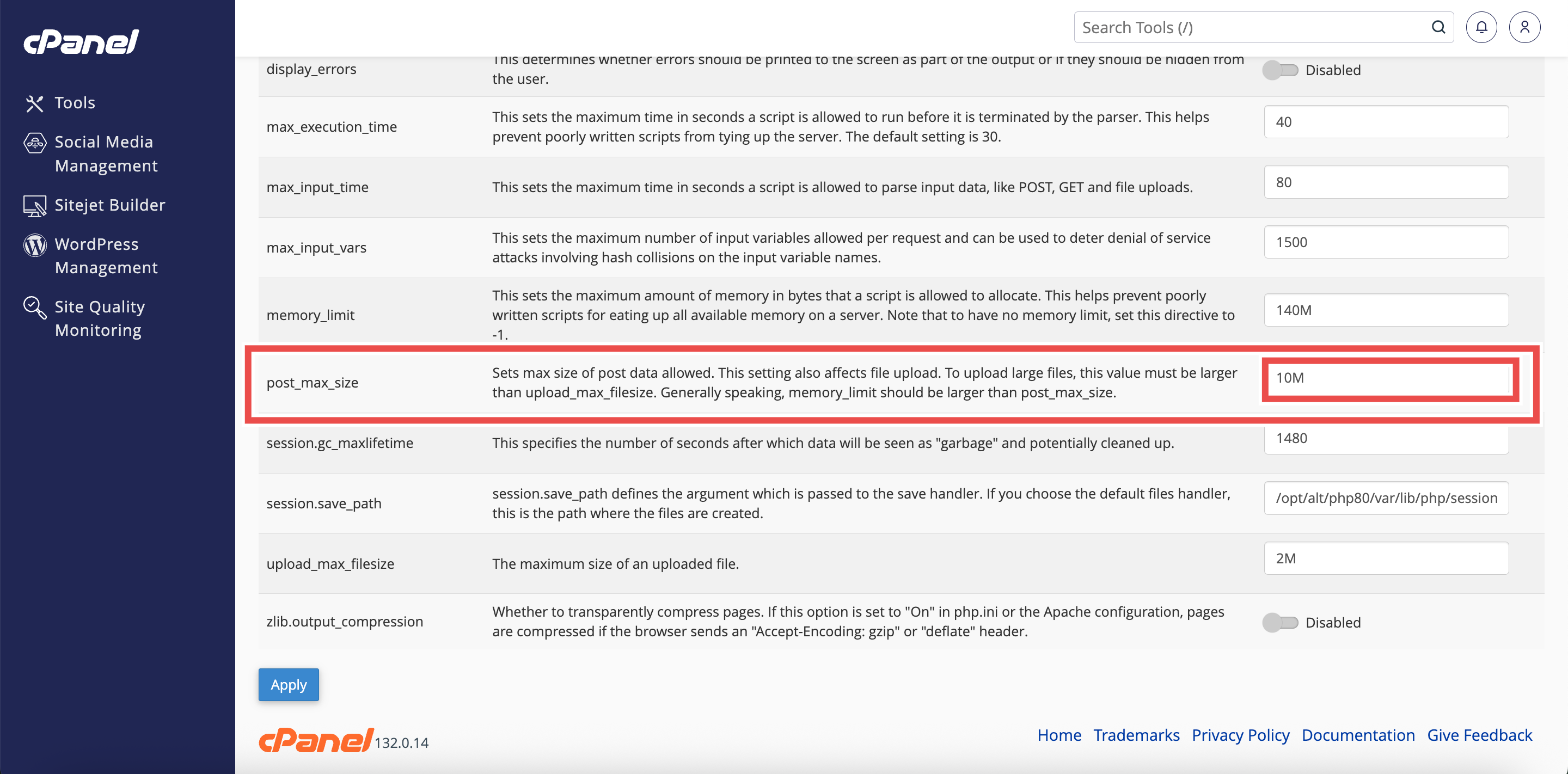
- Locate the post_max_size directive in the list of PHP directives.
- Enter the desired maximum size (e.g., 64M for 64 megabytes, 128M for 128 megabytes).
- The default value is typically 8M.
⚠️ Important Note:
- The post_max_size value should be larger than upload_max_filesize to accommodate the entire POST request including file uploads and other form data.
Step 6: Apply the Changes
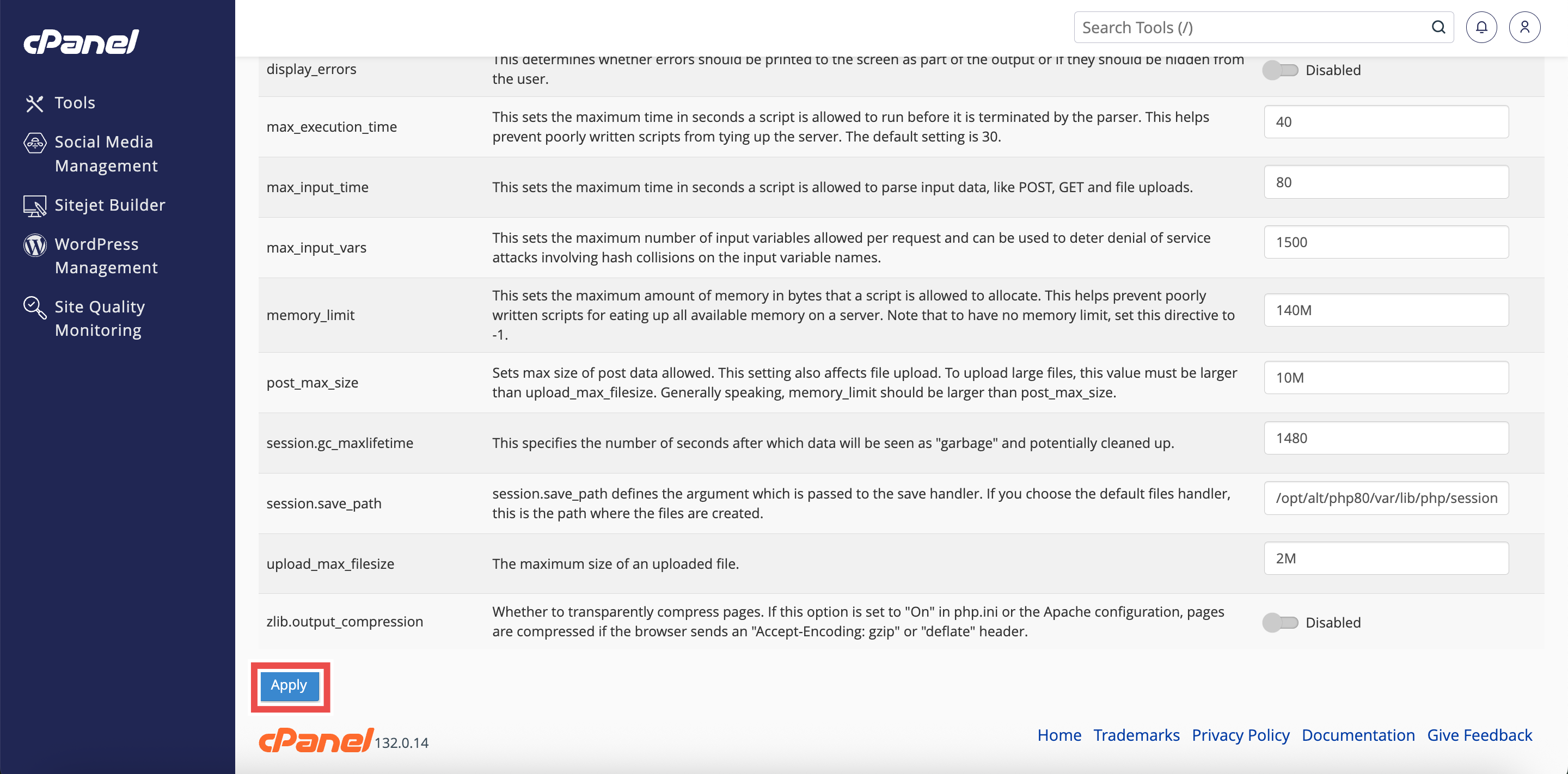
- Click the Apply button at the bottom of the page to apply the changes made.
Step 7: Verify the Changes
- A successful message will pop up to confirm that the changes is applied successfully.
⚠️ Important Note:
- You may also need to adjust upload_max_filesize and max_input_time directives to fully support large file uploads.

Conclusion
By following these steps, you can adjust maximum POST data size for a specific website using MultiPHP INI Editor in cPanel. This allows you to customize POST data limits for individual domains based on their specific requirements without affecting other websites on your hosting account.
Should you encounter any issues or have any questions, our support team at IPSERVERONE is always here to assist you. Don’t hesitate to reach out to us at support@ipserverone.com for any help you need.